Short description:
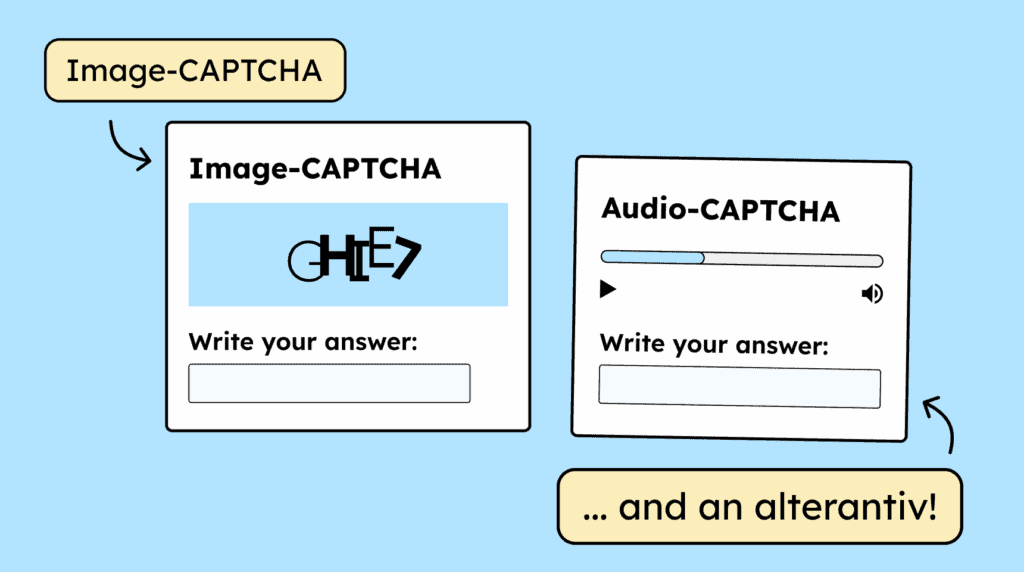
CAPTCHAs require alternatives. An audio CAPTCHA must have an image CAPTCHA as an option, and vice versa. Image-based CAPTCHAs should also include text in the alt attribute that explains the purpose of the CAPTCHA.


Short description:
CAPTCHAs require alternatives. An audio CAPTCHA must have an image CAPTCHA as an option, and vice versa. Image-based CAPTCHAs should also include text in the alt attribute that explains the purpose of the CAPTCHA.
Short description:
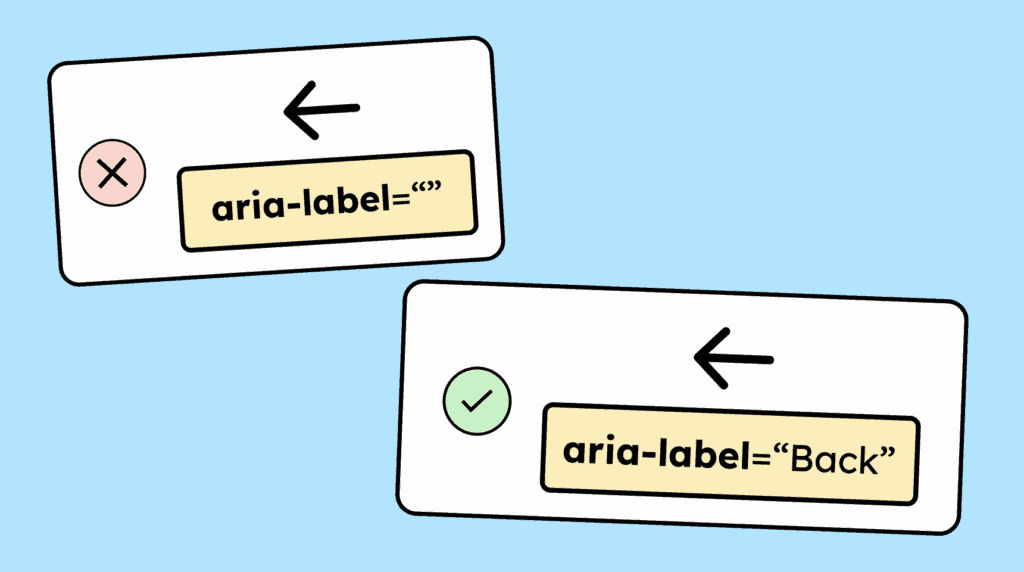
Graphical controls, such as clickable icons or images, need a name so that screen reader users can understand their function. This can be provided, for example, through the alt attribute or an aria-label.
Short description:
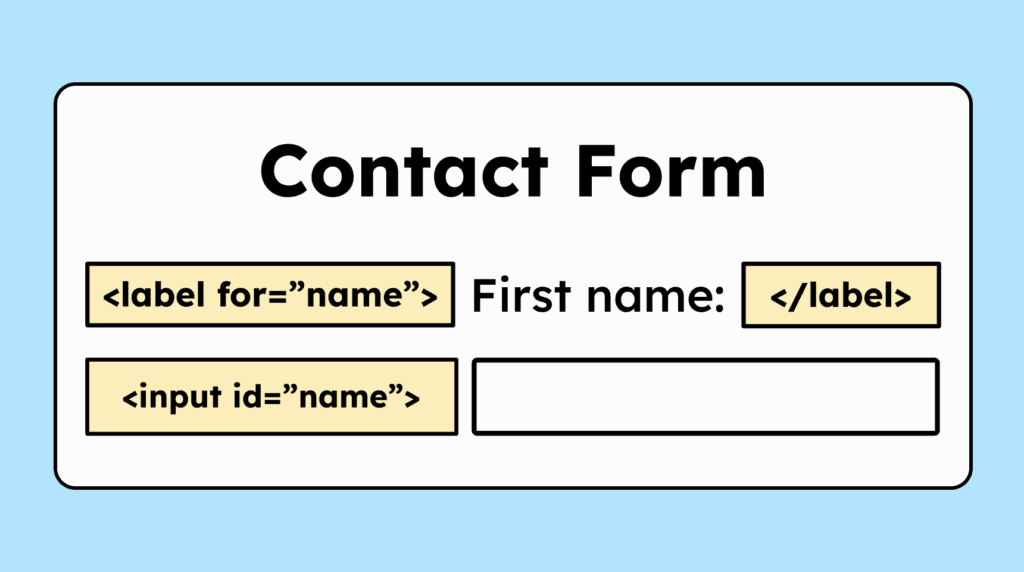
The label (<label>) for form fields (<input>) should include a »for« attribute to link the label to the input. This gives the field an accessible name. It’s not the only way to do this, but the best one!
Short description:
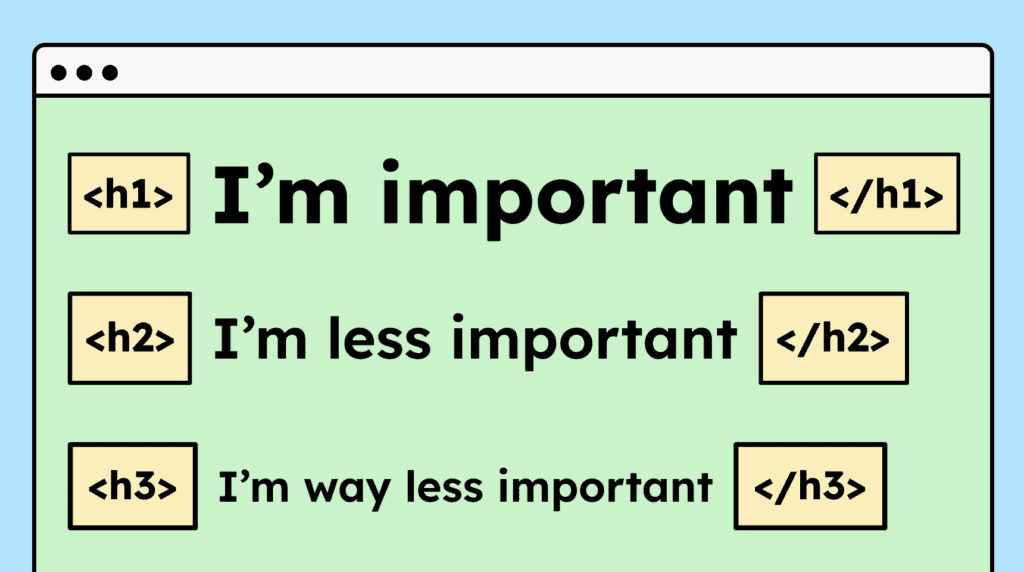
Headings must be properly marked up in HTML using <h1> to <h6>. They should also follow a logical order, for example, an <h3> should appear above an <h1>.
Short description:
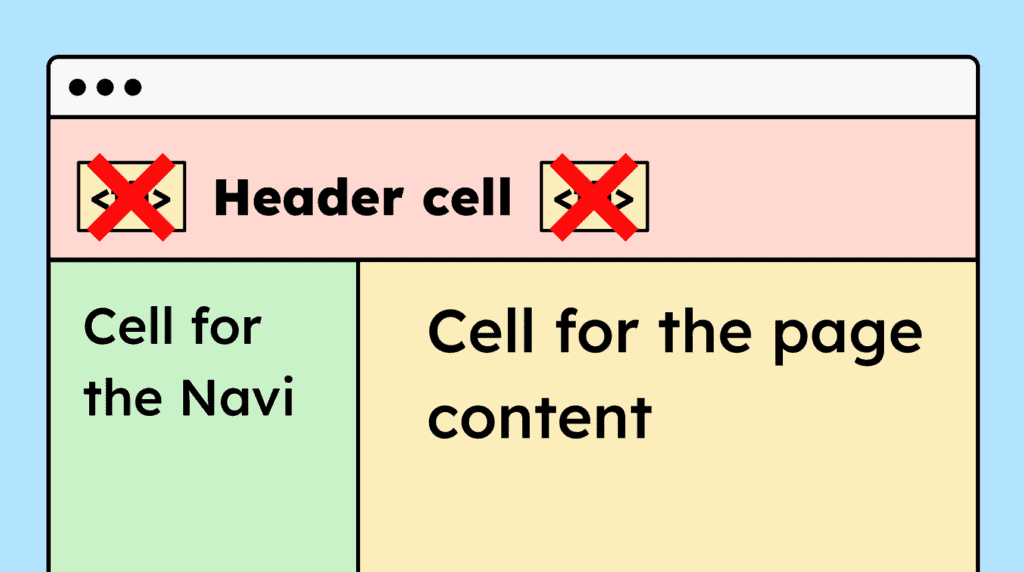
If a website uses HTML tables purely for layout purposes, semantic elements like <table>, <th>, and <td> shouldn’t be used, so that screen readers don’t interpret them as data tables.
Short description:
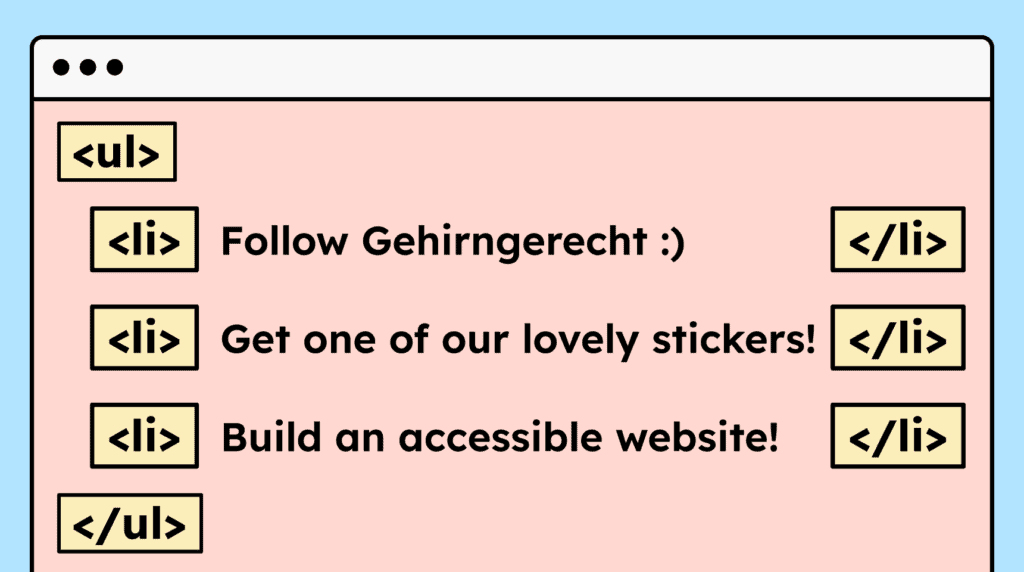
Content that visually appears as a list must also be marked up as a list in HTML. Use <ul>, <ol>, or <dl> depending on the type of list.
Short description:
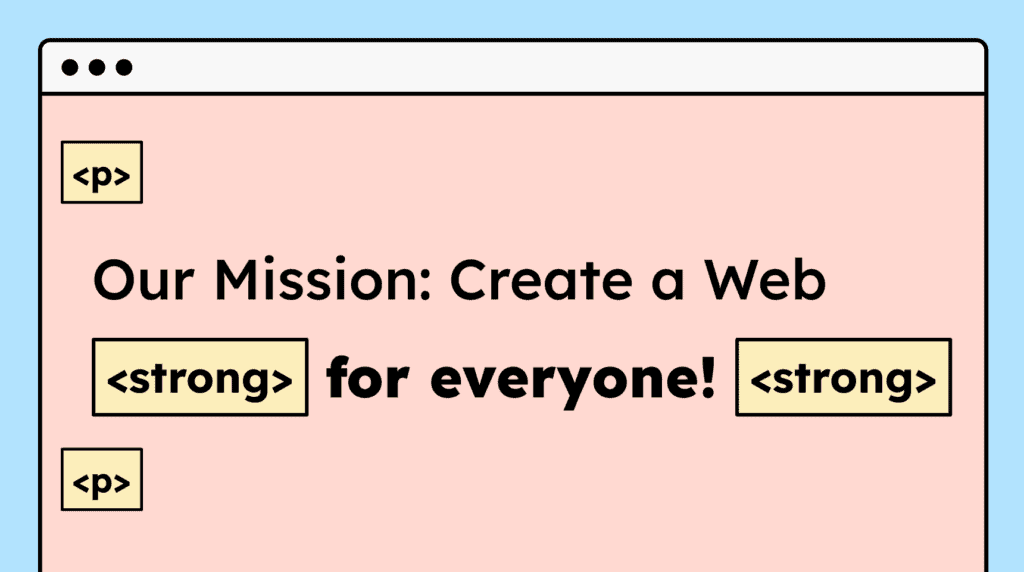
For paragraphs and formatted text, such as bold or italic, the correct HTML tags must be used. Line breaks in continuous text should not be created using double <br> tags.
Short description:
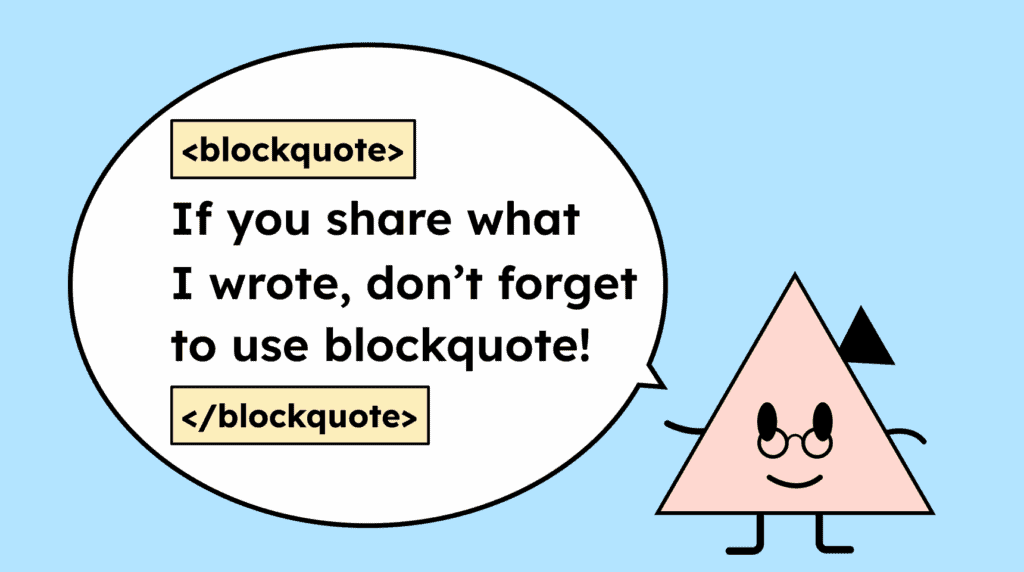
Standalone quotes must be marked up using <blockquote>. These can include, for example, individual customer feedback on a website. Quotes within paragraphs don’t necessarily require special markup.
Short description:
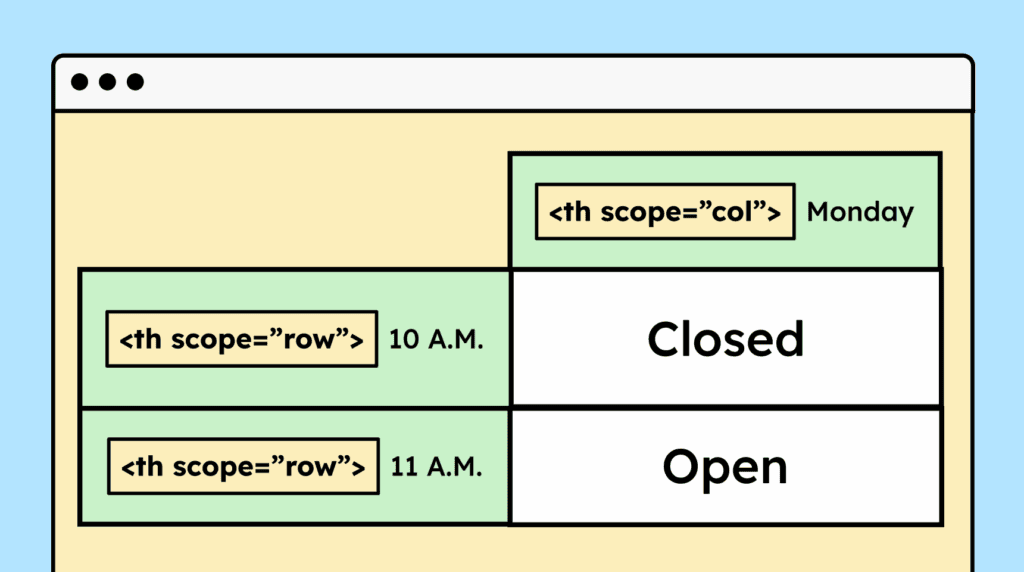
Table headers must be marked up with <th> and the content with <td>. For complex tables with multiple headers, the scope attribute should also be used to clarify the relationships.
Short description:
Information presented visually in a table must also be marked up as a table in HTML. This enables assistive technologies to interpret the content correctly.

Short description:
The visual layout of a website using CSS must not affect the logical order of content. Related elements, such as a heading and its accompanying text, must be read in the correct order by screen readers.

Short description:
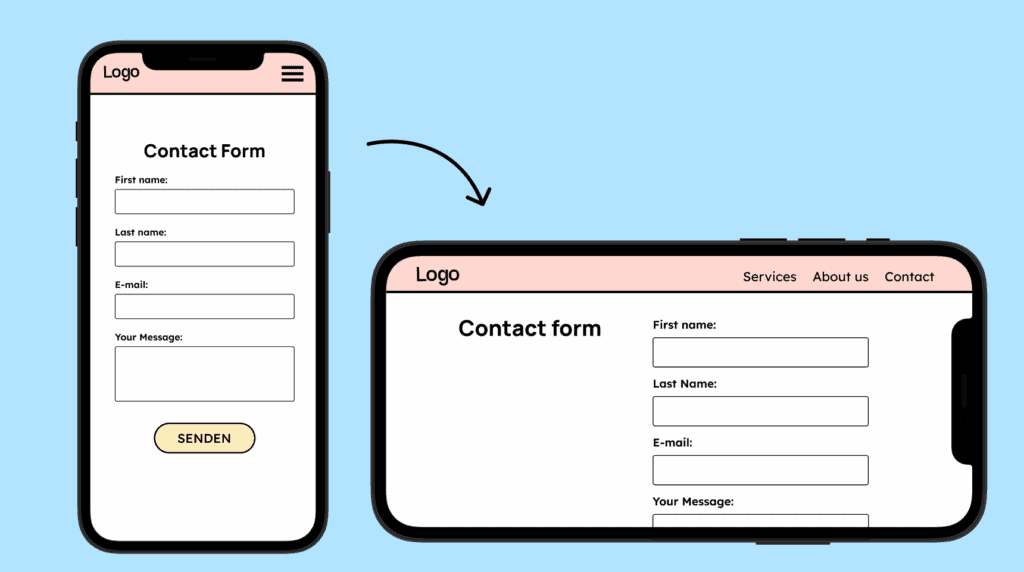
A website must be usable in both portrait and landscape orientations. Users should be able to switch between orientations without any restrictions.
Short description:
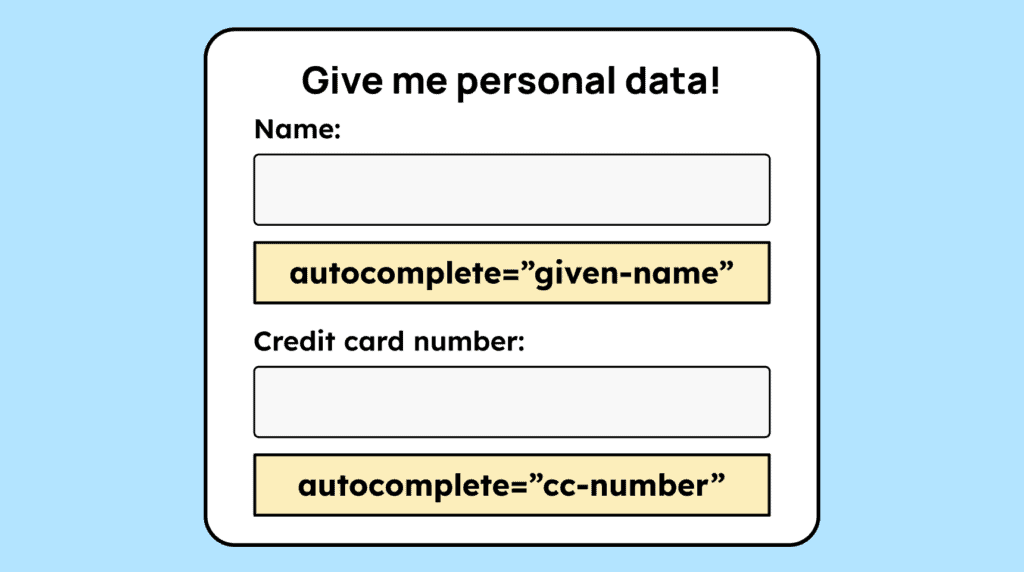
When users need to enter personal data, such as name, address, or password, form fields must have the correct autocomplete attribute. For example, for the »first name« field u should use: autocomplete=”given-name”.
Short description:
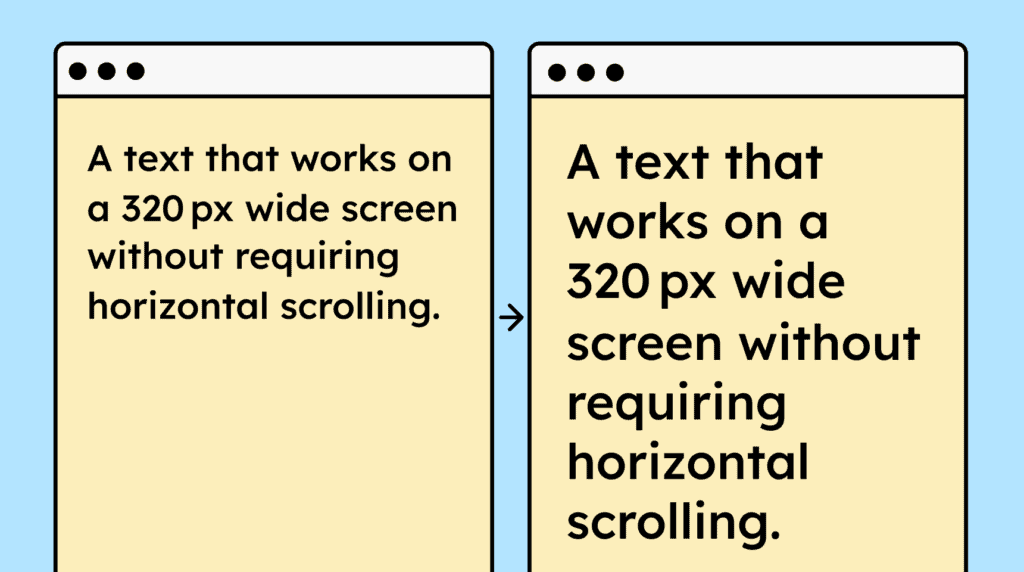
A website must function correctly at a width of 320 px (or 400% zoom at 1280 px), ensuring that all content and functionality are preserved and text doesn’t require horizontal or vertical scrolling.Deine Website muss auch bei 320 px Breite (oder 400 % Zoom bei 1280 px) so funktionieren, dass alle Inhalte und Funktionalitäten erhalten bleiben und Texte nicht horizontal und vertikal gescrollt werden müssen.
Short description:
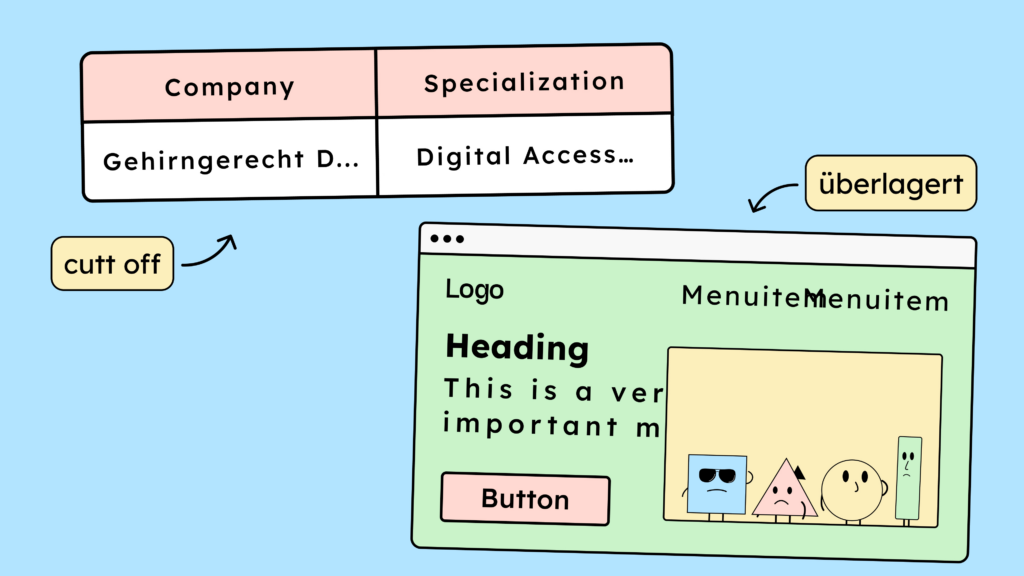
If users increase line height, paragraph spacing, letter spacing, or word spacing, the text must remain fully visible and legible, without being cut off or obscured.
Short description:
Elements that appear on focus or hover, such as submenus, should be closable using the ESC key. They must not close automatically after a set time or while the mouse is hovering over them.

Short description:
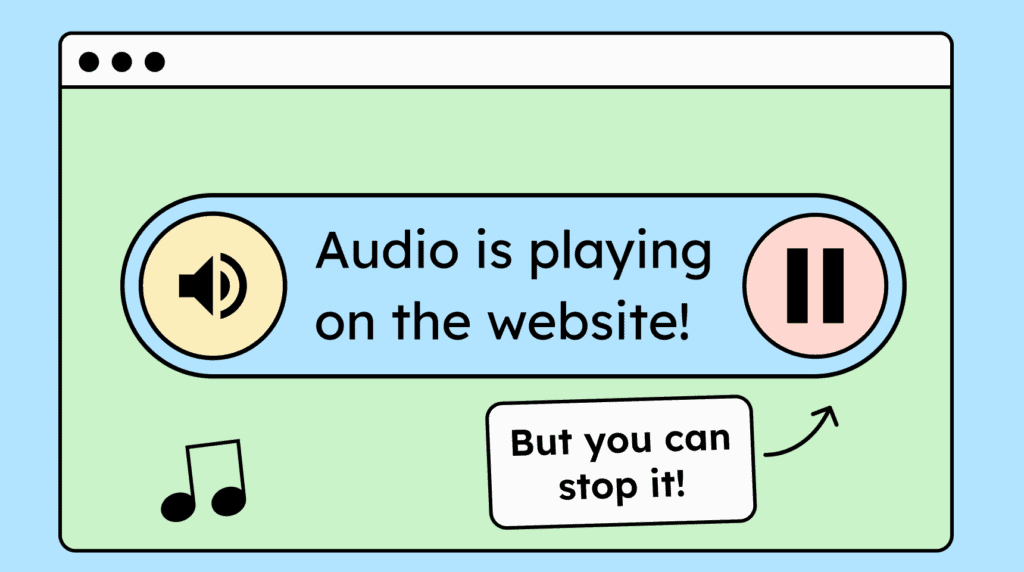
If your website automatically plays audio for more than three seconds, a way to stop or mute the sound must be provided.
Short description:
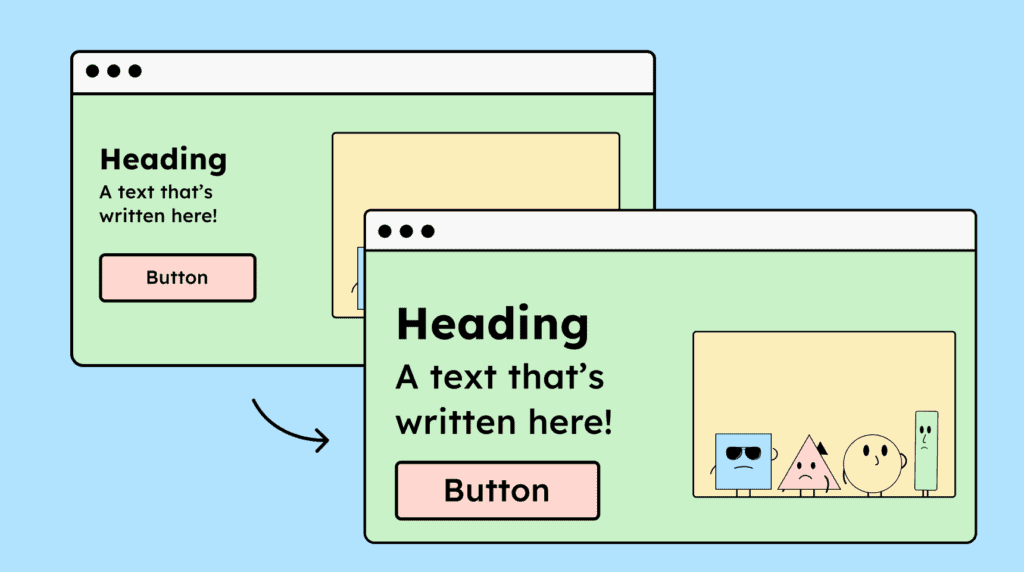
Users must be able to zoom in up to 200% without text or other content being hidden, and all essential website functions must remain fully operable.
Short description:
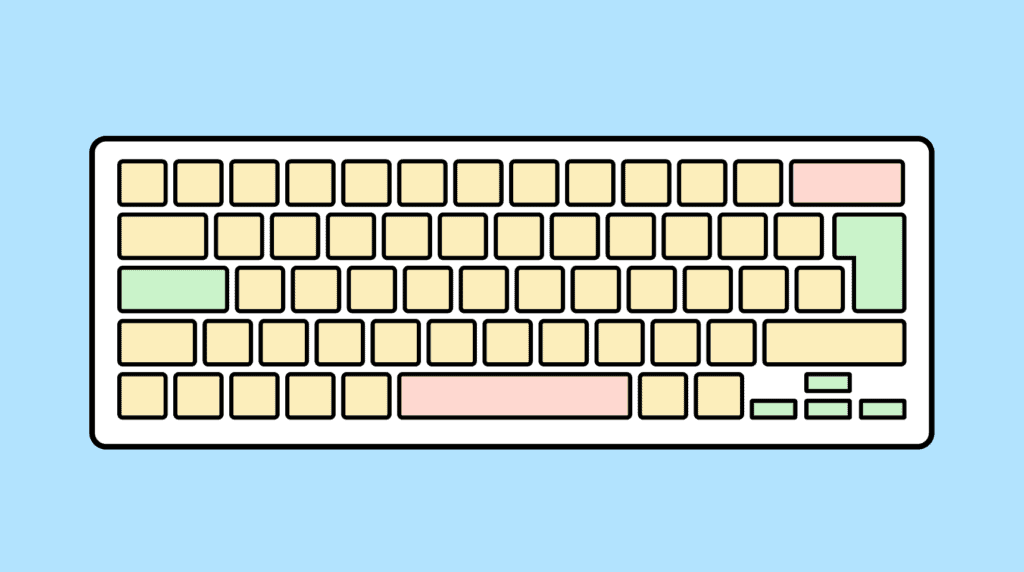
A website must be fully operable with a keyboard. All content should be accessible, and all essential functions must be usable without a mouse.
Short description:
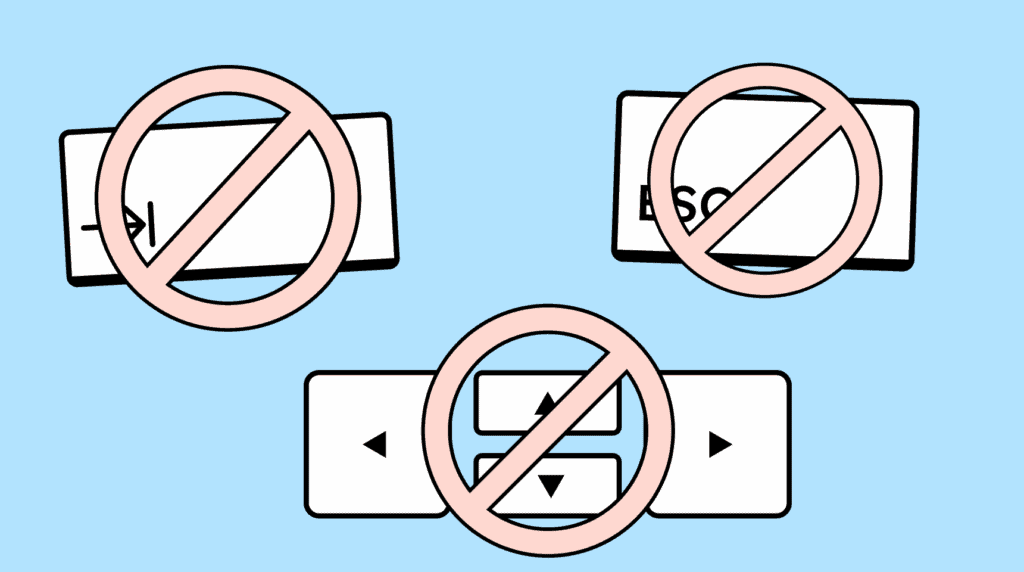
If an element can receive keyboard focus, it must also be possible to move the focus away using the keyboard. Users should be able to exit the element with Tab, arrow keys, ESC, or Enter.
Short description:
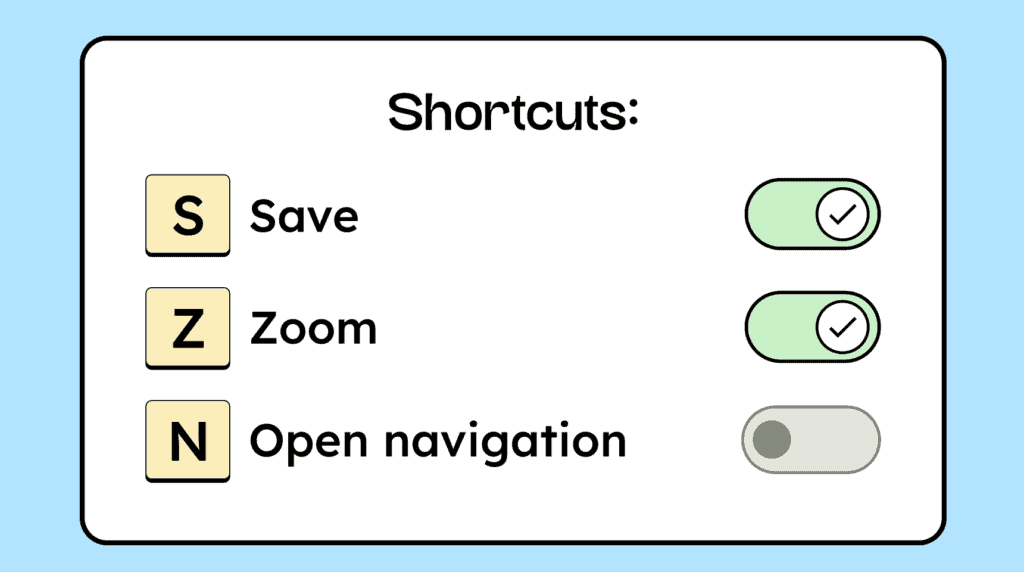
If your website uses single-character keyboard shortcuts (letters, numbers, or special characters), they should be customizable or able to be disabled.
Short description:
Time limits on a page must be adjustable or turnable off. Users shouldn’t be logged out automatically without a warning or the option to extend the time.

Short description:
Automatically starting animations lasting longer than 5 seconds must be pausable, stoppable, or able to be hidden.

Short description:
A website should not include elements that flash more than three times per second, such as rapidly blinking GIFs or flickering videos. Flashing elements that are small enough (around 148×148 px) are considered acceptable.

Short description:
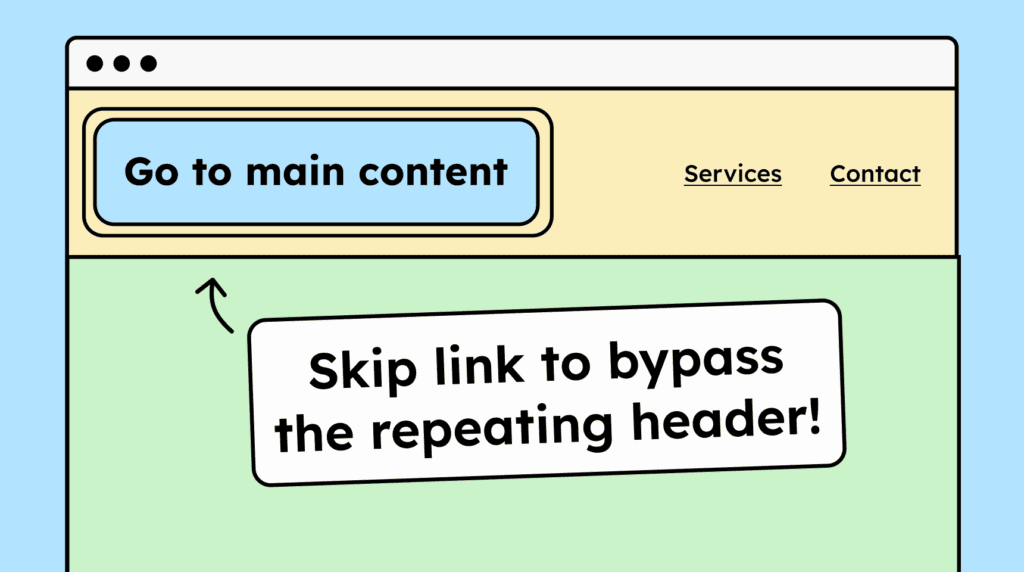
A website must allow users to skip repetitive sections, such as headers and footers. This can be achieved using hidden skip links or HTML landmarks.
Short description:
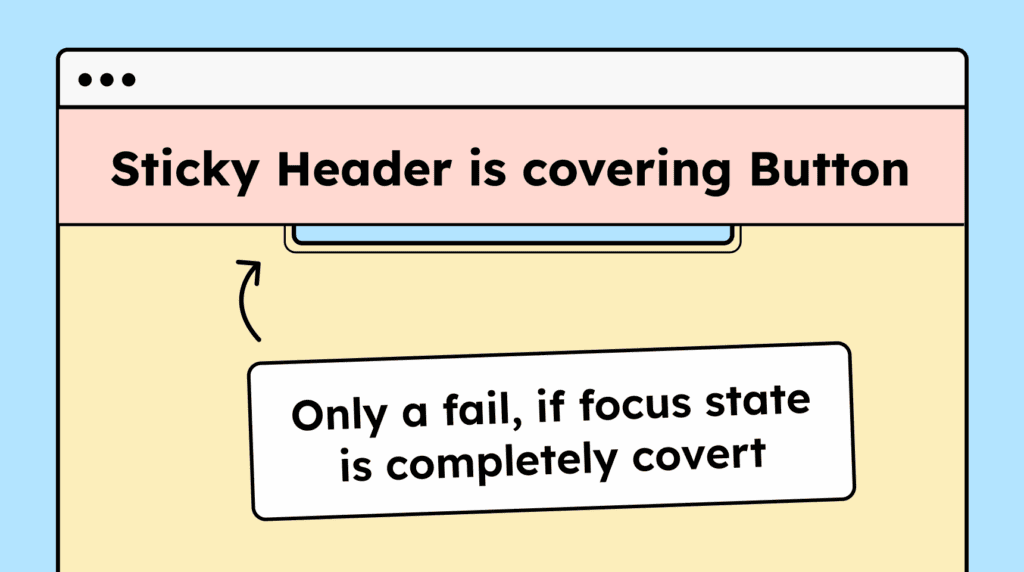
Interactive elements must not be fully covered by other content when focused via the keyboard. For example, sticky headers, dropdown menus, or dialogs shouldn’t entirely obscure the focused element.
Short description:
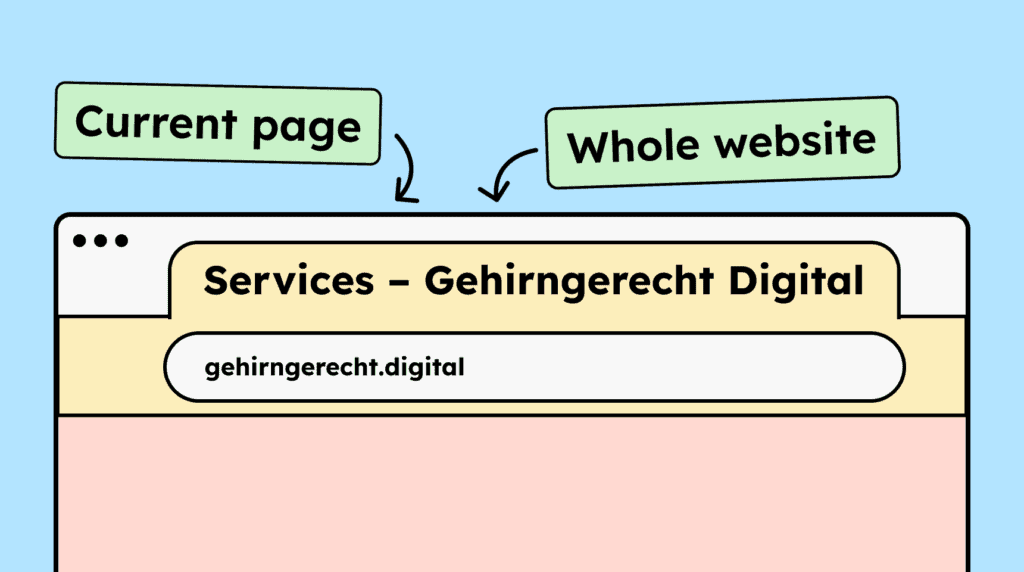
Each subpage must have a meaningful HTML title that can be easily identified in the browser. The title should include both the page name and the website name.
Short description:
Users must be able to navigate a website’s content using the keyboard (Tab key) in a logical order. The tab order should generally follow the visual layout.

Short description:
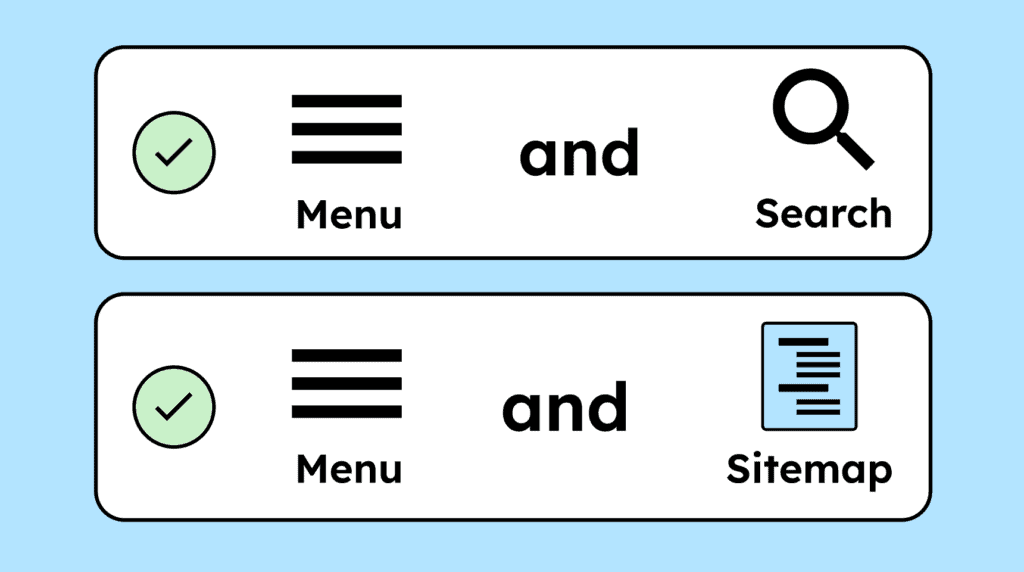
Subpages of your website must be accessible in multiple ways. In addition to navigation menus, provide options such as a search function or a sitemap.
Short description:
Interactive elements, such as buttons and links, must have a visible focus state. A recommended approach is a two-colored focus outline, with white and black lines, ensuring it is clearly visible on all backgrounds.

Short description:
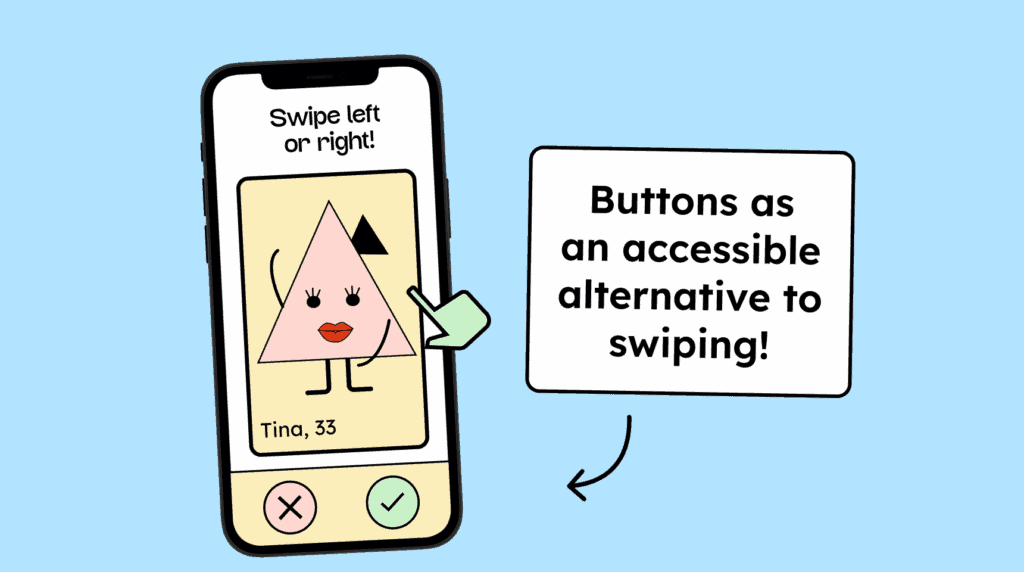
Every function on a website must be operable with a simple input. More complex gestures, like swiping or multi-finger actions, must have an alternative that can be activated with a single-pointer action, such as a clickable button.
Short description:
Pressing and holding a button or link, with a mouse or finger, must not trigger an action immediately. The action should only occur on release, allowing it to be canceled if needed.

Short description:
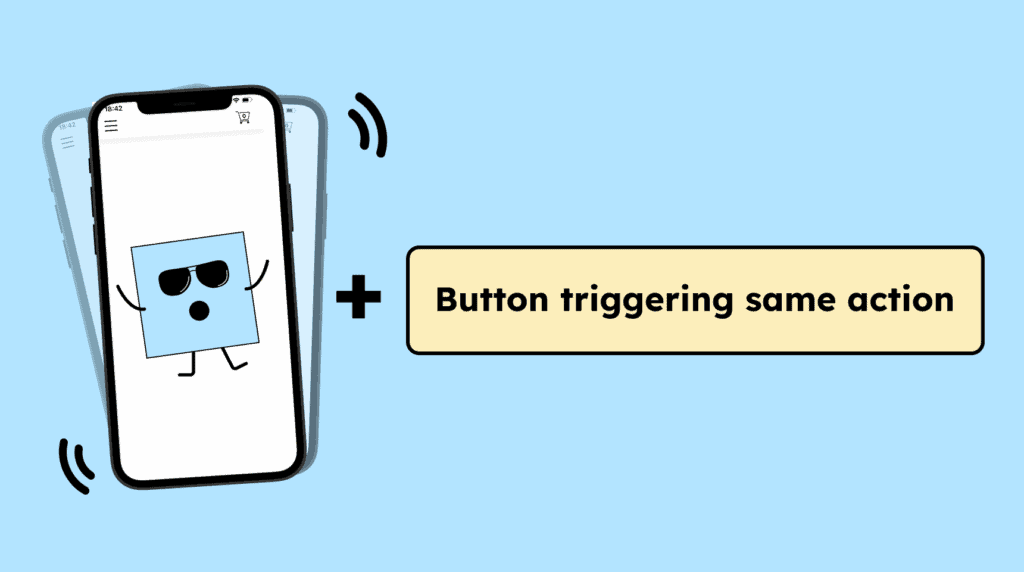
Functions triggered by device motion must also be operable with a simple input, such as a click, touch, or Enter key. Additionally, users must be able to disable motion-based activation.
Short description:
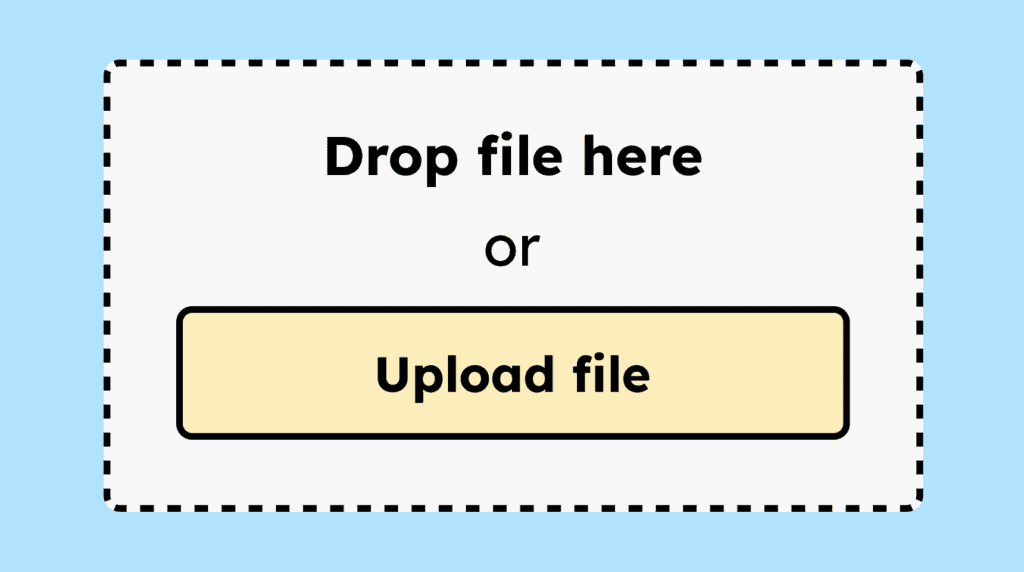
If functions on a website can only be triggered via drag-and-drop gestures, they must have an alternative that can be activated with a single-pointer action, such as a clickable button.
Short description:
The <html> tag must include a »lang« attribute specifying the page’s language. This helps assistive technologies render the page correctly and supports automatic browser translation.

Short description:
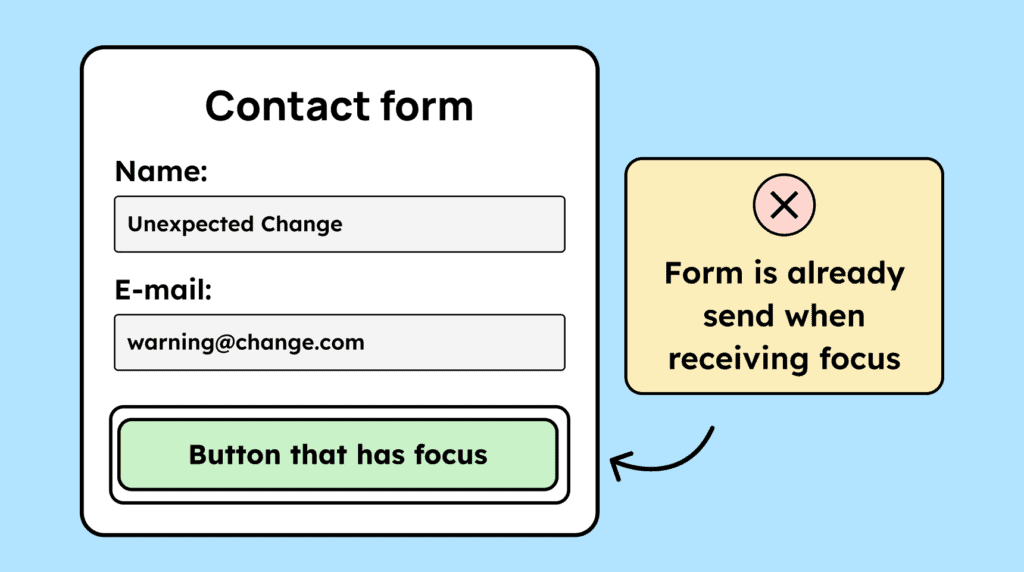
Setting keyboard focus on an element must not trigger any unexpected action. Functions should only be executed through an explicit action, such as pressing Enter or clicking with a mouse.
Short description:
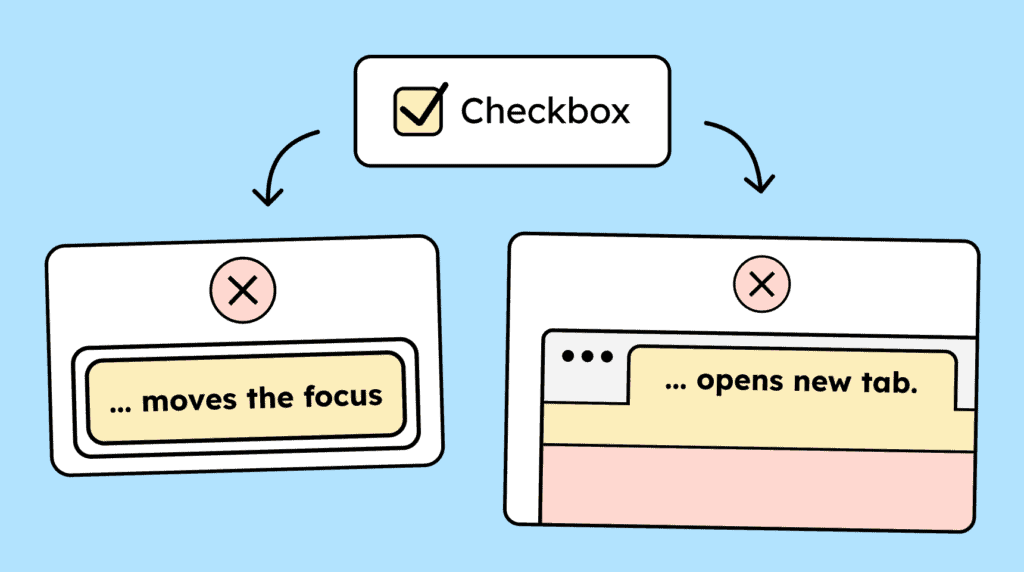
Interacting with a form element, such as a checkbox, must not cause an unexpected change in context, like a shift in keyboard focus. Context changes are allowed only if the user has been warned in advance.
Short description:
If errors occur on a website, they should be easy to identify and not indicated by color alone. Text describing the error must also be provided.

Short description:
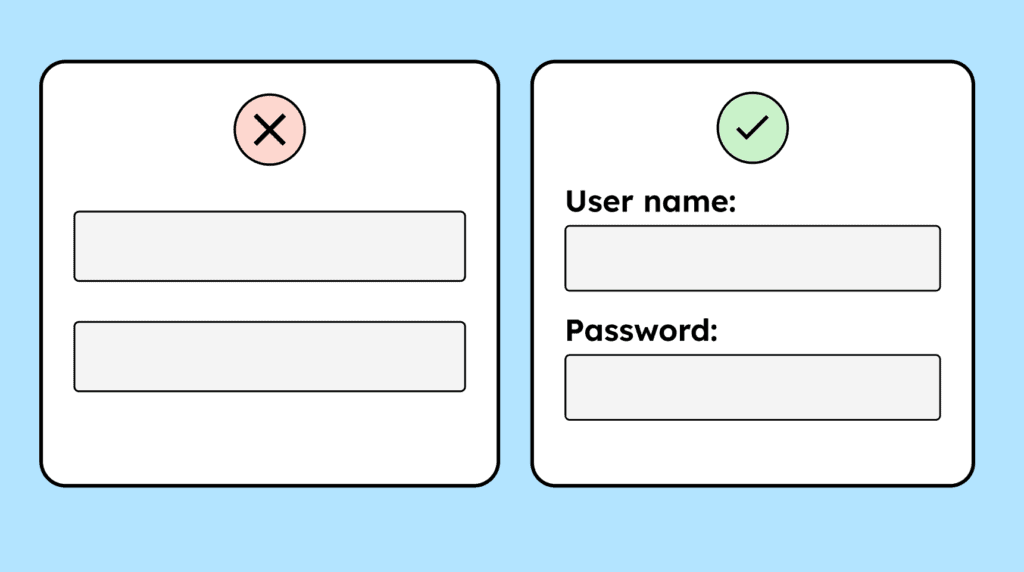
Form fields should include a clearly visible label, ideally using the <label> tag. This label should always remain visible and not disappear. Placeholder text by itself is not an adequate substitute for a proper label.
Short description:
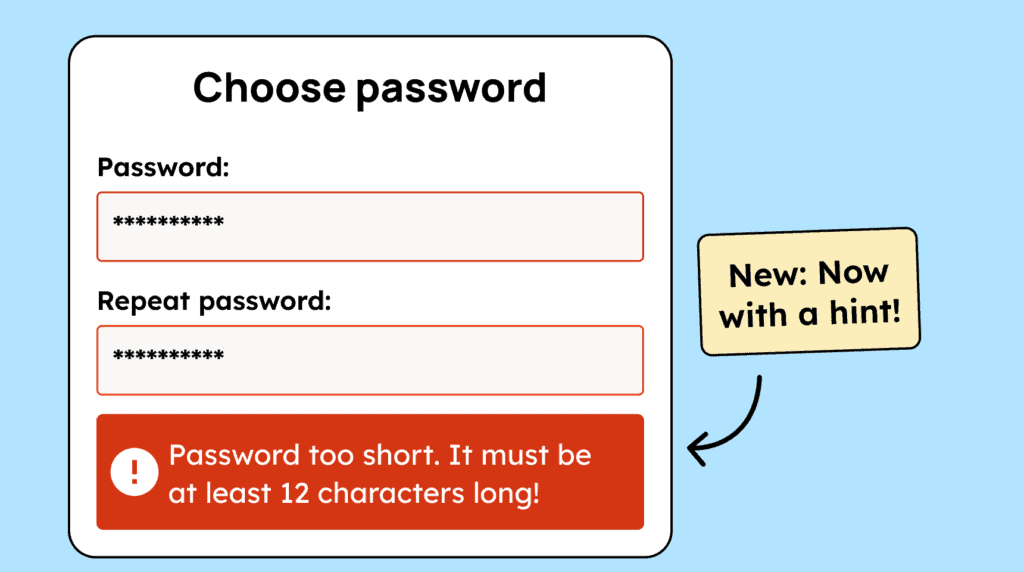
Error messages should be as specific as possible, providing clear guidance to help users understand and fix the issue.
Short description:
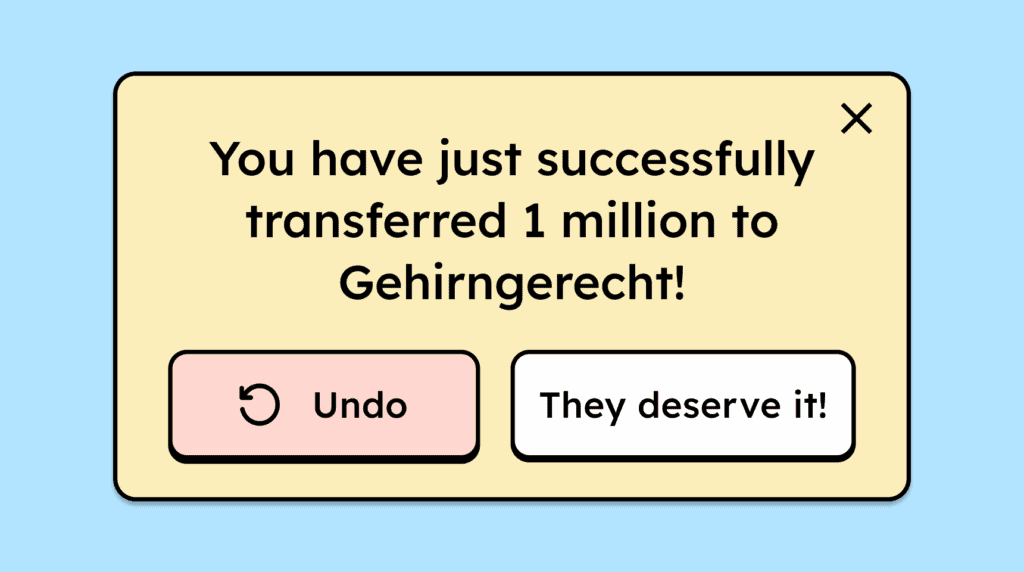
To prevent errors during important interactions or transactions, users should have the opportunity to review their data before sending. Alternatively, they should be able to confirm the action again or have the option to undo it.
Short description:
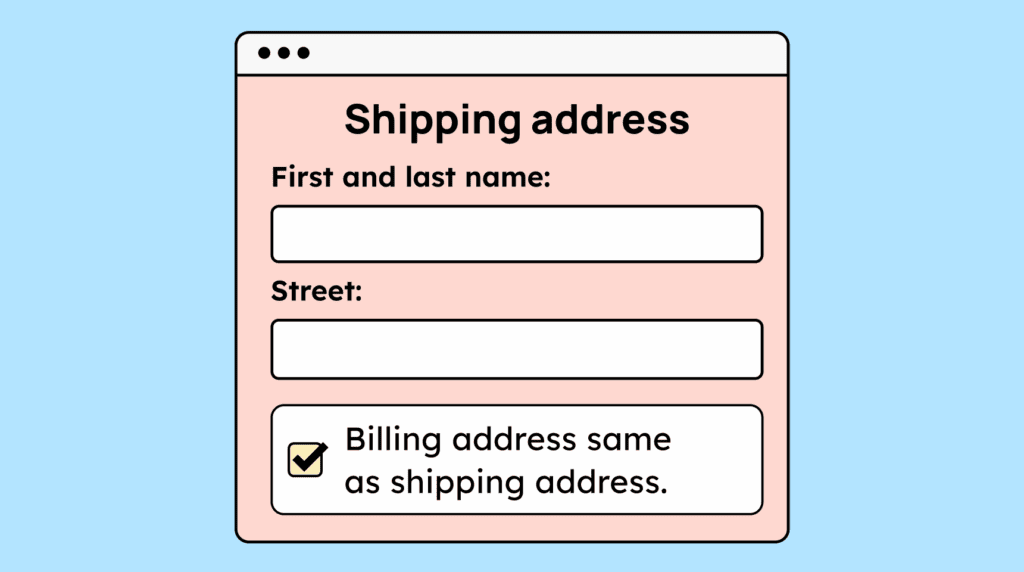
Users should only need to enter their data once. If the same information is required again, the website should automatically populate it or make it easy to reuse (for example, using the delivery address as the billing address).
Short description:
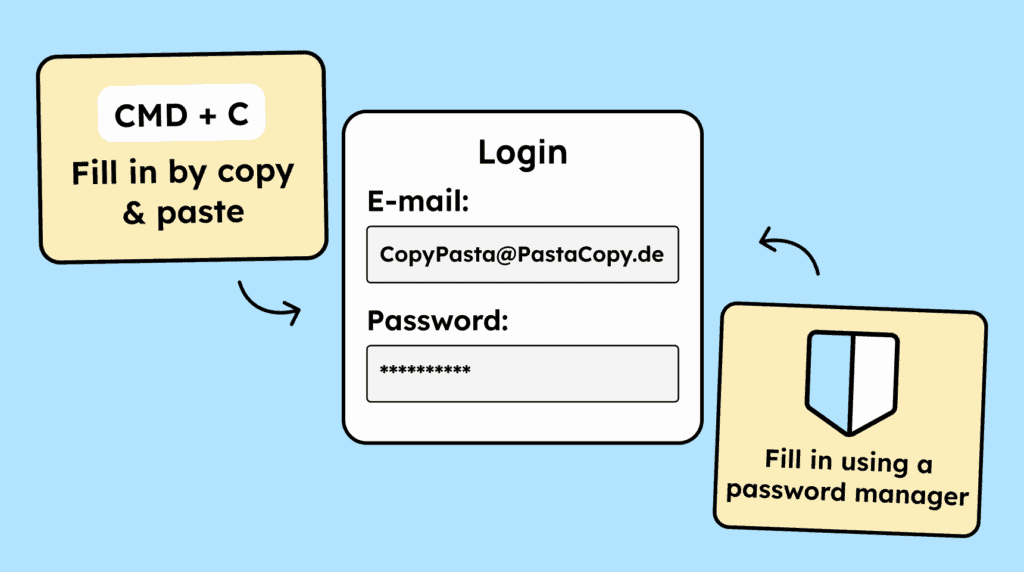
When users need to verify their identity, the process should be smooth and not feel like a test of their memory or mental effort. Copying and pasting information, as well as using password managers, should work seamlessly.
Short description:
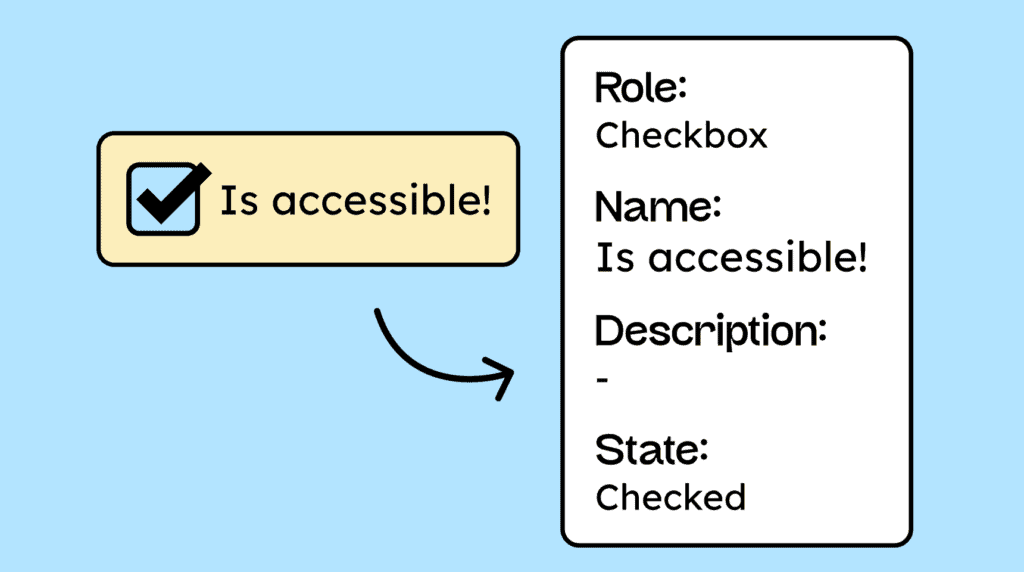
All interactive elements on a website must be coded in a way that allows assistive technologies to identify their name, role, and current value. Any changes to these attributes should also be communicated.
Short description:
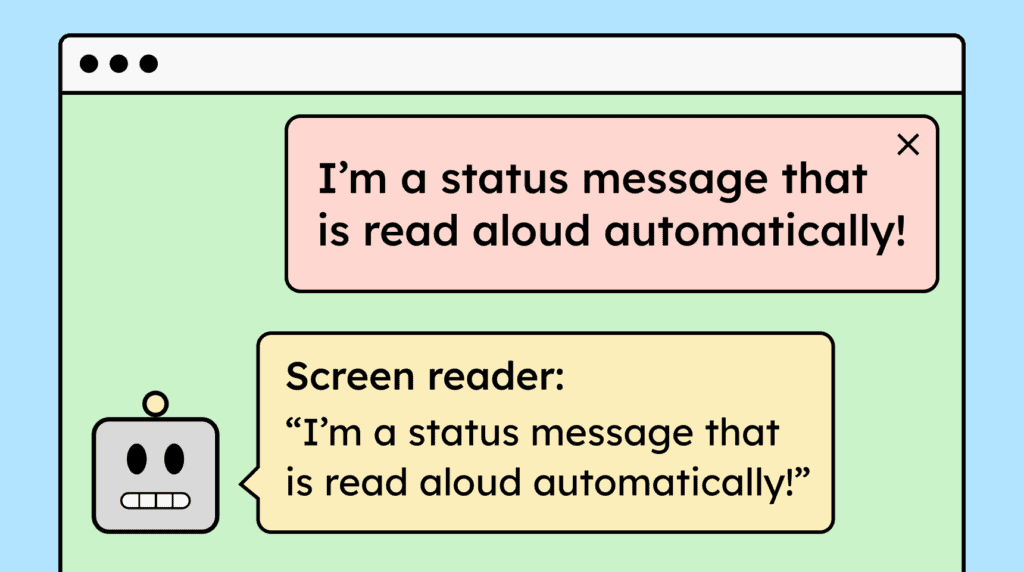
When websites display status messages or notifications, they should be automatically announced by screen readers without shifting the user’s focus. This can be achieved using ARIA live regions.