Short description:
Decorative images that don’t convey information should be hidden from assistive technologies. For <img> elements, use an empty alt attribute (alt=””), and for <svg> elements, add aria-hidden=”true” so screen readers skip them.


Decorative images that don’t convey information should be hidden from assistive technologies. For <img> elements, use an empty alt attribute (alt=””), and for <svg> elements, add aria-hidden=”true” so screen readers skip them.

Images or graphics that share important information should have a text alternative — in the alt attribute or nearby text. Even pictures that express feelings or set a tone deserve meaningful descriptions.

Audio files require a transcript as an alternative format. For silent videos, either a video description or an audio file should be provided as an alternative.
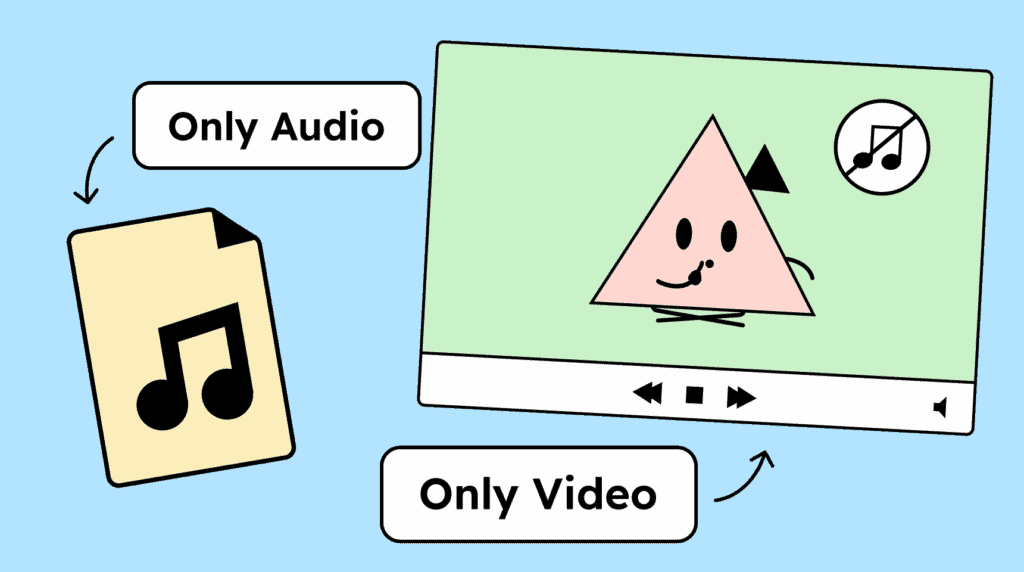
Recorded videos require synchronized captions. For the captions to be complete, they should include not only the spoken words, but also the names of speakers, human sounds, and important noises such as music.

Your videos need an audio description or a full-text alternative if they contain important information that is not conveyed in the audio track.

Live broadcasts also require captions. These captions should convey the content and indicate who is speaking as well as any important sounds.

If a video conveys important information only visually and not through sound, it requires an audio description. This can include details such as the speaker’s name when it appears on screen but is not spoken aloud.

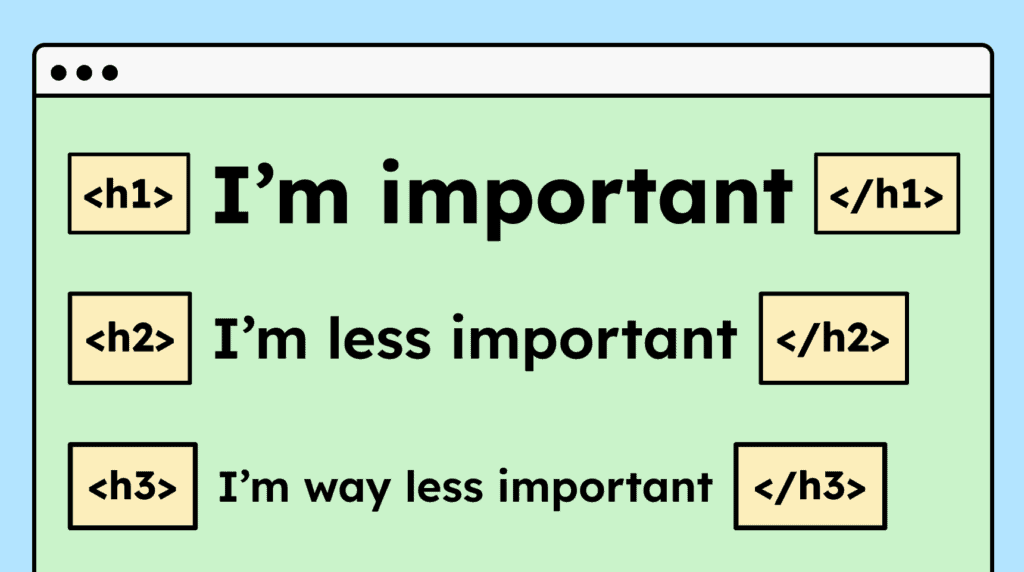
Headings must be properly marked up in HTML using <h1> to <h6>. They should also follow a logical order, for example, an <h3> should appear above an <h1>.
Avoid relying on sensory cues in your text. Phrases like »bottom left« are often unhelpful for screen reader users. Instead, focus on descriptive text, for example: “Click the ‘Order Now’ button!”

Link text should be meaningful on its own. Vague links like “Learn more” are acceptable only if the surrounding context, such as a preceding heading or a <p> tag, provides enough information about the link’s destination.

Headings must clearly describe the content or purpose of the sections that follow. Similarly, form field labels must clearly indicate what information should be entered.

If hidden text is used to provide more detailed descriptions for links, buttons, or form fields, the visible text must be included in the hidden text, ideally starting in the same way.

If a website includes sentences, phrases, quotes, or similar content in a different language, that text must be marked with the »lang« attribute and the appropriate language code.

The labeling of interactive elements, such as links, buttons, and form fields, must be consistent across subpages when they perform the same function. Their appearance should also remain consistent.

You are currently viewing a placeholder content from Google Maps. To access the actual content, click the button below. Please note that doing so will share data with third-party providers.
More InformationYou are currently viewing a placeholder content from OpenStreetMap. To access the actual content, click the button below. Please note that doing so will share data with third-party providers.
More InformationYou are currently viewing a placeholder content from Facebook. To access the actual content, click the button below. Please note that doing so will share data with third-party providers.
More InformationYou need to load content from reCAPTCHA to submit the form. Please note that doing so will share data with third-party providers.
More InformationYou need to load content from Turnstile to submit the form. Please note that doing so will share data with third-party providers.
More InformationYou are currently viewing a placeholder content from Facebook. To access the actual content, click the button below. Please note that doing so will share data with third-party providers.
More InformationYou are currently viewing a placeholder content from Instagram. To access the actual content, click the button below. Please note that doing so will share data with third-party providers.
More InformationYou are currently viewing a placeholder content from X. To access the actual content, click the button below. Please note that doing so will share data with third-party providers.
More Information
