
WCAG 2.4.4: Link Purpose (In Context)
Back to all WCAG criteriaOVERVIEW
What's it about?
The text of a link — as well as the alt text of a linked image — should clearly describe where the link leads.
If that’s not possible, the link text must at least be understandable in context.
How to
Depending on your situation, you can implement one of the following options to meet the criterion. For a deeper dive, please refer to the linked WCAG techniques.
- Recommendation!
Meaningful link texts
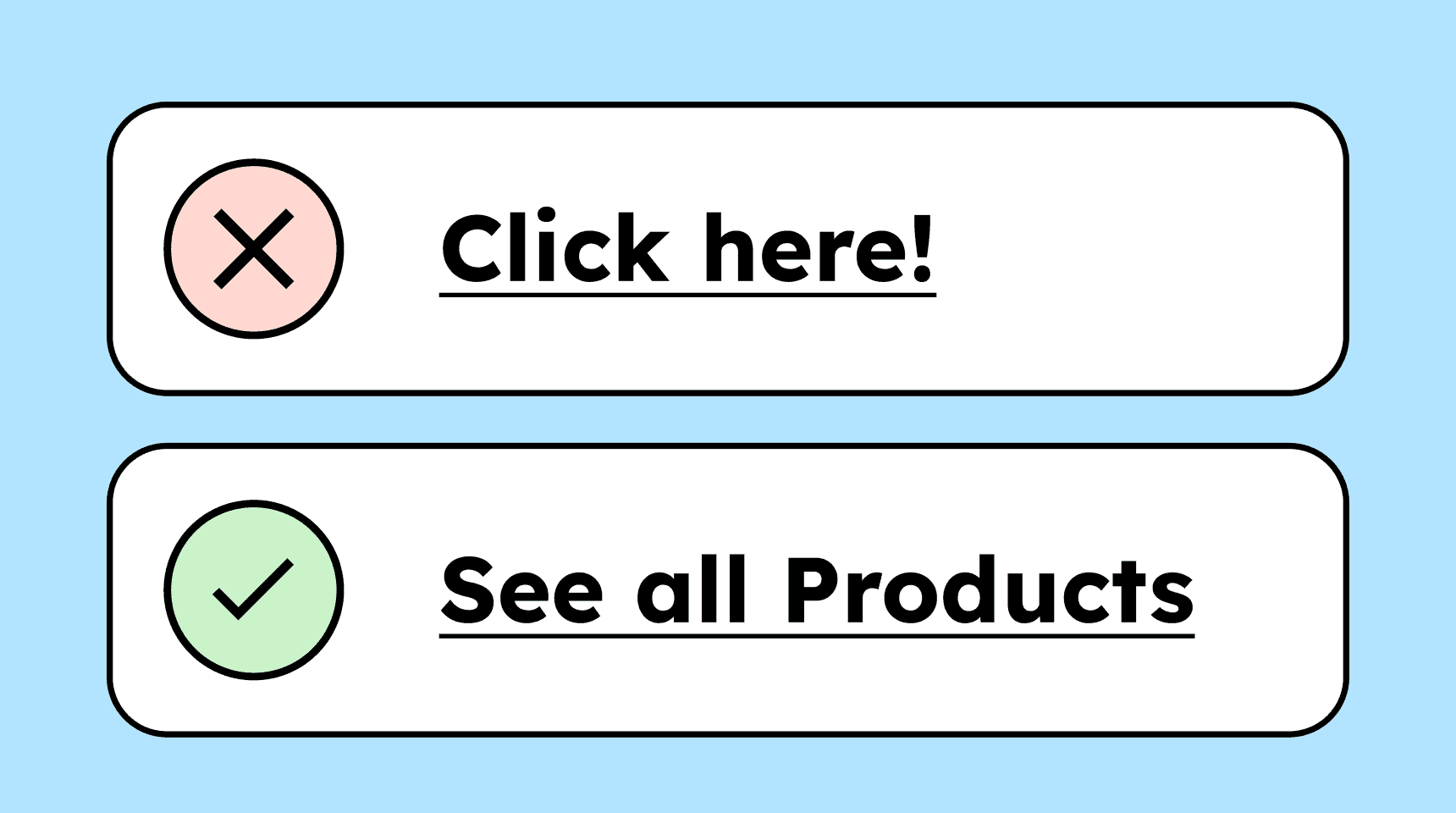
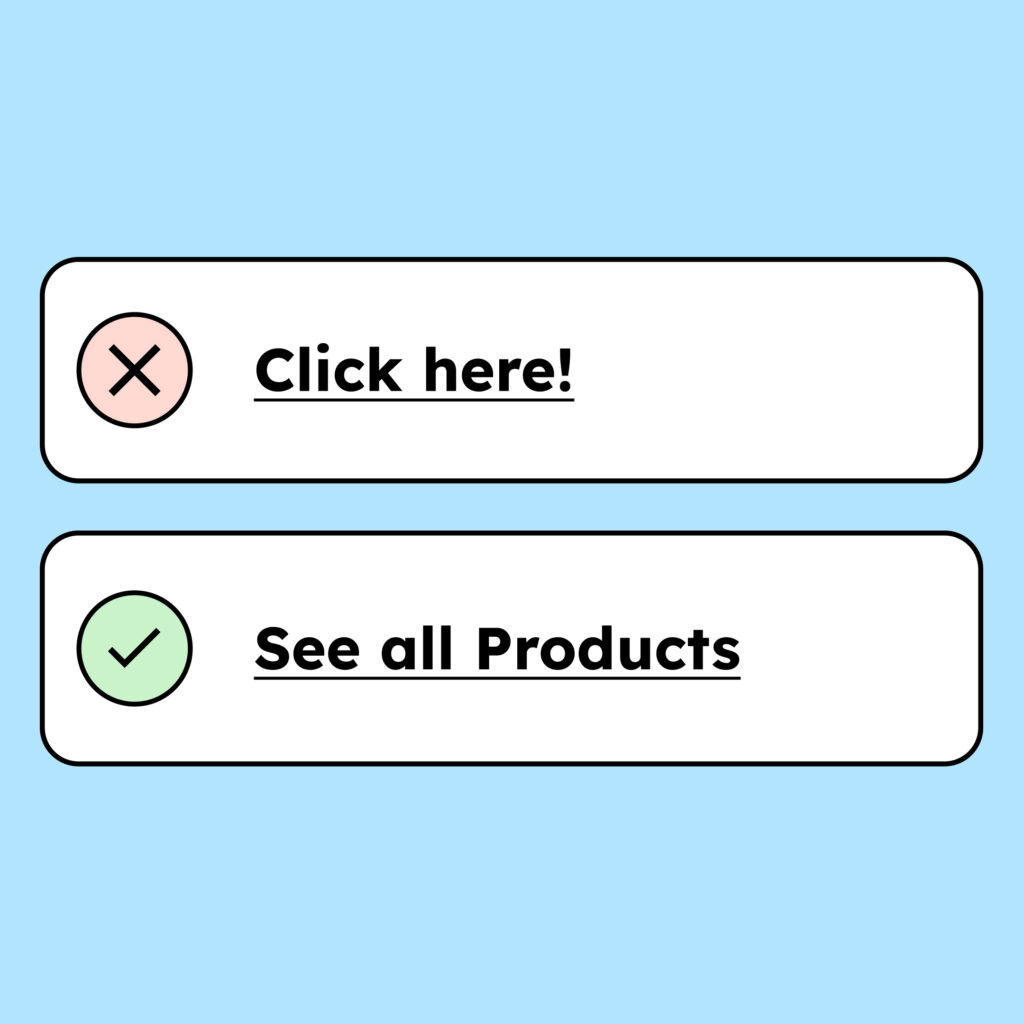
Links should clearly indicate where they lead. The best way is to use descriptive link texts such as “See all products.” URLs alone (https://…) or vague phrases like “Click here” are not sufficient to understand the link’s destination.

Context
If the link text itself is not descriptive, the destination must be understandable through the surrounding context. The context of a link can be:
-
A surrounding paragraph (inside a <p> or, if necessary, a <div>)
-
A surrounding list, when the link is part of the list as an <li>
-
A table cell, when the cell (<td>) itself or the header cell (<th>) provides the context
-
A preceding heading (<h1> to <h6>). This technique is listed only as an advisory technique in WCAG (not sufficient by itself), but it is accepted in common audit catalogs.
Technique(s):
- G53: Identifying the purpose of a link using link text combined with the text of the enclosing sentence
- H77: Identifying the purpose of a link using link text combined with its enclosing list item
- H79: Identifying the purpose of a link in a data table using the link text combined with its enclosing table cell and associated table header cells
-

Visually hidden link text extensions
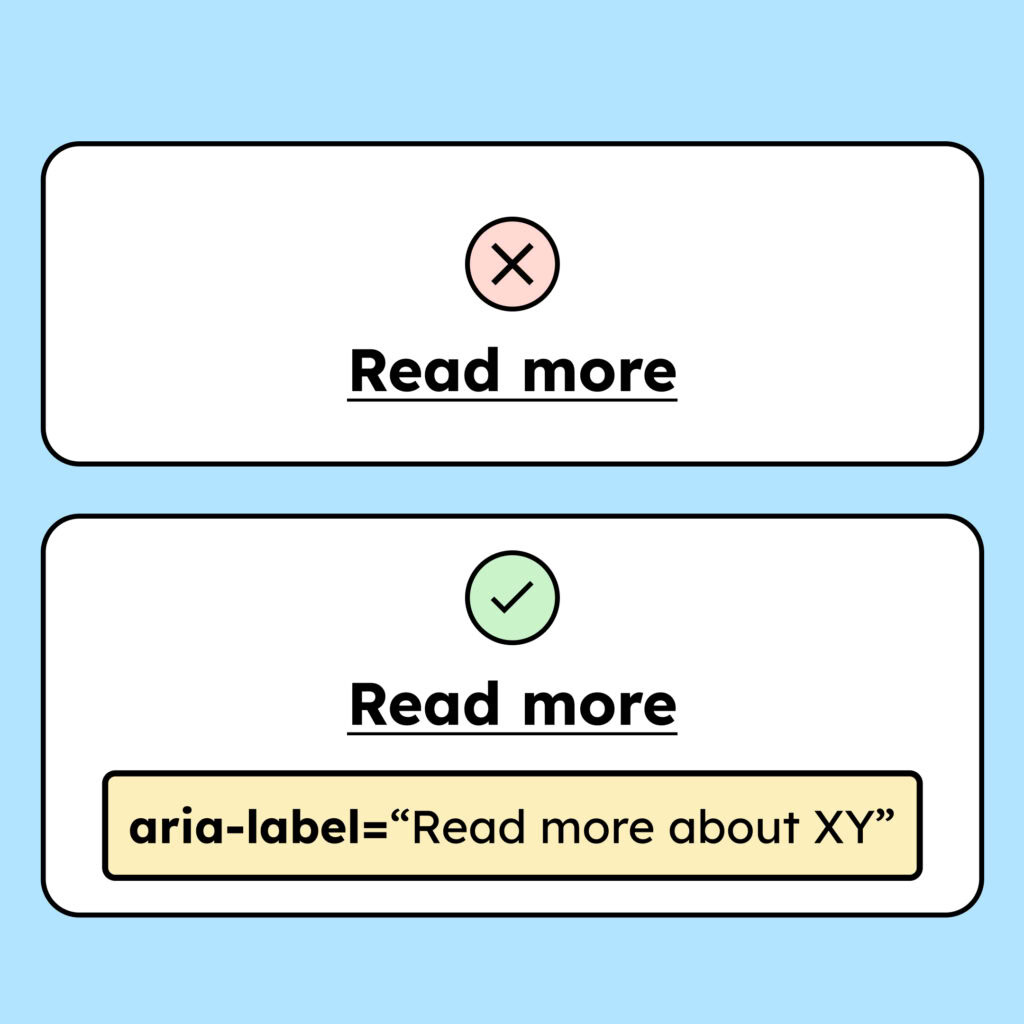
A link’s name can also be extended using CSS or ARIA. By expanding the link text, you can provide additional context without affecting the visual layout of the page.
Examples:
-
The link is simply called “Read more,” but the aria-label says “Read more about our products.”
-
The link is called “Read more about our products,” but the code includes a CSS class that hides the last part visually. Code:
<p>Learn more about <span class=”visually-hidden”>our products</span></p>
Note: Visually extending link text can cause issues with criterion 2.5.3 Label in Name.
-
Icons in link texts
If an icon indicates a file format or opens in a new tab, this should be included in the link text. Example: “A price list (PDF).”
You can also give the icon an alt text (“PDF”).

How do you make content accessible?
Our workshop for content creators and editorial teams
Learn everything you need to know in our workshop to make the content on your website, social media, and other channels accessible!

Learn accessibility with us?
Looking to implement WCAG best practices in your design, development, or content workflow? Book a workshop for your team or contact us directly to learn more.