
WCAG 2.1.2: No Keyboard Trap
Back to all WCAG criteriaOVERVIEW
What's it about?
Keyboard users must be able to move freely without getting trapped in a keyboard trap.
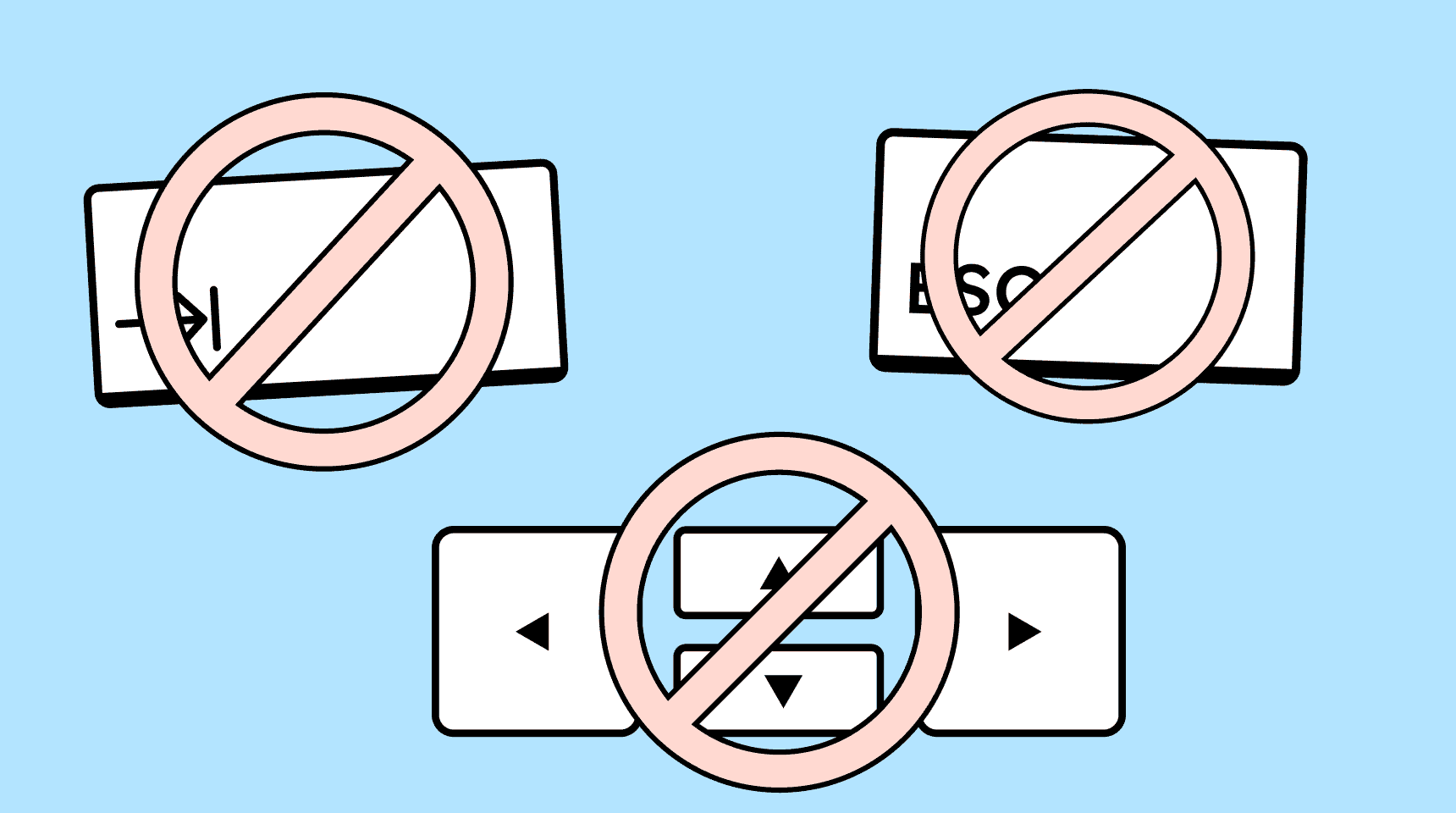
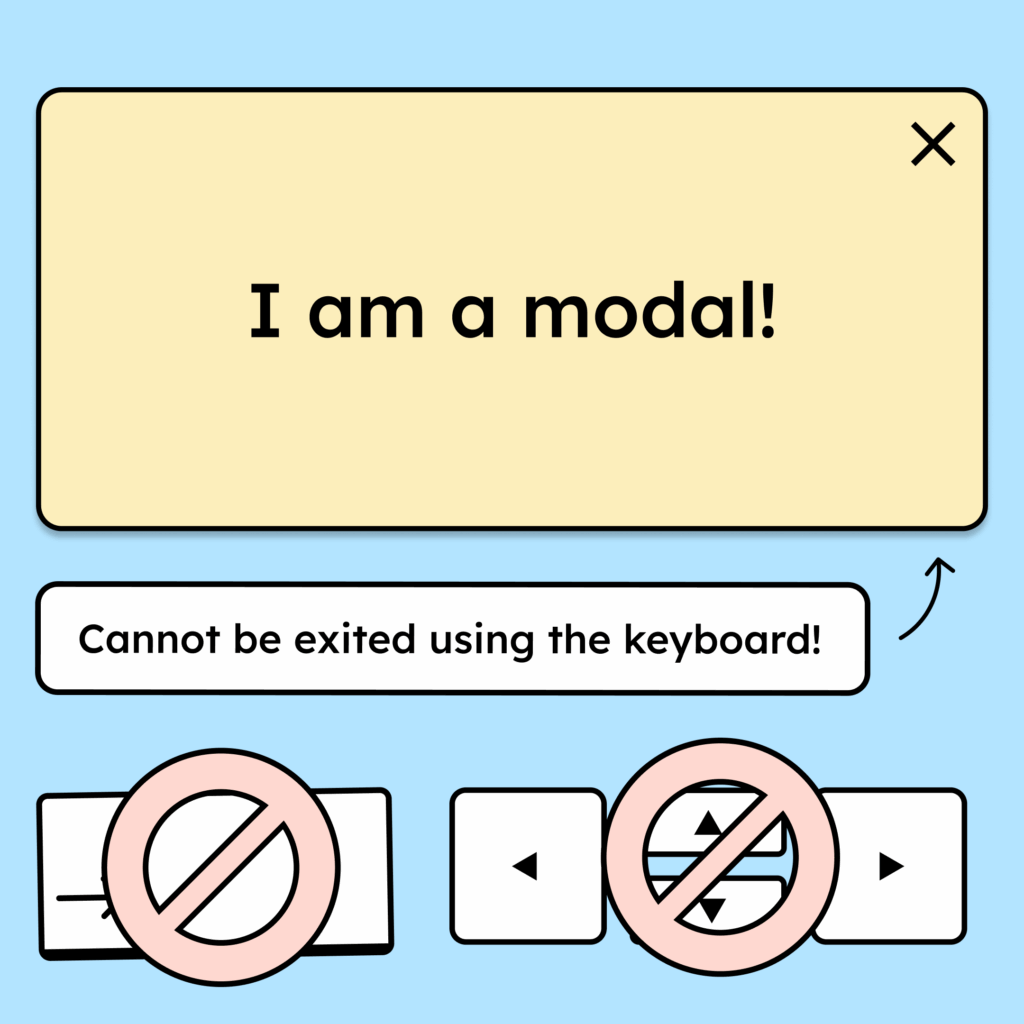
A trap occurs when you can reach an element via keyboard focus but cannot move away from it again.
This often happens with embedded iframes, interactive widgets, or modal dialogs that lack a working mechanism to close them.
How to
Depending on your situation, you can implement one of the following options to meet the criterion. For a deeper dive, please refer to the linked WCAG techniques.
Focused elements can be exited
When keyboard focus is placed on an interactive element (e.g., an embedded video, an iframe, a map, a form, or a dialog), the user must also be able to leave that element using the keyboard.
If leaving the element is only possible through a specific keyboard shortcut, that shortcut must be clearly documented and discoverable in the surrounding context.
Technique(s):

Accessible development?
Our workshop for developers!
Learn everything you need to know in our workshop to build accessible websites!

Learn accessibility with us?
Looking to implement WCAG best practices in your design, development, or content workflow? Book a workshop for your team or contact us directly to learn more.