
WCAG 2.3.1:Three Flashes or Below Threshold
Back to all WCAG criteriaOVERVIEW
Effort:
- Complexity:Easy
- Duration:Fast
Important for:
Design, Development
What's it about?
A website must not contain elements larger than 148 × 148 pixels (as a guideline) that flash more than three times per second. This includes, for example, blinking GIFs or flickering sequences in videos.

How to
Depending on your situation, you can implement one of the following options to meet the criterion. For a deeper dive, please refer to the linked WCAG techniques.
Avoid flashing content
Do not use content that flashes or flickers more than three times per second. This mainly affects videos, animated images, GIFs, or interactive effects, for example, blinking warnings or rapidly changing colors. Any sudden change in color or contrast that occurs more than three times within one second counts as a “flash.”
Example: An animation that switches between red and white may not change colors more than three times per second. If it does, it must be adjusted so that it runs more slowly.
Since it is difficult to check this visually, the WCAG recommends using this tool to test flashing areas (Windows only).


Keep the flashing area small
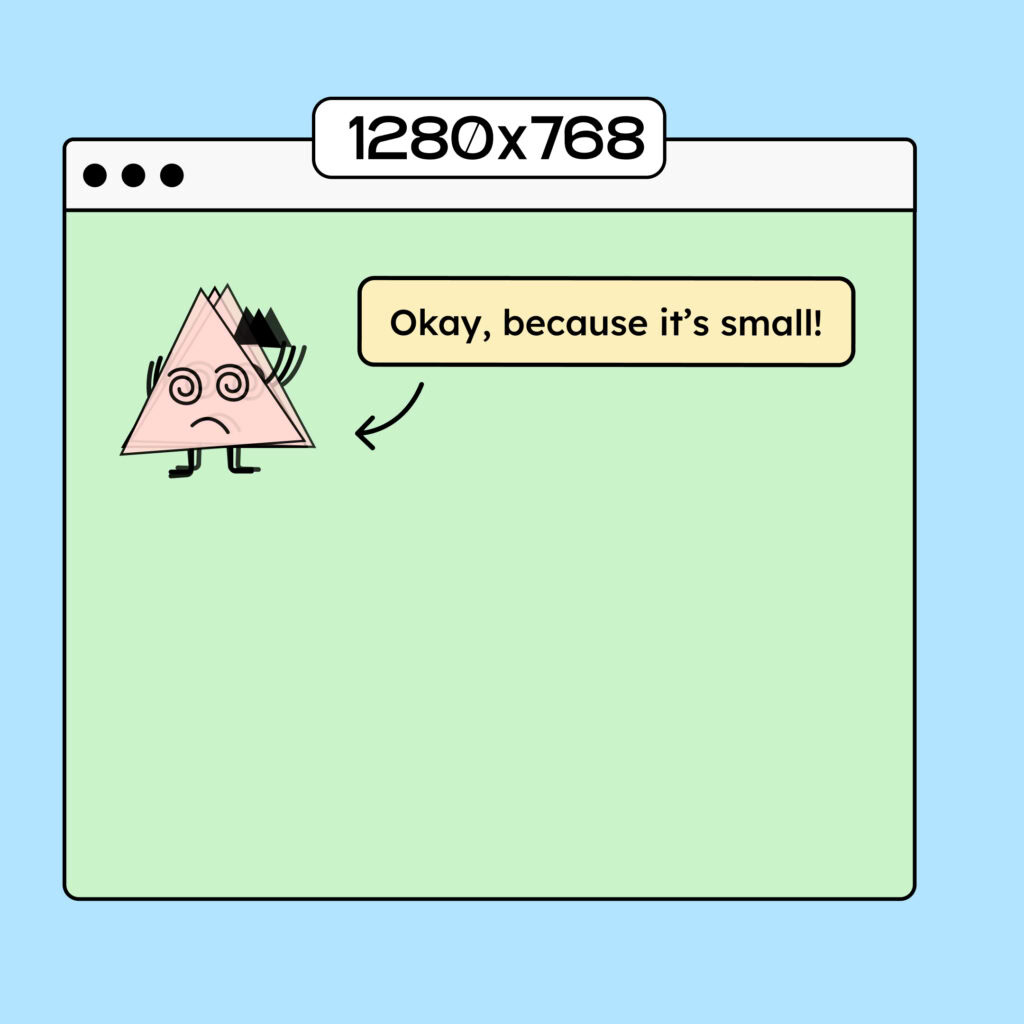
If you can’t get rid of the flashing, you must at least ensure that the area is tiny!
The flashing area should occupy less than 25% of the central 10° field of vision so that the flashing is perceived less intensely. As a rule of thumb: with a screen width of 1024 pixels, this would be 148 × 148 pixels.
The calculation can be found in WCAG Technique G176.
Technique(s):
Create accessible designs?
Our workshop for designers!
Learn everything you need to know as a designer to create accessible design systems for digital products and entire brands.

Learn accessibility with us?
Looking to implement WCAG best practices in your design, development, or content workflow? Book a workshop for your team or contact us directly to learn more.