
WCAG 2.5.2: Pointer Cancellation
Back to all WCAG criteriaOVERVIEW
What's it about?
Actions triggered by a mouse, touch, or other pointer input must not execute immediately on the down event. Users must have the chance to cancel the action before it is finalized. This helps prevent unintended actions — especially for people with motor impairments, shaky hands, or when using small touch devices.
How to
Depending on your situation, you can implement one of the following options to meet the criterion. For a deeper dive, please refer to the linked WCAG techniques.
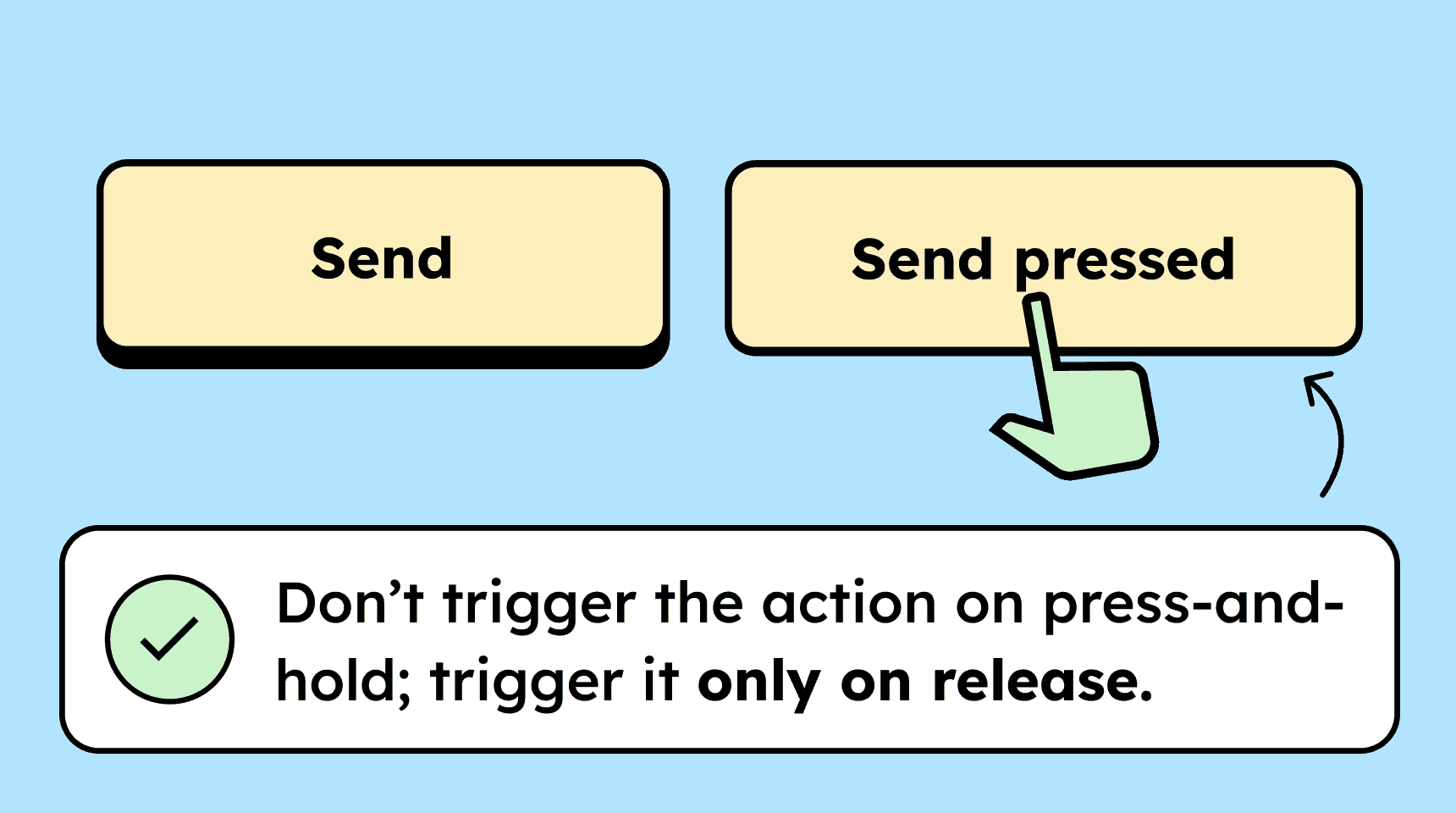
The function triggers on the up event
Actions should only be executed when the pointer is released (e.g., on
mouseuportouchend), not when it is pressed. This allows the user to move their finger or mouse pointer before releasing and cancel the action if needed.

Cancel or confirm
For more complex interactions such as drag and drop, the “down” and “up” events can trigger an entire sequence of actions that are necessary to complete the process.
In drag and drop, an element is:
-
selected with a press (down event),
-
moved to a new position while the button remains pressed, and
-
dropped by releasing (up event) to complete the action.
It is important that the user can cancel the action at any time. This includes the element snapping back to its original position if the user releases it outside the target area while dragging.
Another option is to require the user to confirm the action before it is completed. For example, through a modal that asks: “Do you really want to perform this action?”
-

Accessible development?
Our workshop for developers!
Learn everything you need to know in our workshop to build accessible websites!

Learn accessibility with us?
Looking to implement WCAG best practices in your design, development, or content workflow? Book a workshop for your team or contact us directly to learn more.