
WCAG 1.4.2: Audio Control
Back to all WCAG criteriaOVERVIEW
What's it about?
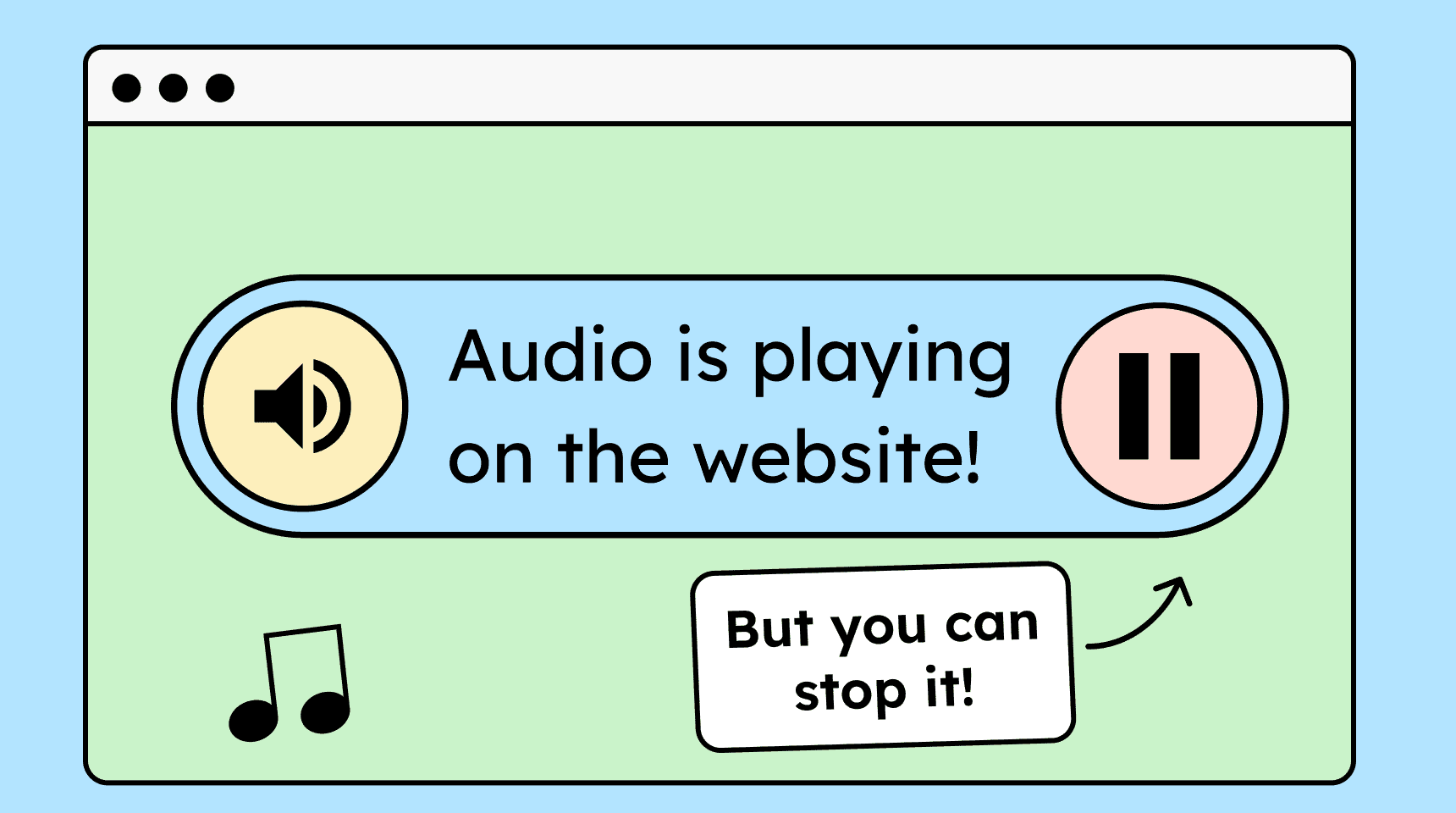
If a website automatically plays sounds that last longer than three seconds, users must be able to turn them off.
How to
Depending on your situation, you can implement one of the following options to meet the criterion. For a deeper dive, please refer to the linked WCAG techniques.
Automatically stop after 3 seconds
Audio may play automatically on a website as long as it stops by itself after no more than 3 seconds.


Provide a control for the audio
If audio plays automatically, there must be a clearly labeled, highly visible control element right at the beginning, ideally a button, that allows the user to stop the audio immediately.
This button must be reachable via keyboard and placed at the very beginning of the tab order so that screen reader users can find it.

- Recommendation!
Play audio only on request
Do not play audio automatically, let the user decide whether the audio should be played.
Technique(s):

Notes
Hint: Volume control
If there is a way to turn down or mute the audio on a website, this control must work independently of the system’s general volume settings.
The computer’s overall sound must not be lowered by it (otherwise screen reader users would no longer be able to hear their screen reader).

Create accessible designs?
Our workshop for designers!
Learn everything you need to know as a designer to create accessible design systems for digital products and entire brands.

Learn accessibility with us?
Looking to implement WCAG best practices in your design, development, or content workflow? Book a workshop for your team or contact us directly to learn more.