
WCAG 2.1.1: Keyboard
Back to all WCAG criteriaOVERVIEW
What's it about?
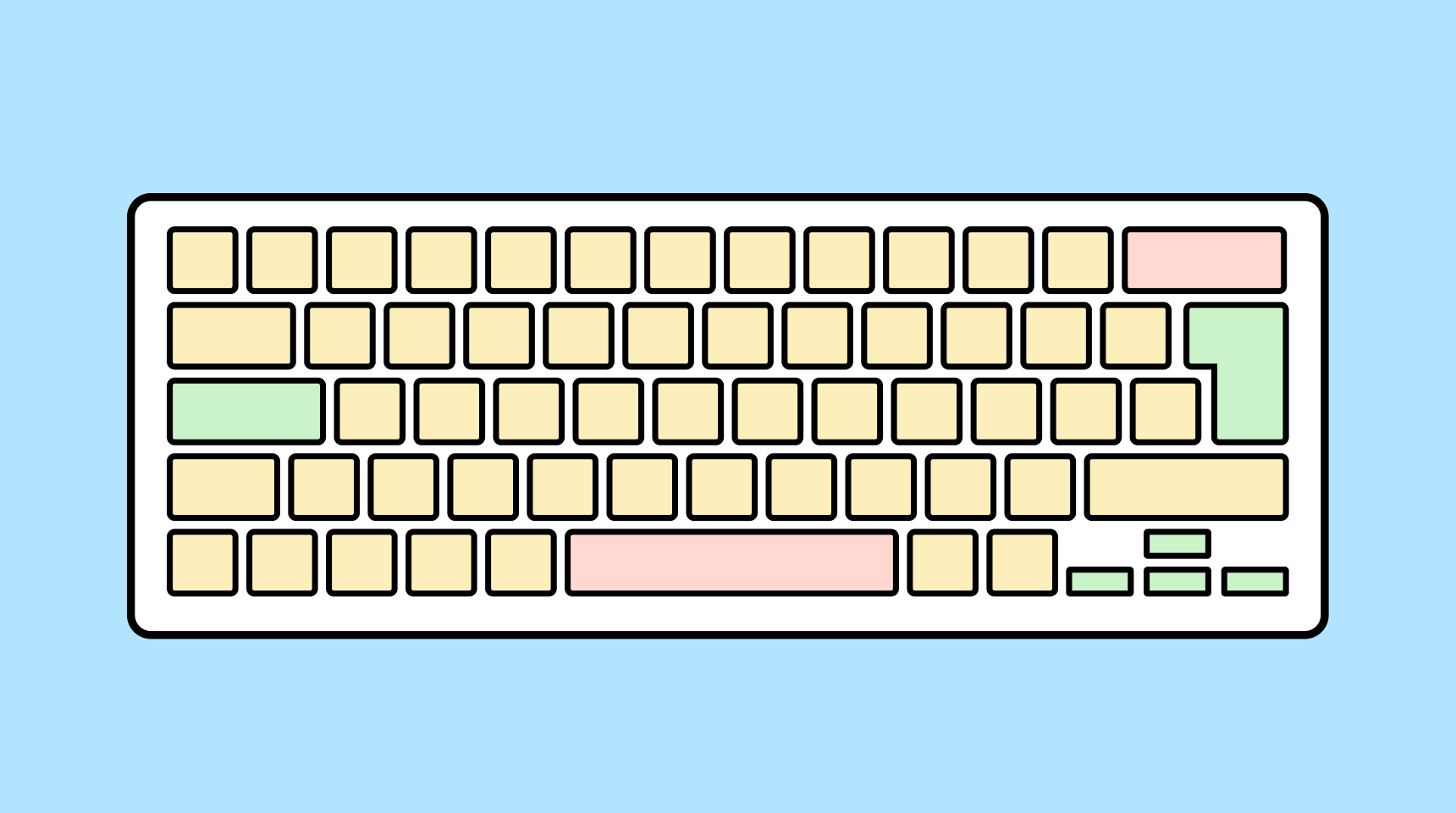
A website must be fully operable using the keyboard. All content must be accessible, and all essential functions must be executable with the keyboard alone.
How to
Depending on your situation, you can implement one of the following options to meet the criterion. For a deeper dive, please refer to the linked WCAG techniques.
Make all functions accessible via keyboard
Users must be able to navigate through all interactive elements using the TAB key. Actions must be executable with ENTER or the SPACEBAR.
For functions that rely on actions like drag-and-drop or swiping with a finger, an equivalent alternative is required (e.g., buttons or keyboard shortcuts).
Avoid content or functions that appear only on mouse hover and cannot be accessed without a mouse. If mouseover effects contain important information (e.g., tooltips), make sure they also appear when the element receives keyboard focus.


Accessible development?
Our workshop for developers!
Learn everything you need to know in our workshop to build accessible websites!

Learn accessibility with us?
Looking to implement WCAG best practices in your design, development, or content workflow? Book a workshop for your team or contact us directly to learn more.