
WCAG 3.2.2: On Input
Back to all WCAG criteriaOVERVIEW
What's it about?
Interacting with form elements such as text fields or checkboxes must not cause a context change unless the user has been informed about this behavior beforehand.

How to
Depending on your situation, you can implement one of the following options to meet the criterion. For a deeper dive, please refer to the linked WCAG techniques.
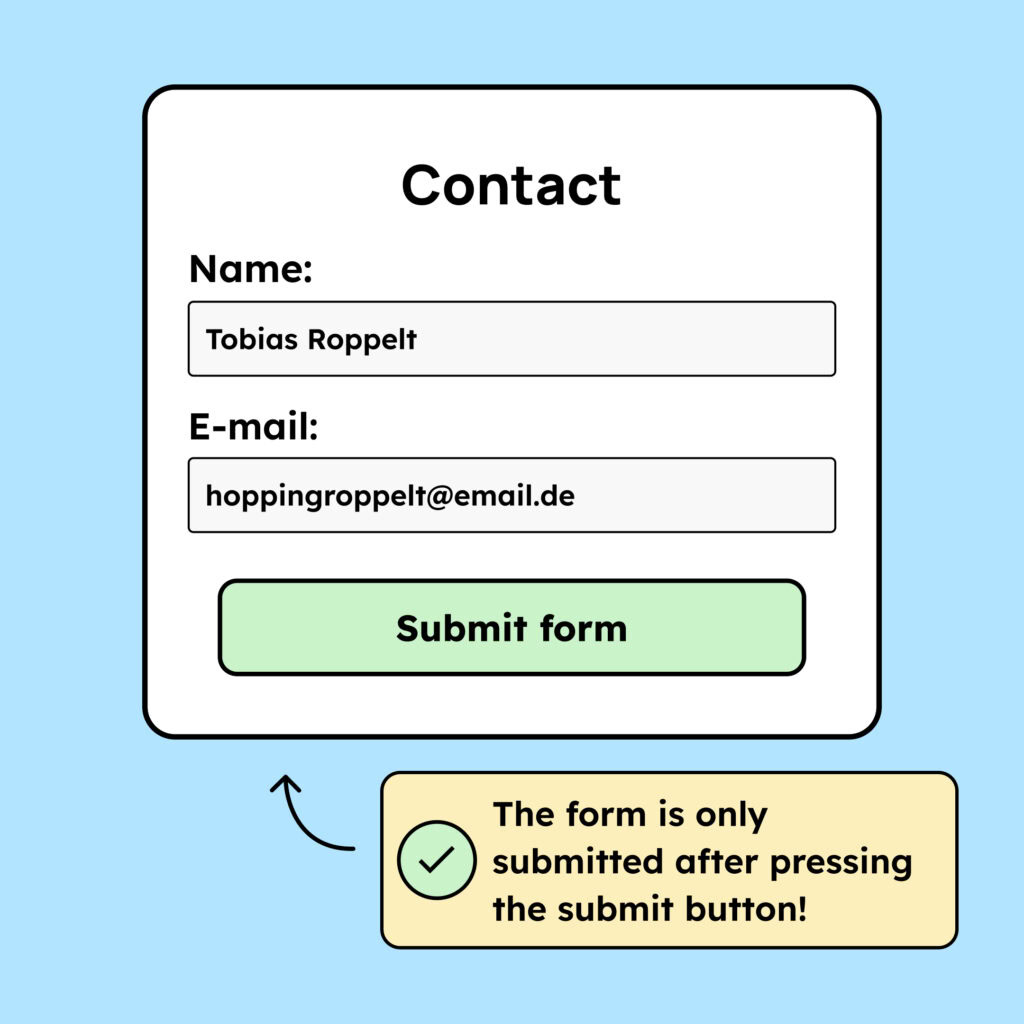
Provide a submit button
Instead of submitting a form immediately after the user finishes the last input, there should be a submit button that only submits the form when the button is activated.
Technique(s):

Inform users about context changes
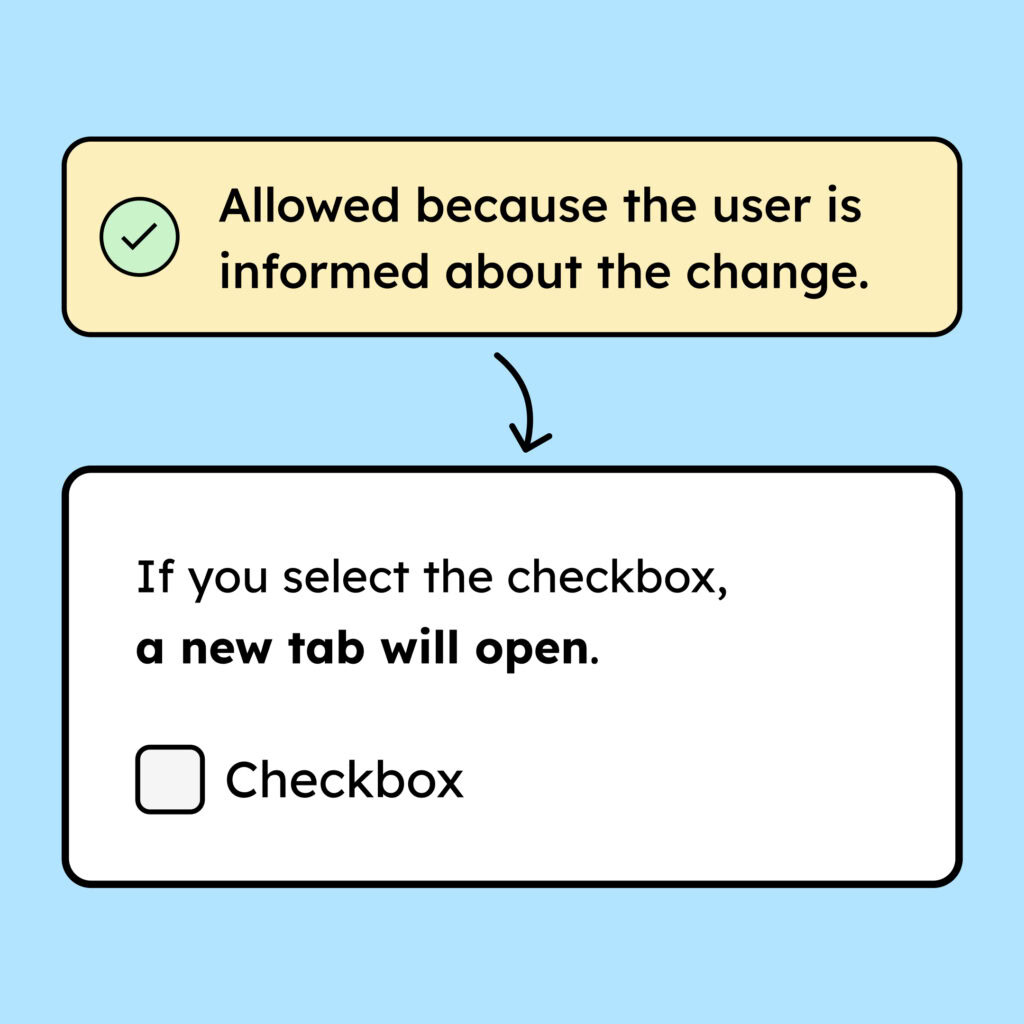
If a context change is unavoidable, inform the user before they interact with the form element so they know what will happen.
Example: Checking a checkbox opens a new tab. This is allowed if the user is informed beforehand (through text above the checkbox).
Technique(s):
- WCAG does not list a technique for this.
Notes
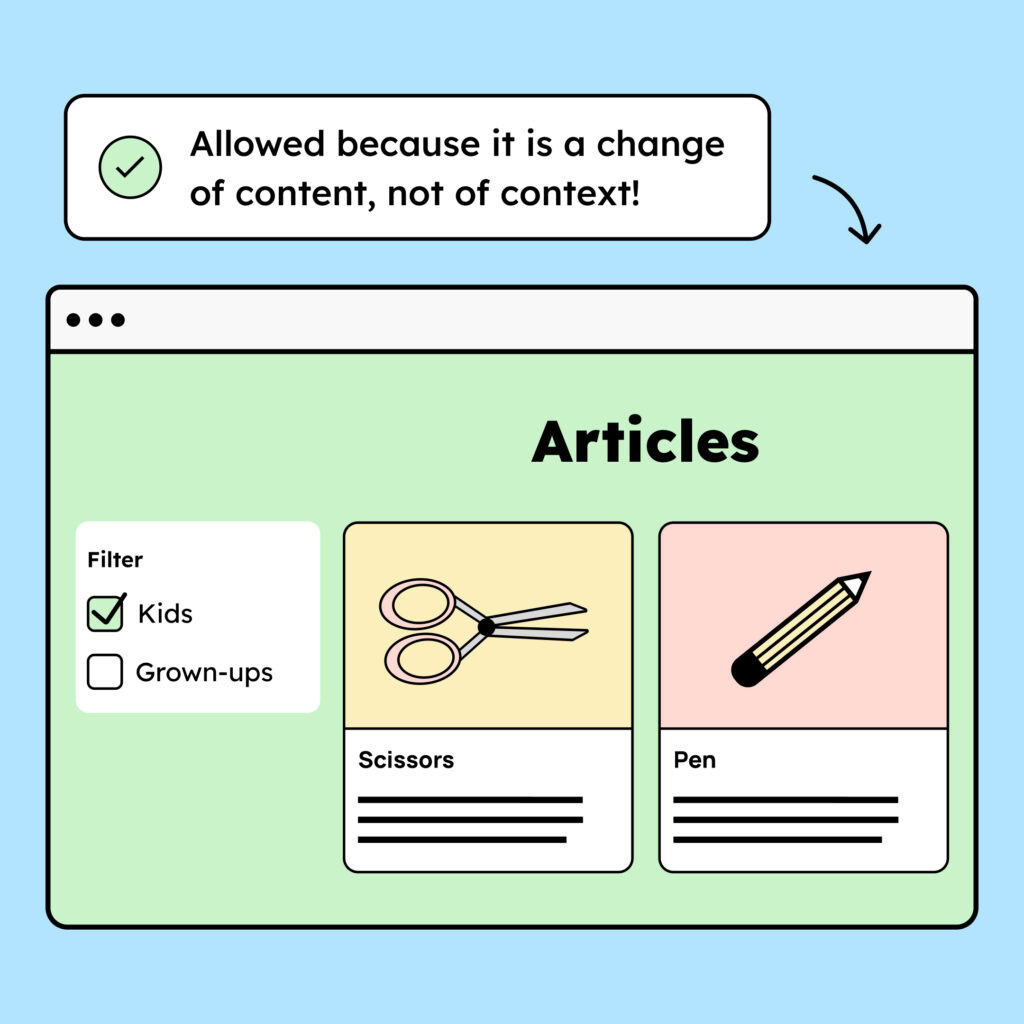
Hint: Context vs. content change
What is the difference between a context change and a content change?
A context change occurs when the page reloads, the focus moves, or content changes automatically (more about this in criterion 3.2.1: On Focus).
A content change, on the other hand, is when:
-
Only the content changes (e.g., filters in an e-commerce shop)
-
New content is loaded (e.g., new form fields appearing after input) but the focus is not moved to it
Content changes are allowed. Context changes violate the criterion.
-
Accessible development?
Our workshop for developers!
Learn everything you need to know in our workshop to build accessible websites!

Learn accessibility with us?
Looking to implement WCAG best practices in your design, development, or content workflow? Book a workshop for your team or contact us directly to learn more.