
WCAG 2.4.3: Focus Order
Back to all WCAG criteriaOVERVIEW
What's it about?
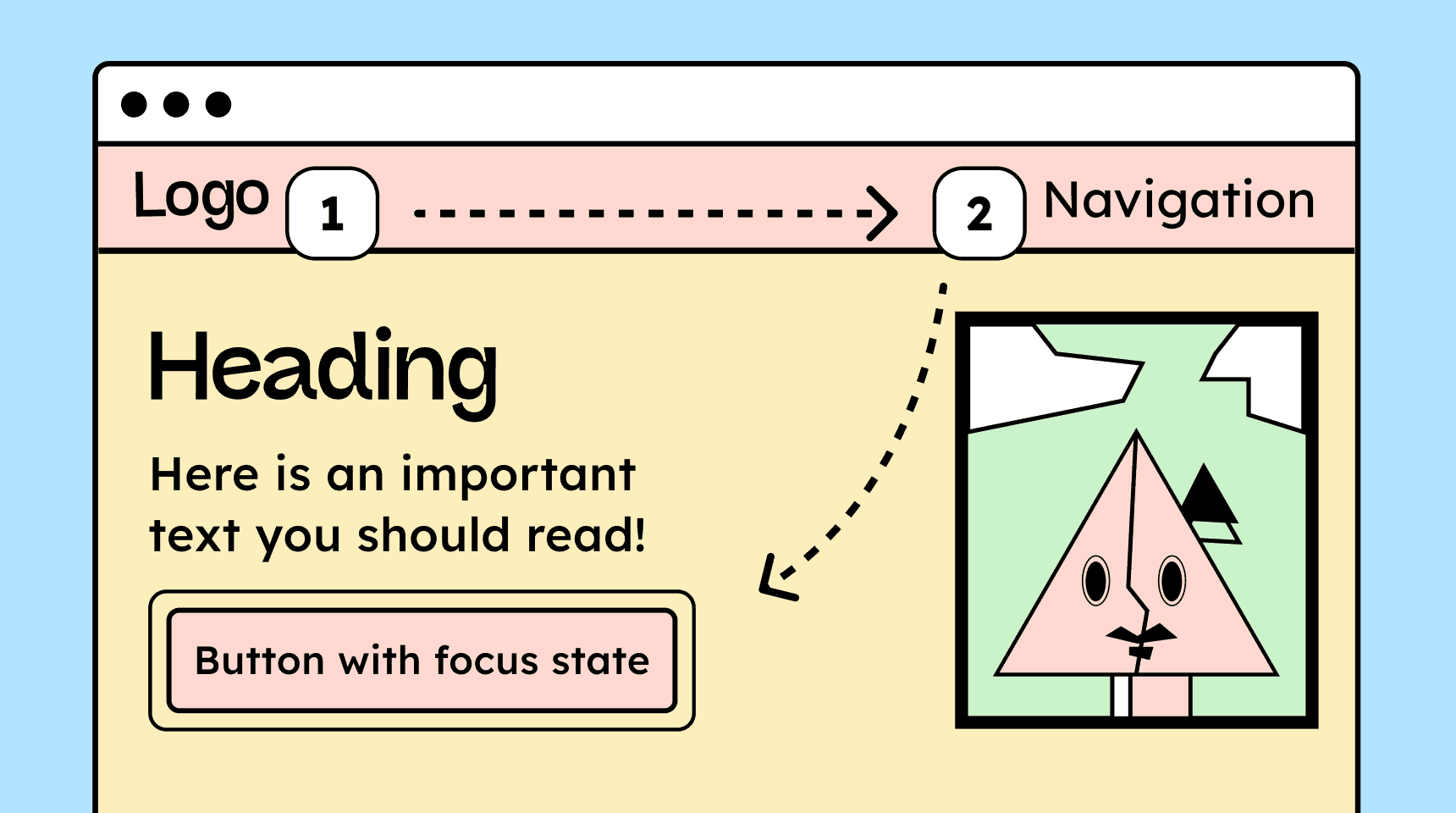
The keyboard focus order must match the logical and visual structure of the page so that users navigating with a keyboard or assistive technologies can move through content and controls in a clear, meaningful sequence.
How to
Depending on your situation, you can implement one of the following options to meet the criterion. For a deeper dive, please refer to the linked WCAG techniques.
Focus order is logically understandable
When tabbing through interactive elements, the order should essentially follow the visual layout. The focus must not jump around arbitrarily, such as from the header to the footer and back.
Elements that are currently visually hidden, such as links in collapsed navigation menus, must also not be reachable via [TAB].


Displayed content must be operable
When new elements are revealed through input or a click, they should appear in the source code directly below the element that triggered them. This is necessary because users navigate through a webpage linearly using the Tab key.
Example:
If new fields appear after filling out a form field, they must not be displayed above the completed field, otherwise a screen reader user won’t notice them. They would have to navigate “backwards” to find them.
If an action displays a modal, the following applies:
-
When opened, focus must move to the inserted modal. Best practice is to place the focus on the close button.
-
When closed, focus must return to the triggering element (button).
If a list of search results ends with a “Load more” button, then after activating the button, keyboard focus should move to the first newly loaded item.
-

Accessible development?
Our workshop for developers!
Learn everything you need to know in our workshop to build accessible websites!

Learn accessibility with us?
Looking to implement WCAG best practices in your design, development, or content workflow? Book a workshop for your team or contact us directly to learn more.