
WCAG 1.3.1: Info and Relationships (Paragraphs)
Back to all WCAG criteriaOVERVIEW
What's it about?
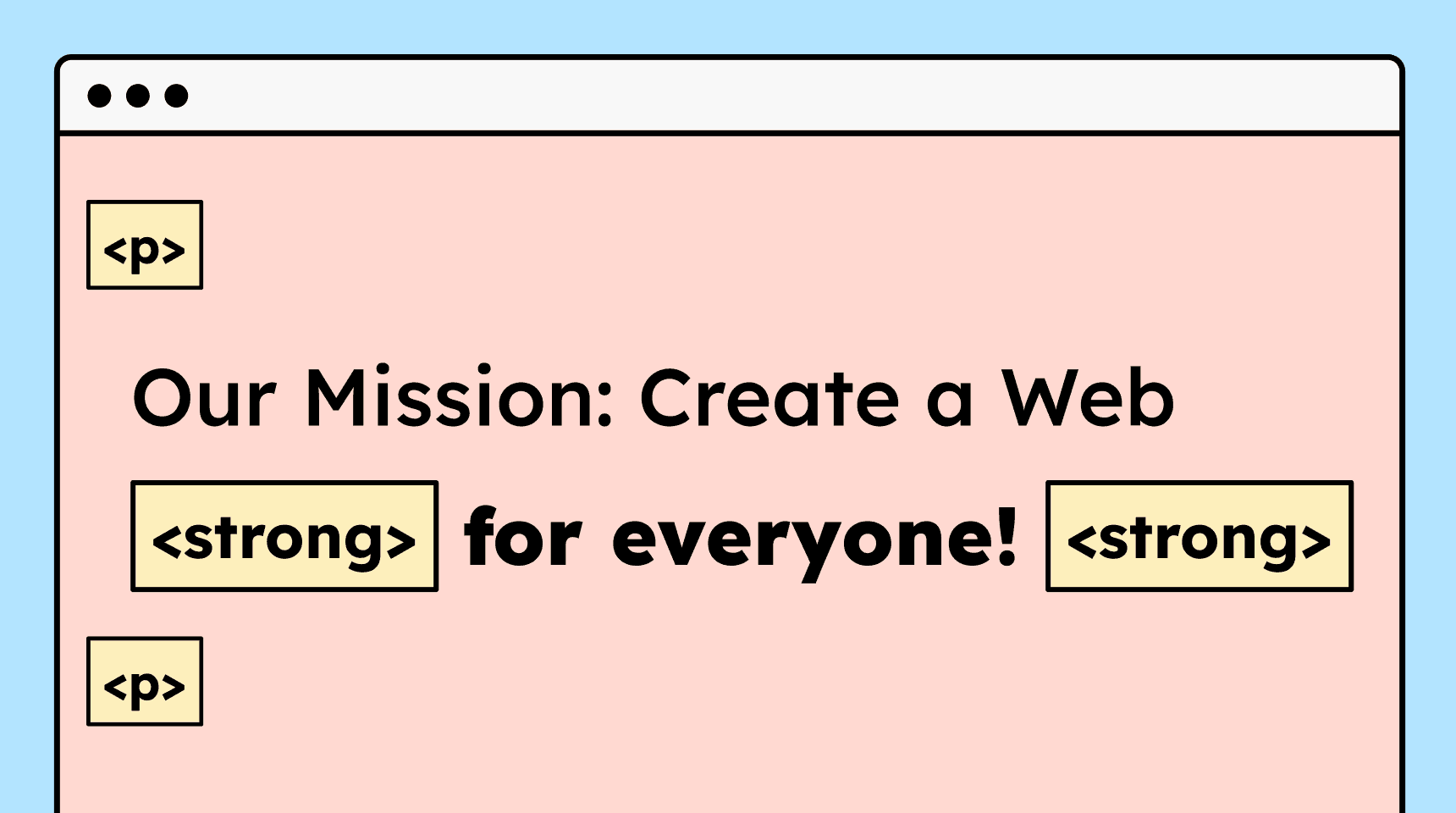
For paragraphs and formatted text (bold or italic), the correct HTML tags must be used.
How to
Depending on your situation, you can implement one of the following options to meet the criterion. For a deeper dive, please refer to the linked WCAG techniques.
Content within paragraphs is correctly marked up
Visually highlighting text within a paragraph (
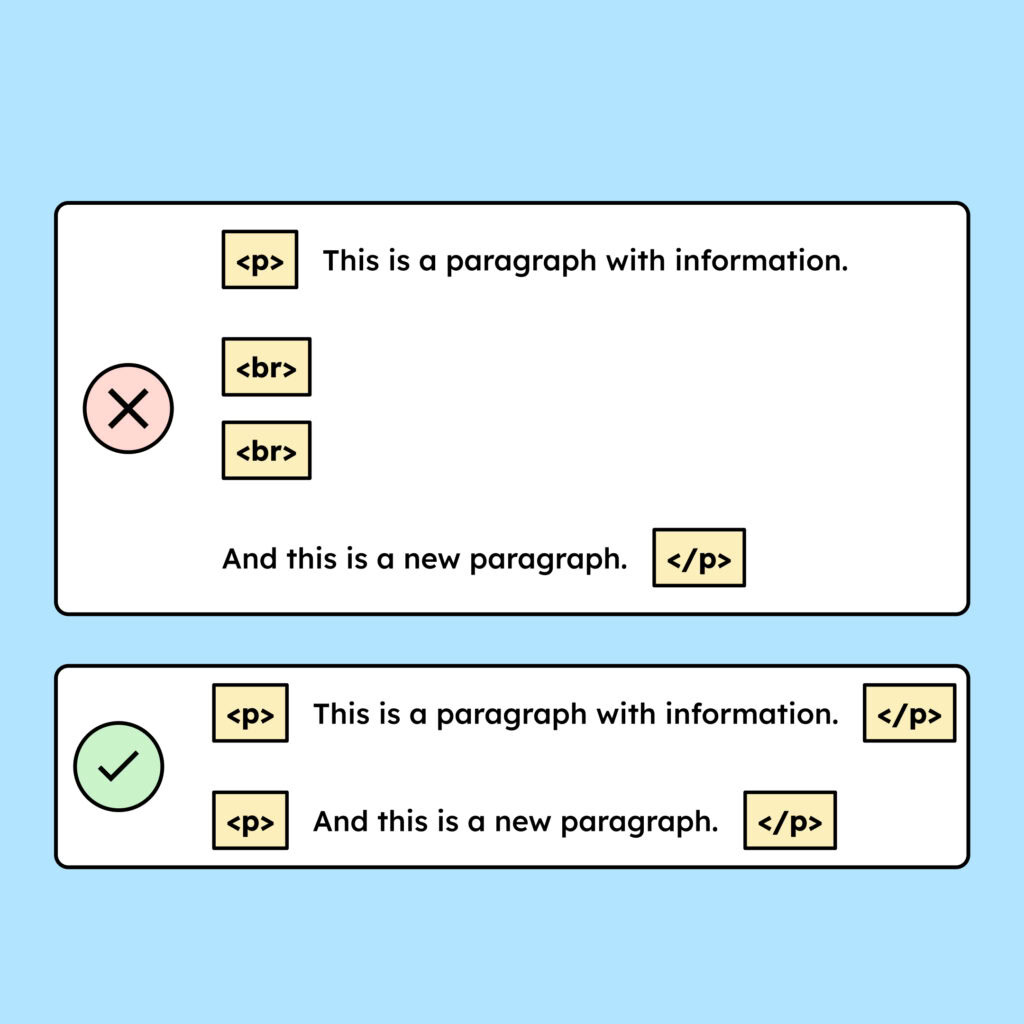
<p>) is often a sign that this content is important. Therefore, this content must also be marked up with the correct HTML tags. For bold text, you should use<strong>; for italic text,<em>.You must also ensure that no artificial blank lines are created. These occur when two soft line breaks are inserted. As a result, the HTML contains two
<br>elements instead of creating a new paragraph (<p>).
How do you make content accessible?
Our workshop for content creators and editorial teams
Learn everything you need to know in our workshop to make the content on your website, social media, and other channels accessible!

Learn accessibility with us?
Looking to implement WCAG best practices in your design, development, or content workflow? Book a workshop for your team or contact us directly to learn more.