
WCAG 4.1.2: Name, Role, Value
Back to all WCAG criteriaOVERVIEW
What's it about?
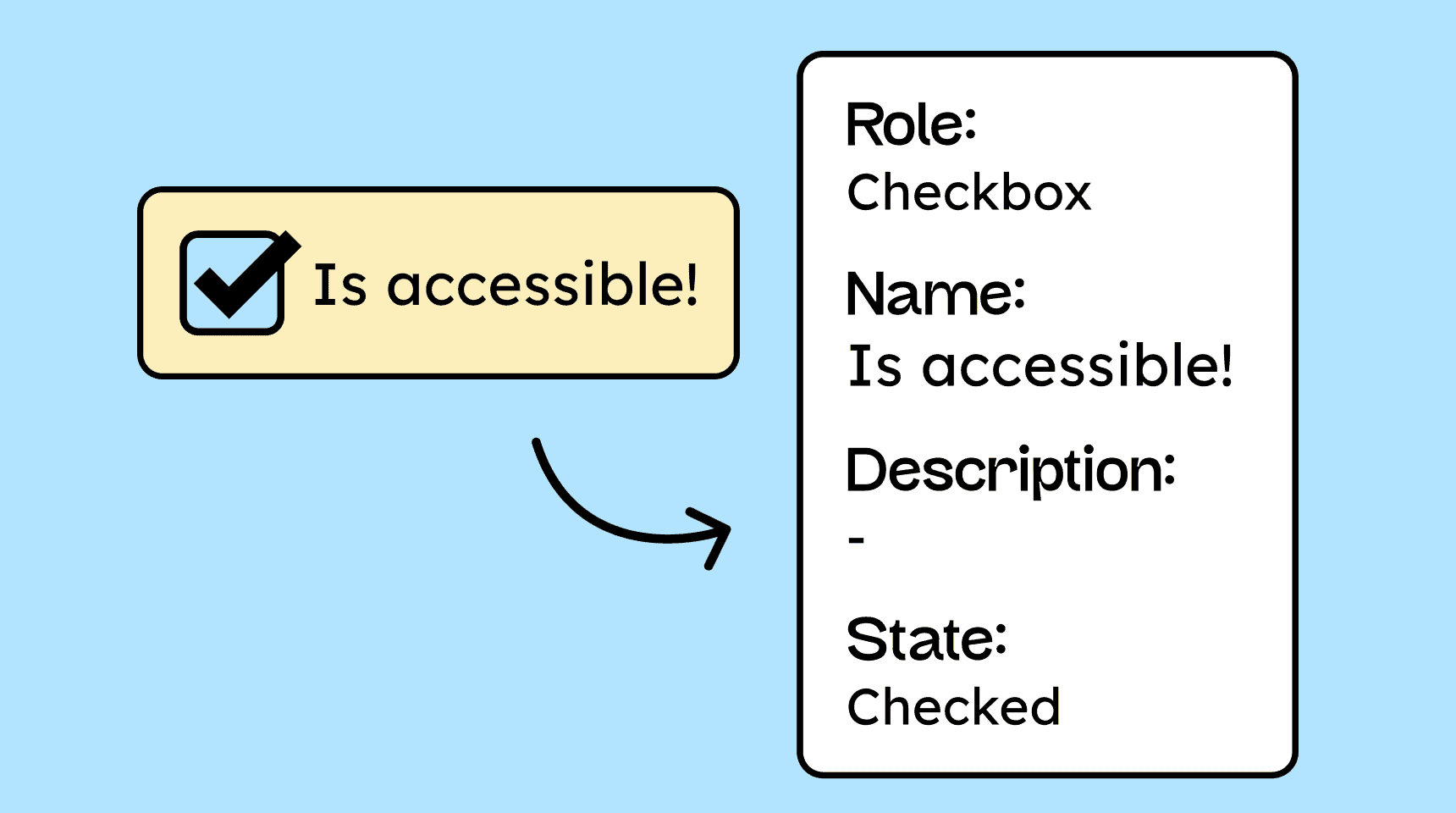
Interactive elements and widgets must be implemented so that assistive technologies can read their name, role, and current state.
If the state of an element changes (for example, a checkbox becomes selected), this change must be immediately detectable.
How to
Depending on your situation, you can implement one of the following options to meet the criterion. For a deeper dive, please refer to the linked WCAG techniques.
Elements have a name, the correct role, and the correct state
Name: All interactive elements must have a programmatically determinable name (accessible name). The name is derived from the visible text (e.g., button label), for example.
Role: The role describes what type of element it is (e.g., button, checkbox, navigation). Native HTML elements have this role automatically. For custom-built elements, the role must be defined using the role attribute.
State: If an element has a current value or state (e.g., open or closed for a menu), this must be programmatically available and updated immediately when the state changes.
Technique(s):
- ARIA14: Using aria-label to provide an accessible name where a visible label cannot be used
- ARIA16: Using aria-labelledby to provide a name for user interface controls
- ARIA5: Using WAI-ARIA state and property attributes to expose the state of a user interface component
- ARIA4 :Using a WAI-ARIA role to expose the role of a user interface component


Notes
Hint: Use native HTML elements
It’s always worth repeating: whenever possible, you should use standard HTML elements, because they automatically provide the correct name, role, and state!

Accessible development?
Our workshop for developers!
Learn everything you need to know in our workshop to build accessible websites!

Learn accessibility with us?
Looking to implement WCAG best practices in your design, development, or content workflow? Book a workshop for your team or contact us directly to learn more.