
WCAG 1.4.12: Text Spacing
Back to all WCAG criteriaOVERVIEW
What's it about?
Text must remain readable, without being cut off or overlapped, even when users apply the following adjustments:
-
line height: at least 1.5 times the font size
-
paragraph spacing: at least 2 times the font size
-
letter spacing: at least 0.12 times the font size
-
word spacing: at least 0.16 times the font size

How to
Depending on your situation, you can implement one of the following options to meet the criterion. For a deeper dive, please refer to the linked WCAG techniques.
Ensure readability and operability
When adjusting text spacing, make sure that the following issues do not occur:
-
Text overlaps
-
Text gets cut off
-
Interactive elements are no longer in view or cannot be used
-
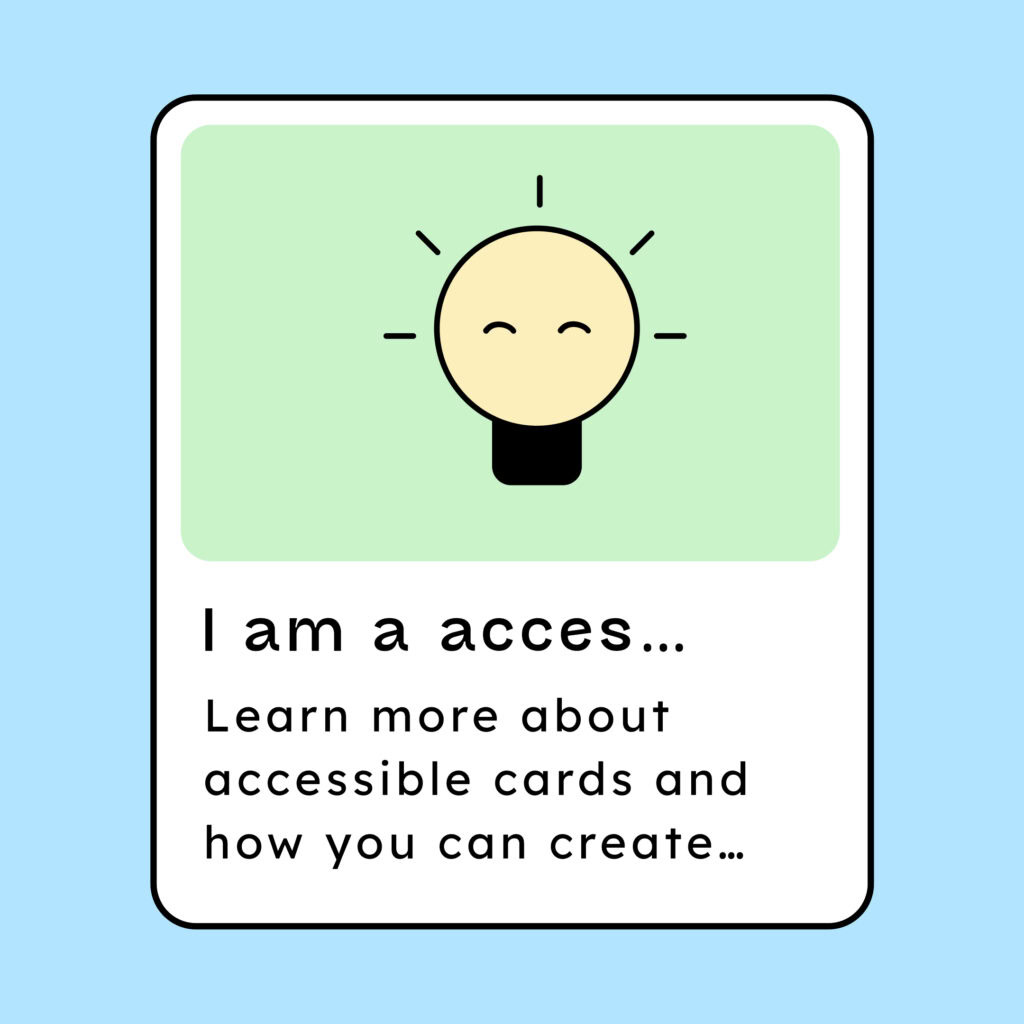
Text is shortened with “…” unless there is a way to reveal the full text again via focus or hover
These problems often occur when containers (for example:
<div>) have a fixed height or width in pixels. In that case, the container does not automatically adjust when text spacing changes.
-

Notes
Exception: Teaser texts are cut off
If adjusting text spacing causes texts in blog or product teasers to be cut off, that’s not a problem as long as the full text can be read once the user opens the linked page.
Accessible development?
Our workshop for developers!
Learn everything you need to know in our workshop to build accessible websites!

Learn accessibility with us?
Looking to implement WCAG best practices in your design, development, or content workflow? Book a workshop for your team or contact us directly to learn more.