
WCAG 3.3.4: Error Prevention (Legal, Financial, Data)
Back to all WCAG criteriaOVERVIEW
Effort:
- Complexity:Difficult
- Duration:Slow
Important for:
Design, Development
What's it about?
For inputs that involve legal obligations, payments, or permanent data changes, the user must be able to review, confirm, or correct their entries before the action is executed. This reduces the risk of serious mistakes or unintended actions.
How to
Depending on your situation, you can implement one of the following options to meet the criterion. For a deeper dive, please refer to the linked WCAG techniques.
Review summary with option to correct
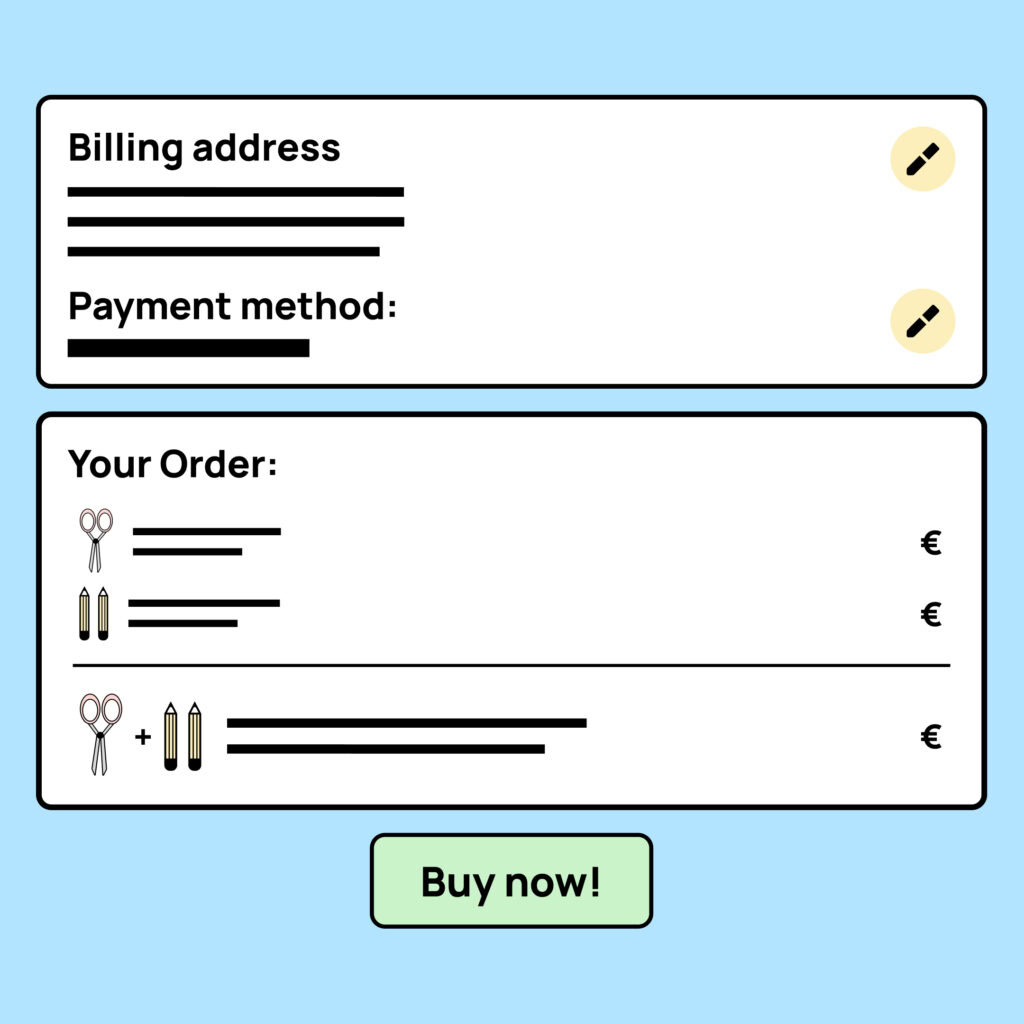
Allow users to review their data before submitting.
This is often done in the form of an overview page where users can check and edit their entries before submitting the form or completing the order.

Execution only after confirmation
Carry out an action or transaction only after the user has confirmed it again. This can be done, for example, through a modal, a dialog, or a new page that explains the consequences of the action and requires the user to click “Confirm.”
A simple confirmation checkbox near the submit button is possible, but often discouraged. Such checkboxes are frequently used for things like accepting terms and conditions, and many users do not truly notice or read them, they often get checked without paying attention to the content.

Undo an action
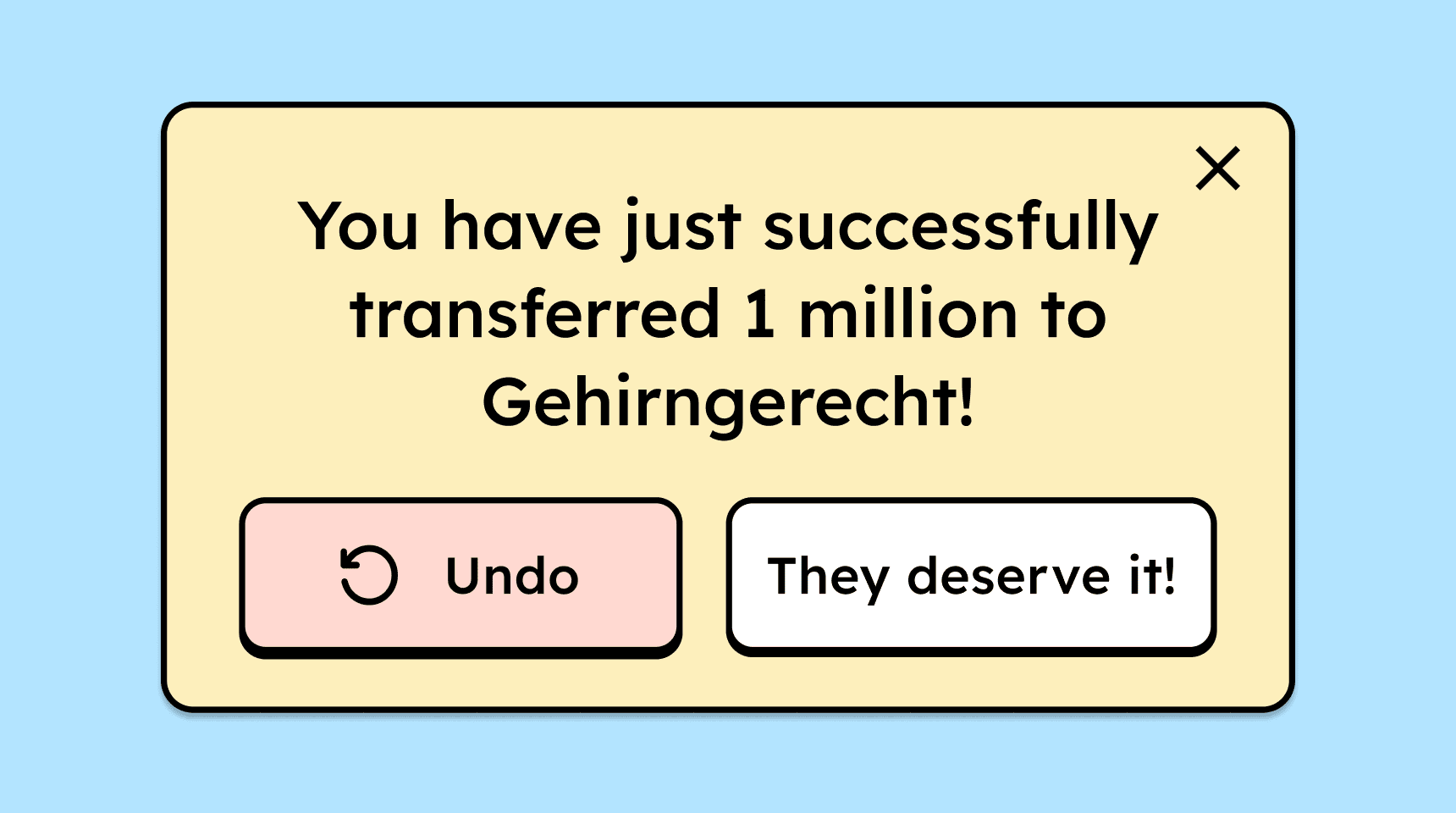
The action (such as deleting data or submitting a bank transfer) can be undone immediately after it has been performed.
This is often seen in email inboxes, where you can undo sending an email right after submitting it.

Create accessible designs?
Our workshop for designers!
Learn everything you need to know as a designer to create accessible design systems for digital products and entire brands.

Learn accessibility with us?
Looking to implement WCAG best practices in your design, development, or content workflow? Book a workshop for your team or contact us directly to learn more.