
WCAG 2.1.4: Character Key Shortcuts
Back to all WCAG criteriaOVERVIEW
Effort:
- Complexity:Difficult
- Duration:Slow
Important for:
Development
To WCAG:
2.1.4 Character Key ShortcutsWhat's it about?
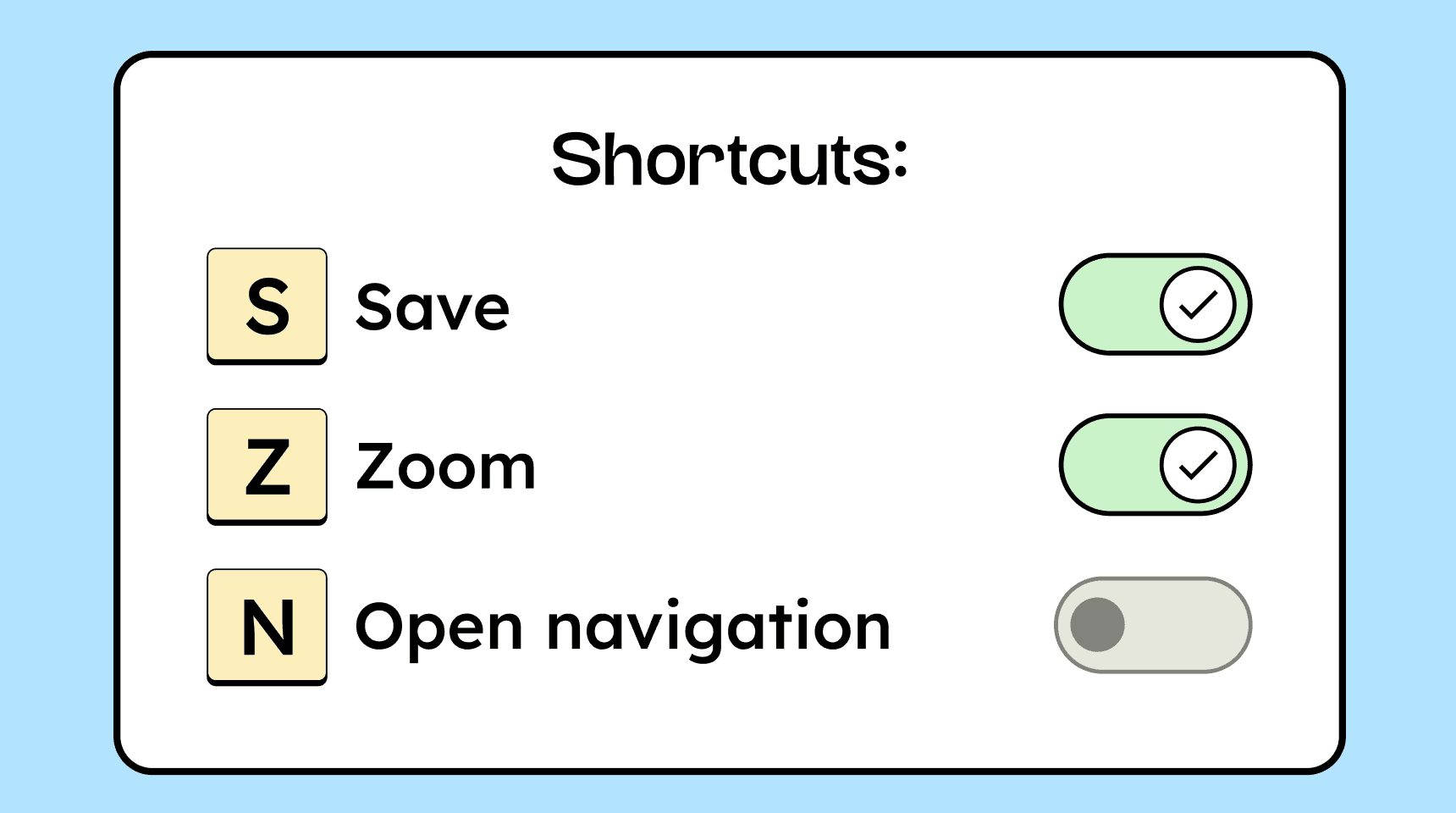
If a website uses custom keyboard shortcuts, they must be adjustable or able to be turned off.
Single-key shortcuts such as letters or numbers are problematic because they can accidentally trigger commands from assistive technologies, such as voice control or screen readers.
How to
Depending on your situation, you can implement one of the following options to meet the criterion. For a deeper dive, please refer to the linked WCAG techniques.
Allow disabling or remapping
Let users disable preset keyboard shortcuts or assign them to different keys. This allows functions to be moved to less disruptive keys.
Example: from Q to ALT + Q.

Notes
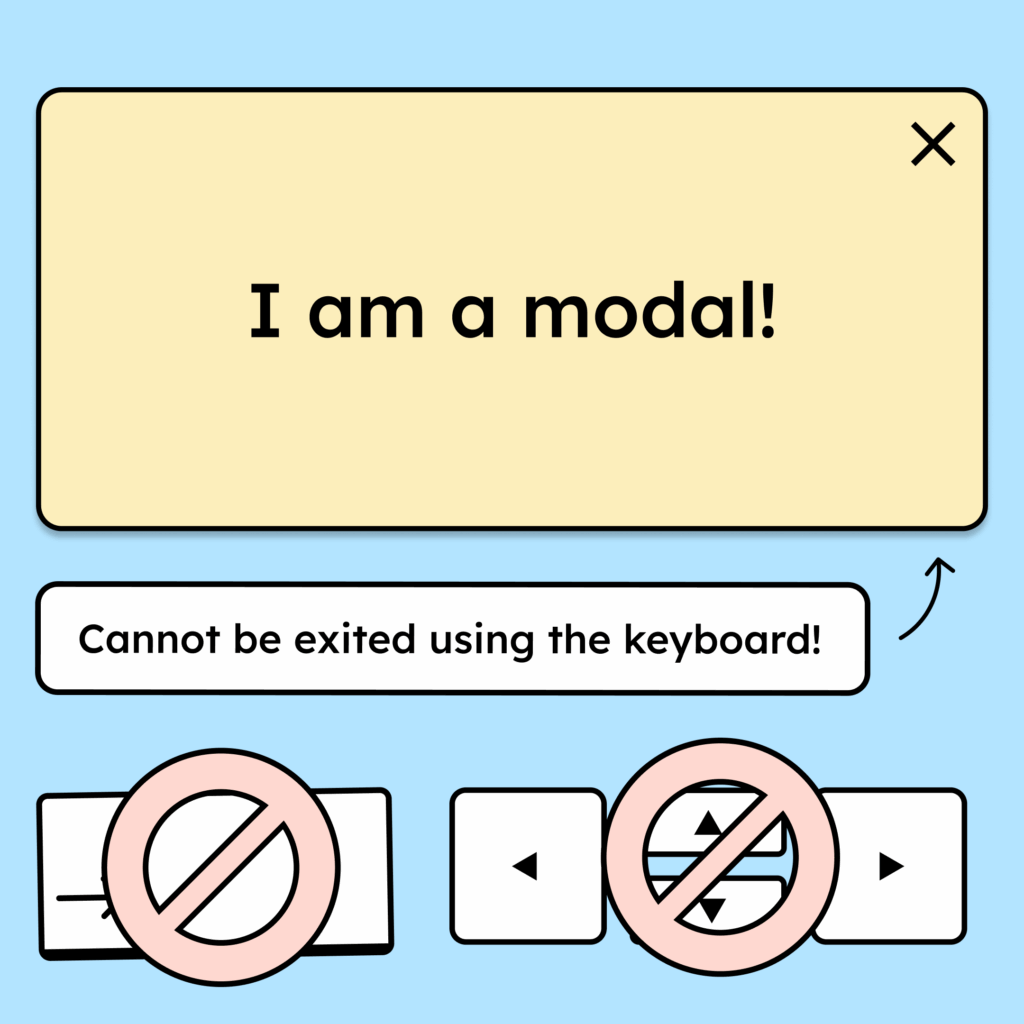
Exception: Keyboard shortcuts in components
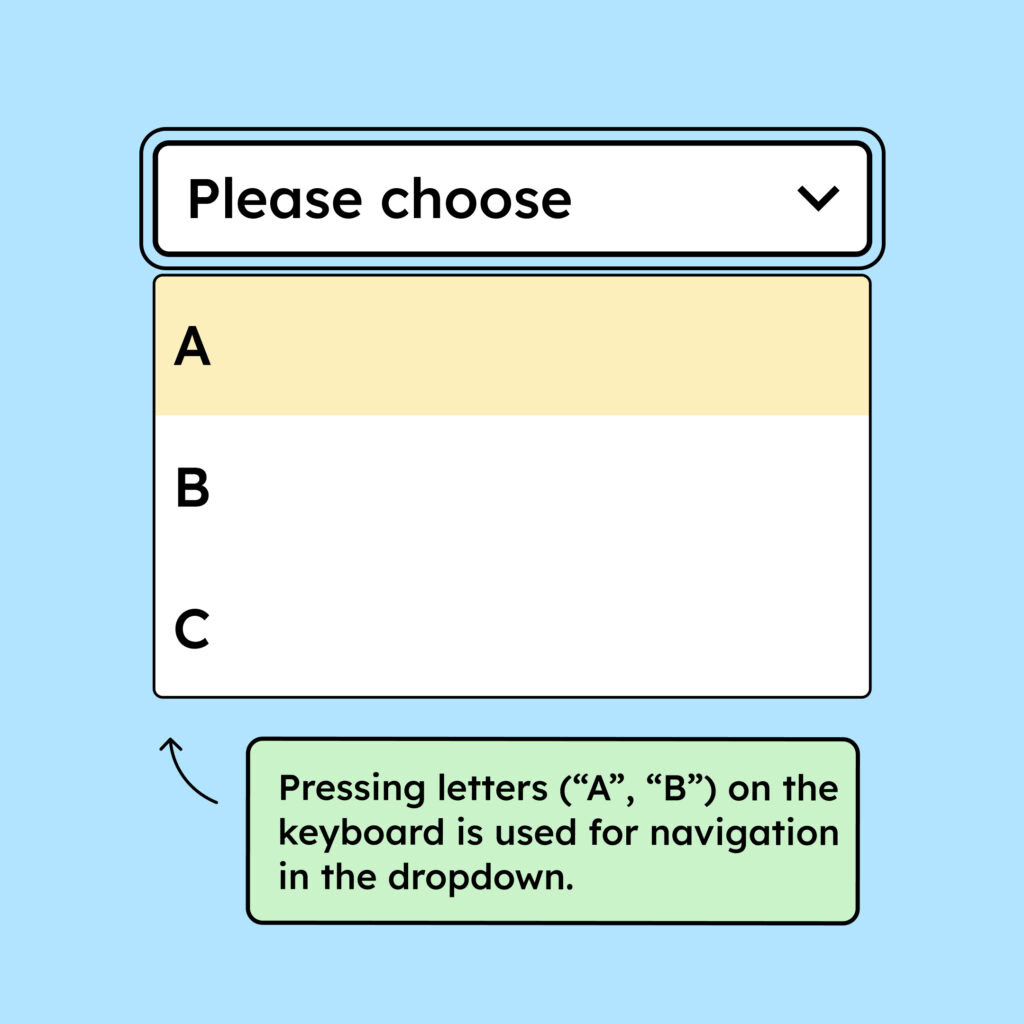
Single-key shortcuts are allowed as long as they are only active when the associated control has keyboard focus.
Example: In a <select>, pressing the key R jumps directly to the first option that starts with that letter.
Accessible development?
Our workshop for developers!
Learn everything you need to know in our workshop to build accessible websites!

Learn accessibility with us?
Looking to implement WCAG best practices in your design, development, or content workflow? Book a workshop for your team or contact us directly to learn more.