Is your club obligated to ensure digital accessibility?
First, we need to clarify whether your club is even obligated to ensure digital accessibility. Perhaps you’ve already noticed: it’s not so easy to answer this question. Clubs are a bit of a special case when it comes to this.
To better understand this, let’s take a look at the differences between the “Accessibility Strengthening Act (BFSG)” and the “Disability Equality Act (BGG)”.
Does your club fall under the BFSG?
The BFSG came into force in June 2025 and obliges the private sector to make its digital products and services accessible.
Is your club privately owned?
- If the association receives less than 50% of its funds from public money, it is considered a private company. It falls under the BFSG (Federal Law on the Protection of the Public Sector).
- If the association receives 50% or more of its funding from public sources, it falls under the BGG (German Disability Equality Act).
But even if you’re a private company, that doesn’t automatically mean you have to make everything digitally accessible according to the BFSG (Federal Law on Barrier-Free Information Technology). There are two exceptions:
- Number of employees and revenue: Your club is only subject to the BFSG (Federal Sports Tax Act) if it has more than 10 full-time employees or generates more than €2 million in annual revenue. One of these two thresholds must be exceeded for the obligation to apply.
- Distribution channels on the website: This concerns whether your association enters into contracts with consumers through its website. If products or services are sold through the website, it falls under the German Federal Data Protection Act (BDSG). If the website is purely informational and does not allow for the conclusion of contracts, it is not affected. The payment of membership fees does not constitute a consumer contract. However, a newsletter subscription could fall under this law because it involves the exchange of data for information.
If you are affected by one or both of the exceptions, then as a private association, you do not have to worry about making your website accessible – at least according to the law.
Does your club fall under the BGG
Once your organization falls under the German Disability Equality Act (BGG), you must make your website accessible, regardless of your organization’s size or revenue. Even a purely informational website must be accessible under the BGG.
The BGG (German Disability Equality Act) goes even further. In fact, every piece of software you use internally should be accessible. But that’s a different topic and has nothing to do with your website.
What guidelines must be followed to make a club website accessible?
Once you know whether your club falls under one of the two laws, the question naturally arises as to what you now need to do to make your club website accessible.
Initially, it doesn’t matter whether you need to make your website accessible under the BFSG or the BITV. Both ultimately refer to the same guidelines, namely “EN 301 549”.
EN 301 549 is the European standard for accessible information and communication technology (ICT). It specifies the requirements that digital products and services must meet to be usable by people with disabilities.
It contains all the requirements for becoming digitally accessible. When it comes to websites, EN 301 549 refers entirely to the WCAG criteria.

What is WCAG?
WCAG stands for the Web Content Accessibility Guidelines—a globally recognized standard for creating accessible websites. WCAG version 2.2 comprises just over 50 criteria that you now need to follow to make your club’s website accessible.
Examples of WCAG requirements:
- Every important image needs a text alternative so that blind users can understand the content.
- Texts must have sufficient contrast with the background so that they can also be read by people with visual impairments.
- Videos must have subtitles so that people with hearing impairments can understand them.
- All elements must be operable via keyboard.
- and so forth
A quick overview and simple description of all requirements can be found on our WCAG criteria page.

Additional criteria of the BITV
For clubs that fall under the BITV (German Ordinance on Barrier-Free Access), there are three additional requirements:
- Summary of content in plain language: A subpage must summarize the most important content of the website in plain language. More information can be found in our article on plain, easy-to-read language (German).
- Summary of content in sign language: A subpage must provide the most important content of the website in sign language.
- Accessibility statement: The website must have a subpage with an accessibility statement. More information is available in our article on accessibility statements.
How do I make my club website compliant with the criteria?
That depends a bit on whether your club already has a website.
We don’t have a club website yet.
This is quite simple. Get a competent agency to help you build an accessible website. (We know one!) Below, you’ll find information on how associations can obtain funding for this.
We already have a club website.
If you already have a website, things get a bit more complex. First, it needs to be determined whether the existing site can be made accessible at all. With common systems like WordPress and certain page builder (German), there may be technical limitations.
The first step is to analyze the website to identify major barriers. We did this, for example, with the Stadtpalais in Stuttgart: a quick check examined approximately 20 critical WCAG criteria, including technical hurdles. Afterwards, we discussed the audit report with the agency and developed strategies for effectively redesigning the site.

You can find out more about the Quick Check (German) here or even carry it out yourself with our Accessibility Center (German) for only €49.
What if I do not influence the website?
Another common problem for clubs is limited control over their websites. Most of the time, the site was created by an agency, and either the budget for changes is lacking, or there are other reasons a complete redesign isn’t possible.
In such cases, the technical possibilities are initially limited. However, that’s no reason to give up! There are also several things you can consider at the design and editorial levels to improve digital accessibility. (More on that in a moment!)
Isn’t it enough to install an overlay tool?
An overlay tool is a widget that you embed on a website. This allows visitors to activate settings like larger font sizes or adjusted contrast. Sounds practical, right? Simply install an accessibility overlay – and presto, the page is accessible.
In reality, however, things often look different. If the site is already very accessible, such a tool might still help to create a compliant version. But with structural problems, such as poor HTML, overlays reach their limits.
Overlays can’t fix the code; they’re more like cosmetic band-aids. Another dilemma is that many overlay tools themselves aren’t 100% accessible. So it can happen that the very people who are supposed to use them don’t have access at all.

You can find more information about overlay tools (and their disadvantages) in Daniela Kubsch’s academic paper. A very informative video on the topic is available on YouTube: Accessibility Overlays: A Scientific Perspective — technica11y with Daniela Kubesch (German).
Here’s how your club can make its external communication accessible!
Most of the people we come into contact with in clubs are responsible for creating content or maintaining the public image. Therefore, here are a few ideas to get you started right away.
Making the website’s content accessible
The most important thing is to make your website’s content accessible. And here are 5 points on how you can get started right away:
Tip 1: Write alt text for images
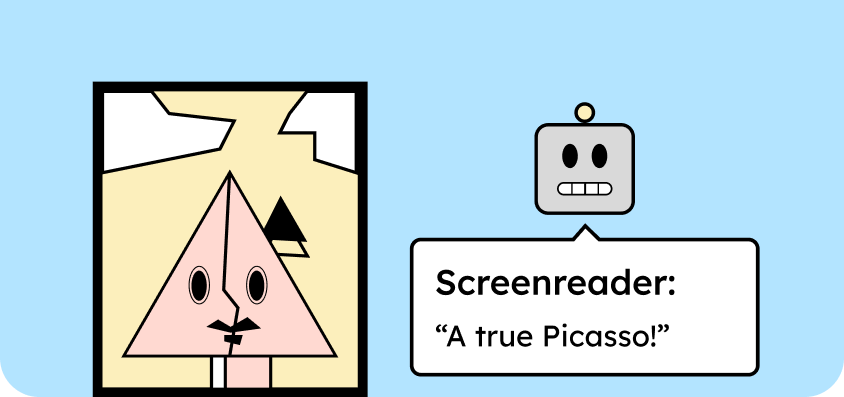
A picture is worth a thousand words. Unless, of course, you can’t see the picture at all. Then it says: nothing. That’s precisely why text alternatives are so important. They translate images into language, making content accessible to everyone. Without them, a crucial part of the content remains hidden.
Every image that conveys a message or information needs alt text. In most content management systems, you can add this directly when uploading or editing the image. In WordPress, you’ll find the alt text field directly in the media library for each image.

A meaningful alt text should include:
- Be short (approx. 80 characters) and context-related.
- Describe the core message of the image.
- Do not include phrases like ” In this picture… “.
- Should not be used for excessive SEO keywords.
- Contains no formatting or links.
You can learn more about how to write meaningful alt text for different images in our blog post: Writing alt text.
Tip 2: Create subtitles for videos
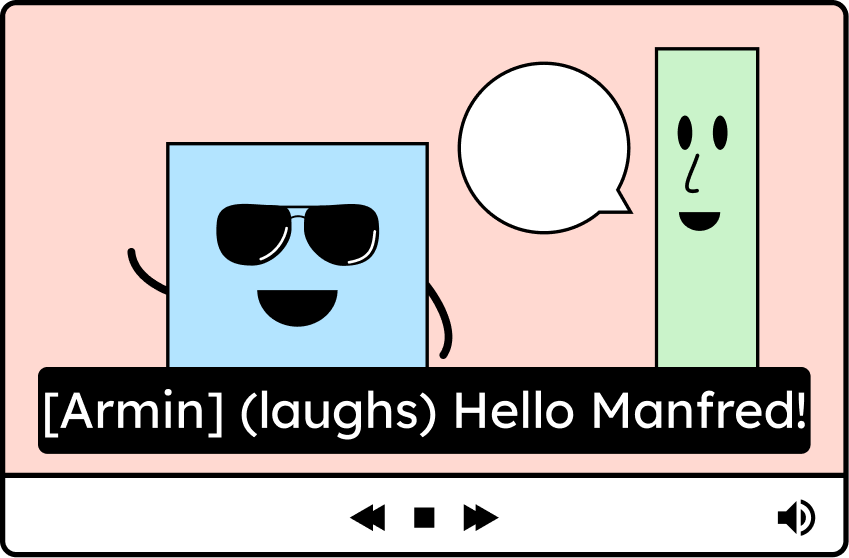
Without subtitles, the content of videos remains a mystery to people with hearing impairments.
Therefore, every video that contains talking or important sounds needs subtitles.
You can upload subtitles either as a separate file (closed subtitles) or burn them directly into the video (open subtitles). Closed subtitles are recommended because users can turn them on as needed and adjust their size or color.
You can find more information in our explanation of the WCAG criterion: WCAG 1.2.2: Subtitles.
Tip 3: Avoid animations
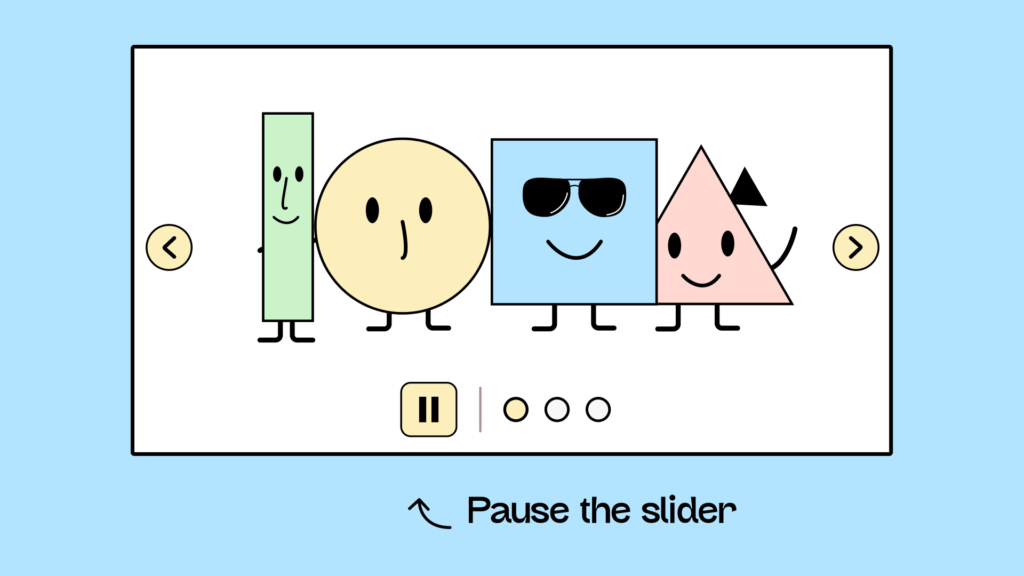
Flashing or automatically moving content can be problematic for many users. People with cognitive impairments have difficulty reading content that changes or disappears while they are reading. Furthermore, such animations can trigger migraines, dizziness, or other symptoms.
Therefore, movement on the website should be avoided whenever possible. If there are elements such as carousels or background videos that move automatically, they must be pauseable at any time. Continuous animations are usually more of a hindrance than a help to user navigation.
You can find more information in our explanation of the WCAG 2.2.2: Pause, Stop, Fade Out.
Tip 4: Structure your blog posts correctly

When creating blog posts, there are a few points you should consider to improve digital accessibility:
- A clear, hierarchical heading structure
- Meaningful paragraphs for better readability
- Correctly formatting lists (ordered or unordered)
- Correctly marking up tables with headers
- And so forth
The following article shows, step-by-step, how to implement these points in WordPress using an example: “Creating accessible blog posts with WordPress.“
Tip 5: Write meaningful link text
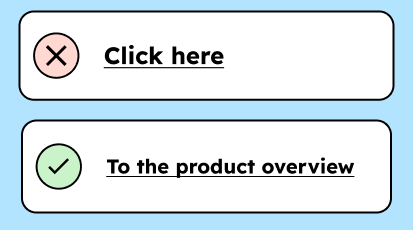
Links like “Learn more” are often incomprehensible to people using screen readers or with cognitive impairments.
Therefore, links should be as descriptive as possible. That means they clearly indicate where they lead or what their purpose is. Instead of “Learn more,” a link could say, for example, “Learn more about the workshop on digital accessibility.”
According to WCAG, this isn’t strictly necessary. It’s sufficient if the link is understandable within its context. However, for better accessibility, it’s recommended to use descriptive links whenever possible. You can find more information on the topic of “Context of Links” in the corresponding WCAG criterion: WCAG 2.4.4: Link Text in Context.
Making PDFs accessible

Another major problem for clubs is making their PDFs accessible. According to the German Federal Disability Equality Act (BFSG) and the German Accessibility Ordinance (BITV), PDFs must also be accessible if there is no alternative (accessible) version of the content.
Therefore, if you do not have an HTML version of the information, a downloadable PDF must be prepared in an accessible format.
Making PDFs accessible is a whole topic in itself. But here are our first 5 quick tips on the subject:
- Never make existing PDFs accessible: The most complex and expensive solution is to make existing PDFs accessible. If you only have the PDF and not the open Word or InDesign document, we strongly recommend leaving the PDF untouched. Tagging a PDF retroactively with Acrobat Pro is very time-consuming and frustrating.
- Provide an alternative version: As mentioned above, you can provide the content as HTML on the website. This would be one of the simplest ways to ensure an accessible alternative. However, you could also offer a less-formatted PDF optimized for screen readers. The only important thing is that the PDF must contain the same content.
- Use tools like Axes4 or MadeToTag: It’s not possible to create completely accessible PDFs in either Word or InDesign. To export truly accessible PDFs, you need the paid software “Axes4” for Word or “MadeToTag” for InDesign. Use the code: ” Brain-friendly&axesWord10% ” to get 10% off Axes4.
- Create accessible PDFs, but never on a Mac: Creating accessible PDFs is currently only possible on Windows. Not very accessible!
- Test your PDFs with the PAC tool: To test your PDF after exporting, you can use the PAC tool. This makes it very easy to see how accessible your PDF is: Visit the PAC website (German).
You can learn more about how to work with accessible PDFs in thisarticleon accessible PDFs . Or in our online course for editors (German).
Making social media accessible
Ultimately, it’s about ensuring that you are accessible not only on your website, but in all your external communications.
There are some pitfalls, especially with social media. For example, if you use external tools to make text bold or italic on LinkedIn, it becomes inaccessible to screen reader users.
Here are the 9 most important points to consider when creating social media content:
| Handling images | Dealing with texts | Handling videos |
|---|---|---|
| Information in images is conveyed not only through color, but also highlighted through patterns or similar means. | Emojis are used sparingly and not placed 5 in a row. | Videos have audio descriptions if needed. |
| The contrast between text and images should be at least 4.5:1. | Hashtags are set in camelCase: Example #OneInternetForAll | There are no flashing animations. |
| Images have a text alternative. | Text is not formatted (bold or italicized). | Videos have subtitles |

We’ve also put together a mini-course on creating accessible social media content. Anyone responsible for social media in your organization can register here with their email address and receive free access to the course.
How can my club get funding for digital accessibility?
If your organization receives public funding, you should contact the responsible agency and inquire about it. According to the German Disability Equality Act (BGG), your organization is obligated to be accessible, and the agency should provide funding for this. Therefore, it is definitely worthwhile to submit a corresponding application.
If your organization doesn’t receive public funding, there are still funding opportunities available. Aktion Mensch offers grants to organizations seeking to improve their digital accessibility. This funding can be used for website redesign and training. [Link to Aktion Mensch funding (German)]
How to properly address digital accessibility for associations
Hopefully, you now have a good idea of what this means…
- Whether you even need to become barrier-free,
- If so, what rules do you need to follow?
- What you need to do to become accessible, and maybe even where you can get some money for it!
And of course, we hope you can now make your website more accessible to some extent without outside help!