

The WCAG (Web Content Accessibility Guidelines) are the guidelines for digital accessibility. If you want to make your website or app accessible to everyone, you must adhere to these standards, among others. (For the legal details: All about the European standard EN 301 549)
Unfortunately, the WCAG guidelines are a closed book to newcomers. There are several reasons for this. One thing that makes them so difficult to read is that the guidelines are written in a technology-agnostic way. They are written in such a way that they apply to a whole range of different content, regardless of how it is technically delivered. In other words, they apply to PDFs, Office documents, ePubs, and any other formats, not just websites.
Over time, this helps – but you have to understand it first.
However, if you are looking for clear instructions or answers to specific questions without prior warning, the WCAG can quickly become overwhelming.
The WCAG success criteria are universally applicable and not an exhaustive list of use cases. They are not a list.
all conceivable (endless) questions that can arise for people in the fields of design, development, or content creation.
So how do you use WCAG correctly to find answers to your questions, and what do you do if you still get frustrated?
A clear overview of the WCAG
For those who want a basic understanding or a clear overview of the individual criteria, we’ve compiled something for you. See the WCAG criteria overview.
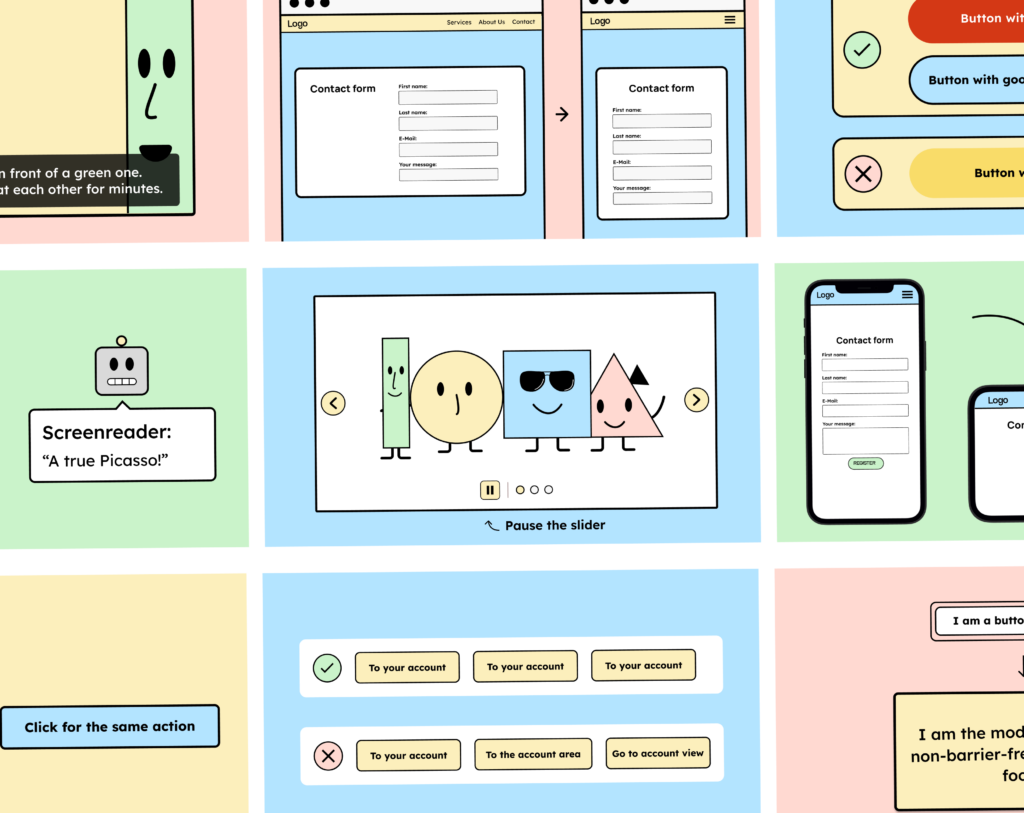
4 tips for understanding WCAG
When we first started delving deeper into WCAG, the following four points in particular helped us better understand the criteria.
1. The WCAG describes success criteria and techniques.
The WCAG defines various success criteria that must be met to make a website accessible.
One of these criteria is called “Criterion 2.4.1: Bypassing blocks”. This criterion states: There is a mechanism to bypass content blocks that are repeated on different web pages.
As you may have noticed while reading, the success criterion is formulated very broadly. This is simply because it is intended to cover a wide range of cases.
Each criterion has a subpage that explains it in more detail:
- Why does this criterion exist?
- What advantages does it have for people with disabilities
- And there are examples of this.
You can think of the success criterion more as a general requirement. It comprehensively defines what needs to be done to remove such barriers. However, the criterion is not a step-by-step guide to achieving this on your website.
Those seeking answers for a specific case may, with a bit of luck, find them in the techniques of the success criterion.
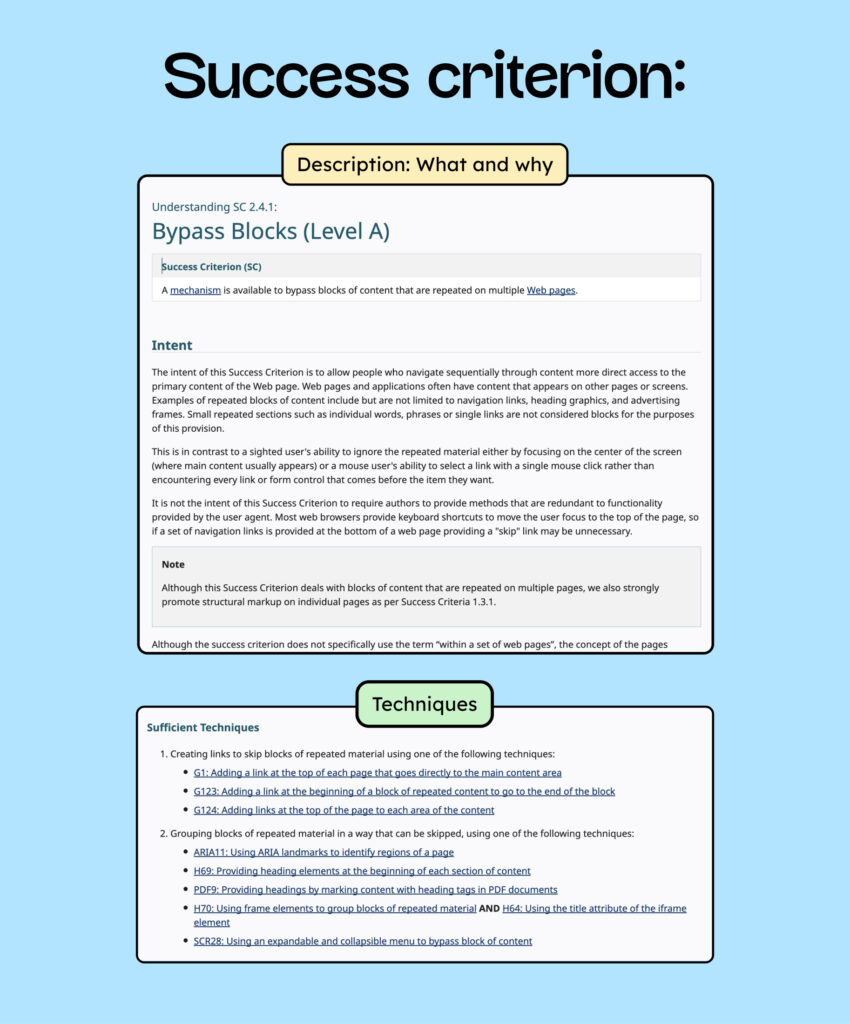
Each criterion includes in its description a list of techniques that can be used to meet the criterion.
One technique to meet the criterion is:
G1: Adding a link at the beginning of each page that leads directly to the main content area.
This technique is a concrete option you can implement on your website to meet the criterion. Details about technique G1 can be found here.
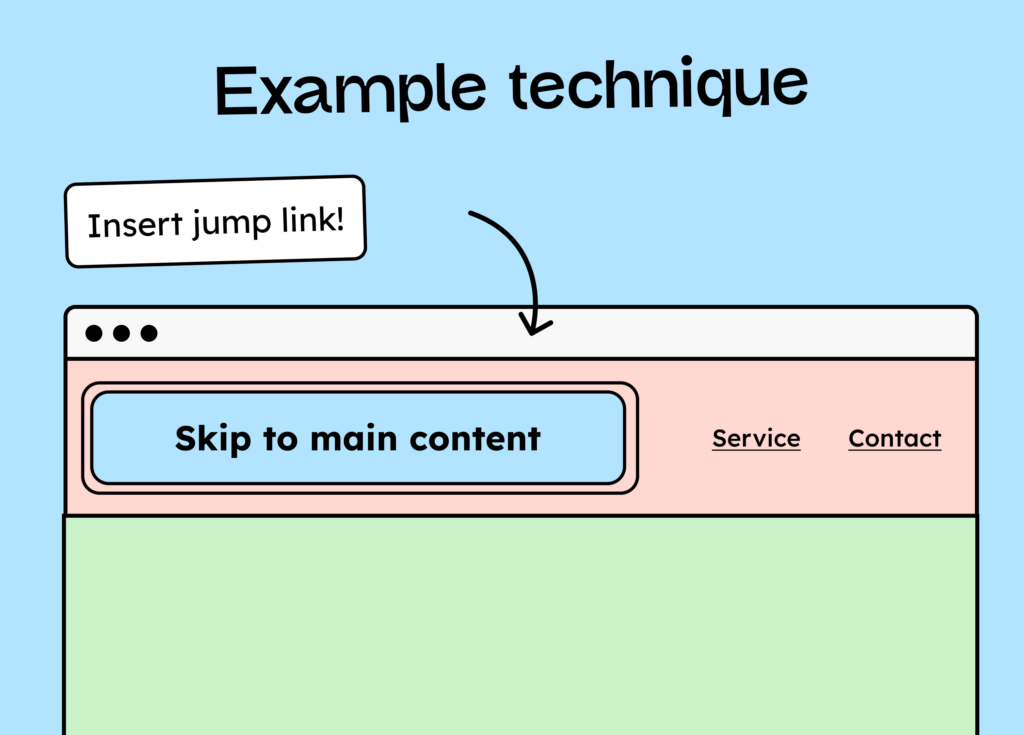
Many criteria have several techniques you can use to meet them. However, that doesn’t mean these are the only ways. If you truly understand the criterion thoroughly, you might discover new techniques to fulfill it.
2. If it’s not in the WCAG, it’s not in there.
Now that we know what a criterion is, it’s helpful to understand that every word in the WCAG was chosen deliberately. A considerable number of people spent considerable time working together to formulate the WCAG – sometimes discussing individual phrases for up to four hours. Therefore, if something is included in the WCAG, it’s there intentionally, and if it’s not, it was deliberately omitted.
Let’s stick with the example of criterion 2.4.1 Bypassing blocks: There is a mechanism to bypass content blocks that are repeated on different websites.
Let’s break down the sentence:
a) There is a mechanism to bypass content blocks…
The success criterion states that there must be “one mechanism.” This also means that there must be at least one mechanism – two or more are not necessary (but also not prohibited)!
As described above, several techniques are listed under a success criterion. However, this doesn’t mean you have to use all of them. Often, using just one technique is sufficient, especially if the wording explicitly states so.
This also applies to the often misunderstood criterion “1.1.1 Non-text content”. This criterion states: All non-text content presented to the user has a text alternative that serves an equivalent purpose, except for the situations listed below.
It states here that there must be a text alternative. However, a text alternative is not the same as “alternative text.” Therefore, an image does not need to have text in its alt attribute. Only a text-based alternative to the image is needed.
But back to our first criterion and the second part of the sentence:
b) …, which are repeated on different pages.
This part of the sentence states that the criterion applies only if the content blocks are repeated on a website. This brings us to the next point.
3. Not every WCAG criterion has to apply to you.
If you have a one-page website, then criterion 2.4.1 is not applicable in most cases. This is because there are no repeating elements (such as the navigation, more specifically the header) since you only have one page on your website.
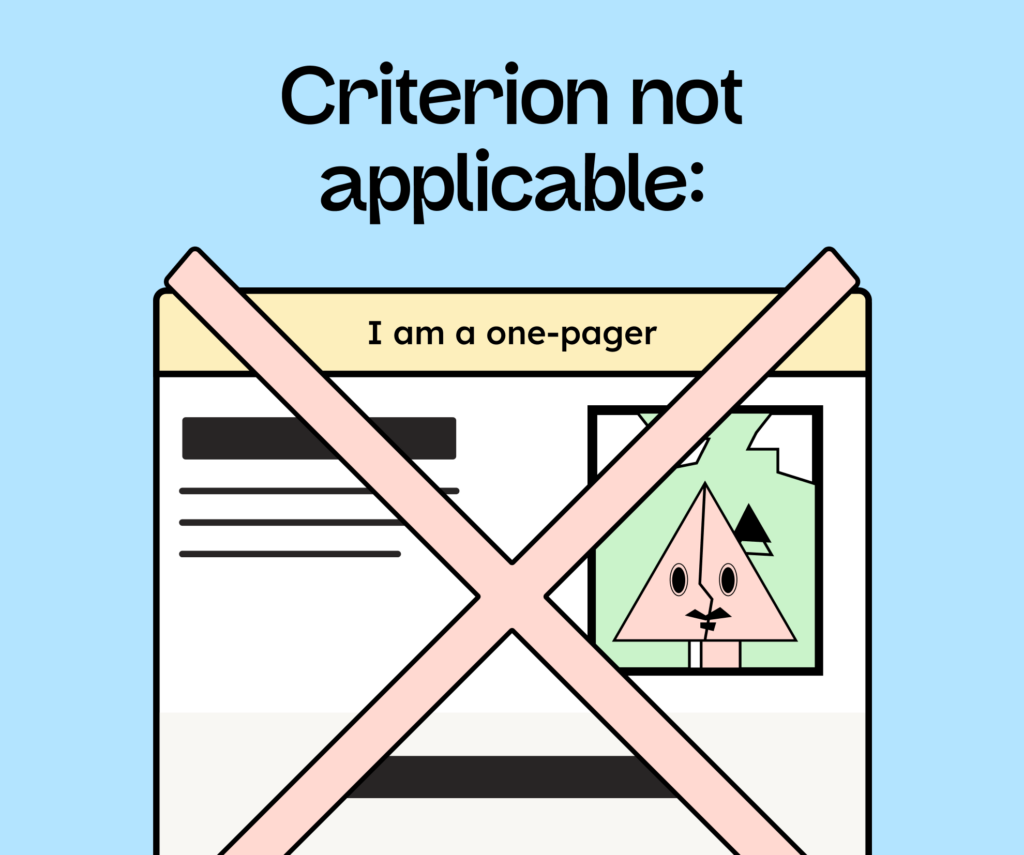
It is therefore possible (and quite common) that criteria cannot be applied to your site at all. You generally don’t need to meet all WCAG criteria, as not all of them will apply to you.
4. There is a difference between WCAG and usability.
Website usability and WCAG compliance are two different things that shouldn’t be equated (even though I often wish they were!). Therefore, one has to be content with a website that only has headings for navigation – even though I’d prefer a jump link!
I did try to understand WCAG, but…
…You’re still confused? Phew, yeah, we understand. Even we, and much more experienced testers, still have detailed questions about WCAG from time to time. These detailed questions often arise when you’re trying to meet only the minimum WCAG standards. Those who don’t try to “trick” a criterion or “only do the bare minimum” have fewer worries about the details.
Despite this, here are four tips on what to do if the WCAG still leaves you with questions.
1 – Review the W3C implementation patterns.
On the W3C website, you’ll find patterns that help you design and, especially, implement accessible components. These patterns describe in detail how to structure individual components (for example, accordions) to meet accessibility requirements. [Link to W3C Patterns page]
2 – Read expert blogs
Next, I highly recommend reading blog articles by experts. They have already addressed most problems and often have quite good answers. These days, you can find solutions to almost any question.
A short list of helpful blogs:
- Sara Soueidan’s blog about accessible development
- Blog by Manuel Matuzović about accessible development
- Inclusive Components by Heydon Pickering
- Articles by WebAim
3 – Ask experienced examiners
If all else fails, you can also ask experienced examiners (and us, of course). Most are extremely helpful, but also extremely booked up! So, try to find the answer in publicly available material first before contacting them with your questions.
Conclusion
I hope these tips will help you better understand WCAG in the future and be less in the dark about what it all actually means.
