
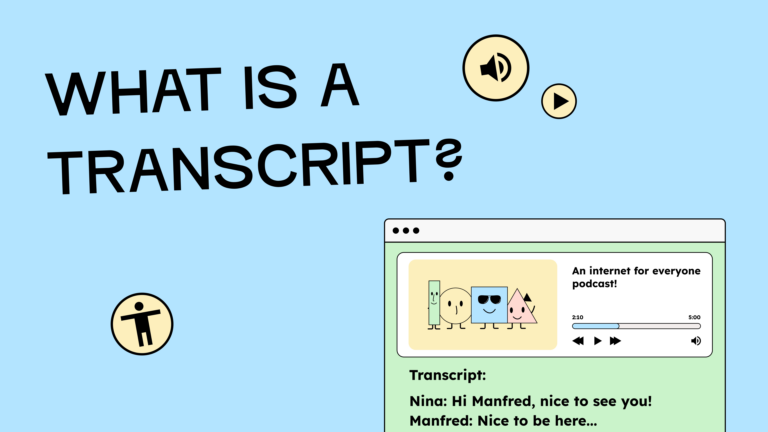
Transcripts make everything audible accessible in text form, thus enabling people with hearing impairments to understand the content. At the same time, all users who want to search for content more quickly, read it at their leisure, or translate it benefit.
What is a transcript, and when is it mandatory?
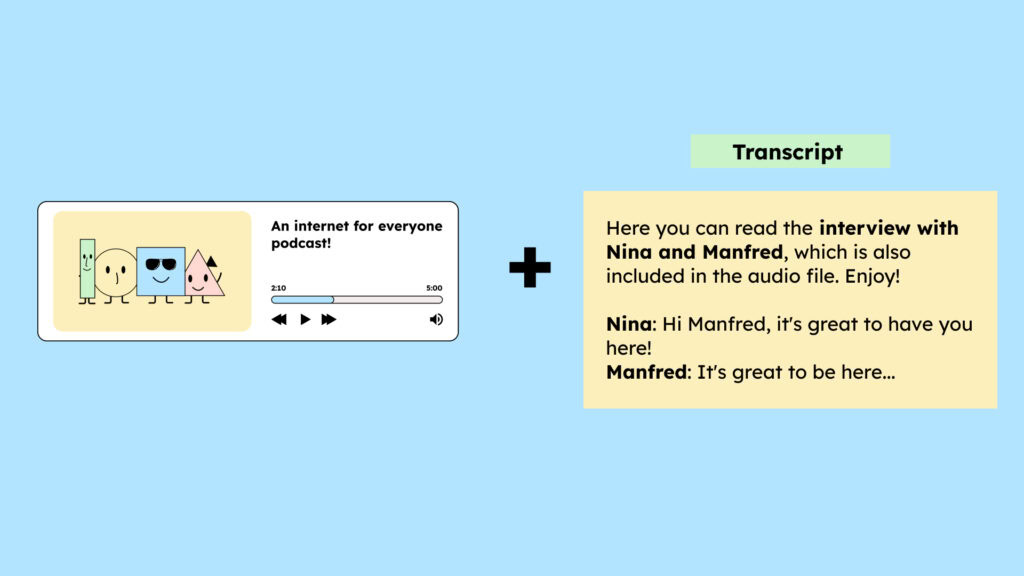
A transcript describes everything you hear in text form. It typically includes dialogue, commentary, background noise, and relevant music passages. Unlike video descriptions, a transcript contains no visual information from the video.
The WCAG requires that audio-based content be made accessible to people with hearing impairments. Therefore, transcripts are legally required for purely audio content, such as podcasts (WCAG creiterion 1.2.1: Audio files and silent videos)
Captions can be offered as an additional option for videos. However, captions are legally WCAG-compliant because they display the spoken content simultaneously with the video. Transcripts alone do not replace captions and therefore do not fulfill the legal requirement for accessible videos. You can find more information about videos in our blog article, “Accessible videos – what you need to consider when creating and uploading them“
Advantages of transcripts
Transcripts offer far more than just accessibility. They enable people with hearing impairments to have content read aloud via screen readers or Braille keyboards. In addition, they improve usability for everyone: users can read content at their own pace, search for specific sections, or copy text passages. This is particularly useful for podcasts, long meetings, or tutorials.
Transcripts are also useful for SEO and the reach of your content. Search engines process text more easily than audio, so transcribed content is easier to find.
Contents of a good transcript
A complete transcript should include:
- Verbatim dialogues and speaker texts
- Identification of the speaking persons
- Nonverbal communication (e.g., laughter)
- Instructions for pronunciation (e.g., whispering)
- Voices from offstage, clearly marked
- Background noise (if it is relevant)
- Text passages from musical pieces (if they are relevant)
- Information about graphics or displayed text
It should not include: spoilers or information that is not in the original recording.
Everything you need to know about creating accessible content!
- What types of content actually need to be accessible: social media, websites, newsletters?
- What requirements apply to content, and how do you implement them—without missing anything?
- How do you integrate accessibility into your daily workflow without it becoming a major extra burden?
Through theory and practice, we’ll show you what we’ve taught participants—from Aktion Mensch to Deutsche Bahn—over the past three years!

How do you create a transcript?
Today, transcripts can be quickly created using automated, AI-based tools. These tools convert audio or video content into text, providing an initial draft. Manual post-processing is then crucial: names, technical terms, nonverbal cues, and special formatting should be checked and corrected to ensure the transcript is accurate and understandable.
Provide transcripts in an accessible format
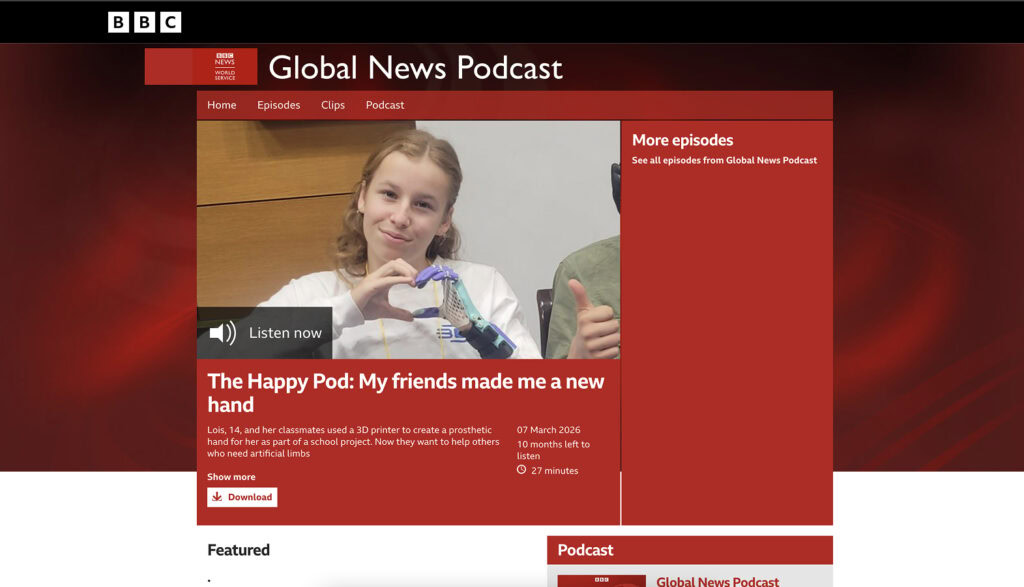
To ensure that the transcript is accessible to all users, it should be integrated in a meaningful way, for example, directly below the media, on a separate subpage, or in a pop-up/modal.
Interactive versions are particularly useful: they highlight the text just spoken, include timestamps for jumping directly to specific sections, and can be provided in multiple languages.

In contrast, downloadable PDFs are often problematic, as they are frequently not accessible and can make them difficult to use, especially for people with multiple disabilities.
Checklist: Creating transcripts
- Select audio/video: Which content needs a transcript?
- Create a transcript: use AI tools or manual transcription to convert audio to text.
- Proofread: Check the text for clarity, correct typos – don’t rely solely on AI!
- Audio only: Only include the audio track in the transcript; visual elements do not belong in it.
- Provide accessible access: Place the transcript directly on the website or on an easily accessible subpage; PDF downloads are problematic for some users!
- Comply with WCAG and legal requirements: Ensure that the transcript meets the requirements for Audible Content according to WCAG (text readable, searchable, in logical order).
- Easy to find: Place the transcript link clearly visible next to the video.
- Update: If the audio or video content changes, update the transcript as well.
