
WCAG 2.4.5: Multiple Ways
Back to all WCAG criteriaOVERVIEW
What's it about?
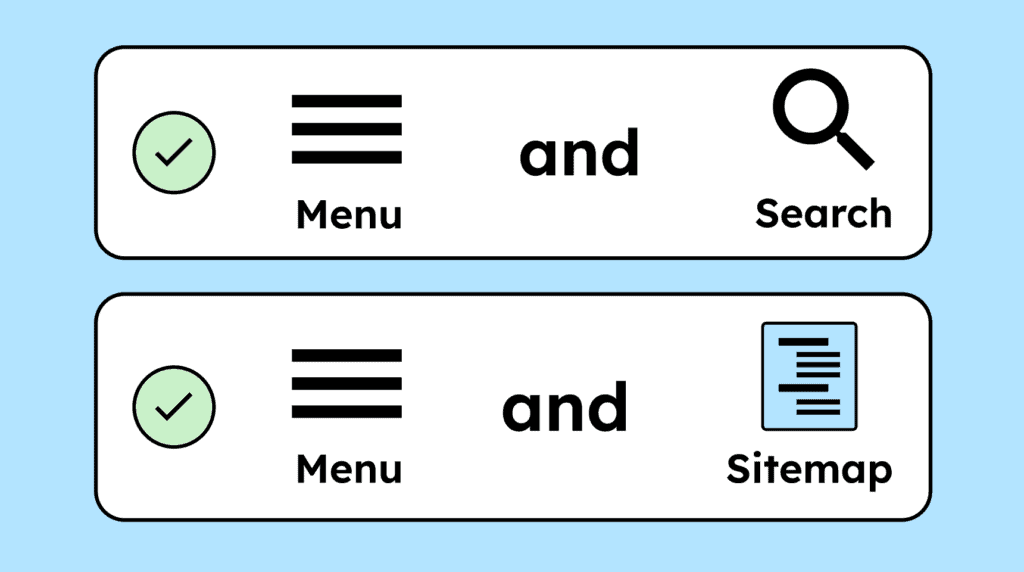
Users should have at least one additional way to access a website’s content besides the main navigation.
How to
Depending on your situation, you can implement one of the following options to meet the criterion. For a deeper dive, please refer to the linked WCAG techniques.
Table of contents (sitemap)
In addition to the main navigation, a subpage with a table of contents (sitemap) can be provided that clearly lists and links all important pages of the website.
The sitemap must not be a simple XML sitemap. An XML sitemap is intended only for machines (bots).


- Recommendation!
Search
In addition to the main navigation, a search function can also be provided. A search makes it possible to find content on a website more quickly than through the main navigation.
People with visual impairments in particular often rely on search. To be effective, the search must cover all content on the website and not just individual areas such as blog posts.

Notes
Exception: Process Pages
Pages that are part of a linear process (e.g., individual steps in a checkout) are exempt. In these cases, it usually only makes sense to follow the predefined path.

Exception: Very small websites
For a website with only 3–4 subpages, all linked from the homepage, a simple menu is often sufficient.

Create accessible designs?
Our workshop for designers!
Learn everything you need to know as a designer to create accessible design systems for digital products and entire brands.
Learn accessibility with us?
Looking to implement WCAG best practices in your design, development, or content workflow? Book a workshop for your team or contact us directly to learn more.