
WCAG 1.4.5: Images of Text
Back to all WCAG criteriaOVERVIEW
What's it about?
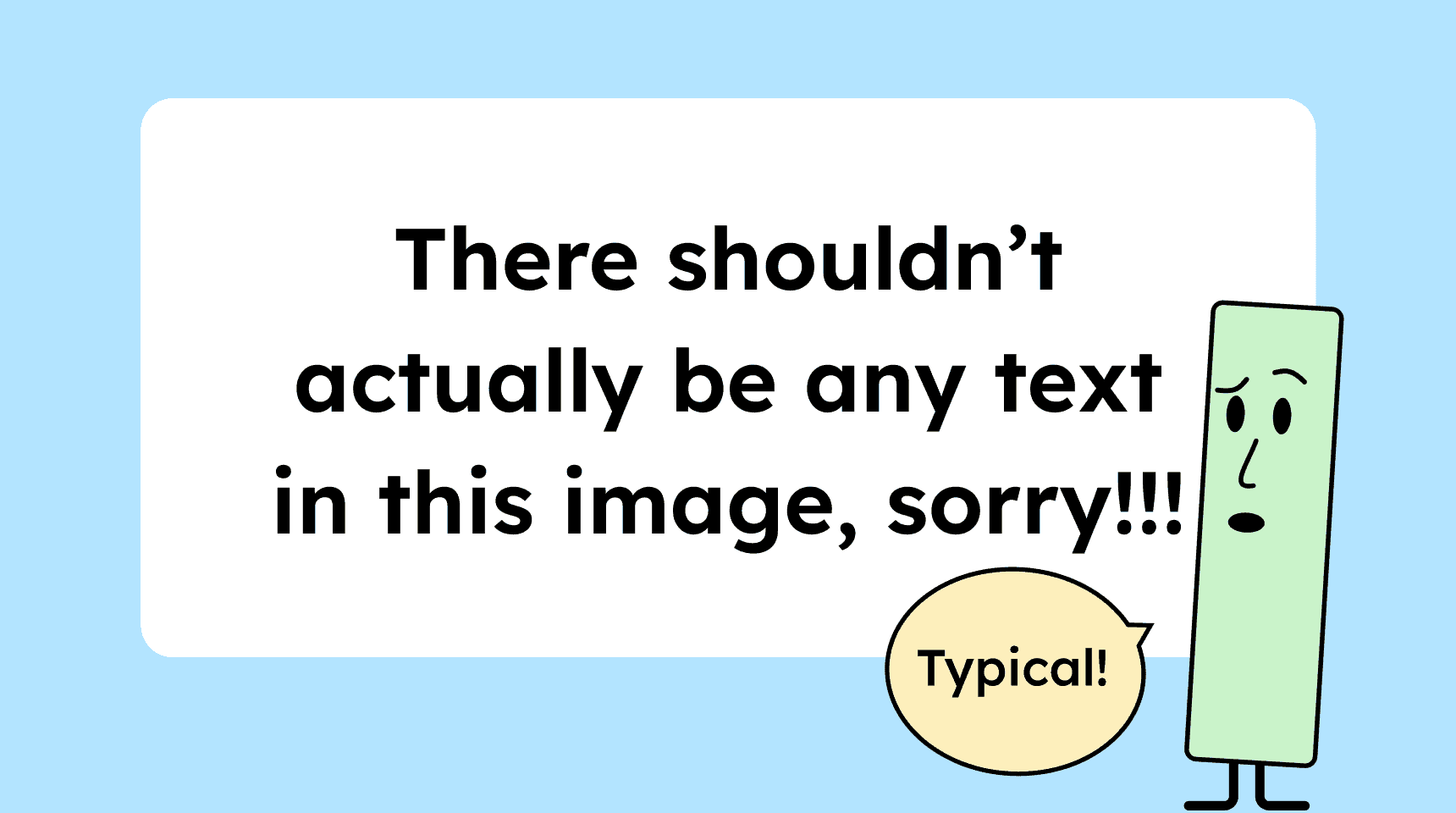
Important information must not be presented as images of text but must be provided as real text in the HTML.
Some people with visual impairments or dyslexia need to adjust the visual appearance of text (color, size, spacing, font, and so on) to read it comfortably.
Pixel-based images cannot respond to these adjustments and are not recognized by screen readers.
How to
Depending on your situation, you can implement one of the following options to meet the criterion. For a deeper dive, please refer to the linked WCAG techniques.
Avoid using text as pixel graphics
Text should be provided as real text. Important text in particular should not be embedded in pixel graphics.
Headlines, promo codes, or promotional messages should always appear as real HTML text on the page.
Technique(s):


Notes
Exception: Text alternative is nearby
An image may contain text with important information if that text is also available in HTML form near the image.
For example, on our website, we often include text inside blog images. However, that text is repeated (sometimes in more detail) in the title. This provides an accessible alternative.

Exception: The texts are embedded as SVG text
Text inside an SVG’s <text> tag is allowed because it can be scaled and styled individually.
However, this also makes the SVG unnecessarily large, so it’s not really a recommended solution.

Exception: Images used for documentation
Screenshots or step-by-step illustrations that serve as documentation are allowed to contain text.

Exception: Text is essential to the image
Images such as certificates, book covers, or seals, in which the text is an intrinsic part of the image, are allowed to contain text.
Without the text, these images would no longer work or make sense.

How do you make content accessible?
Our workshop for content creators and editorial teams
Learn everything you need to know in our workshop to make the content on your website, social media, and other channels accessible!

Learn accessibility with us?
Looking to implement WCAG best practices in your design, development, or content workflow? Book a workshop for your team or contact us directly to learn more.