
WCAG 1.1.1: Non-Text Content (Images)
Back to all WCAG criteriaOVERVIEW
What's it about?
All images that convey important information or help users better understand a website’s content require a text alternative. This includes almost all images, often even those that convey emotions or a certain mood.
How to
Depending on your situation, you can implement one of the following options to meet the criterion. For a deeper dive, please refer to the linked WCAG techniques.
Provide text alternatives for Images
A text alternative for
<img>is often provided using thealtattribute, while SVGs usually usetitle-attribute,aria-labeloraria-labelledby.Another way to give an SVG a name is by using hidden text that remains visible in the DOM. More about this in Sara Soueidan’s article Accessible Icon Buttons.
The text alternative can also be placed next to the image. In that case, the graphic must be hidden from screen readers. Learn more in WCAG 1.1.1: Non-text Content for decorative graphics.
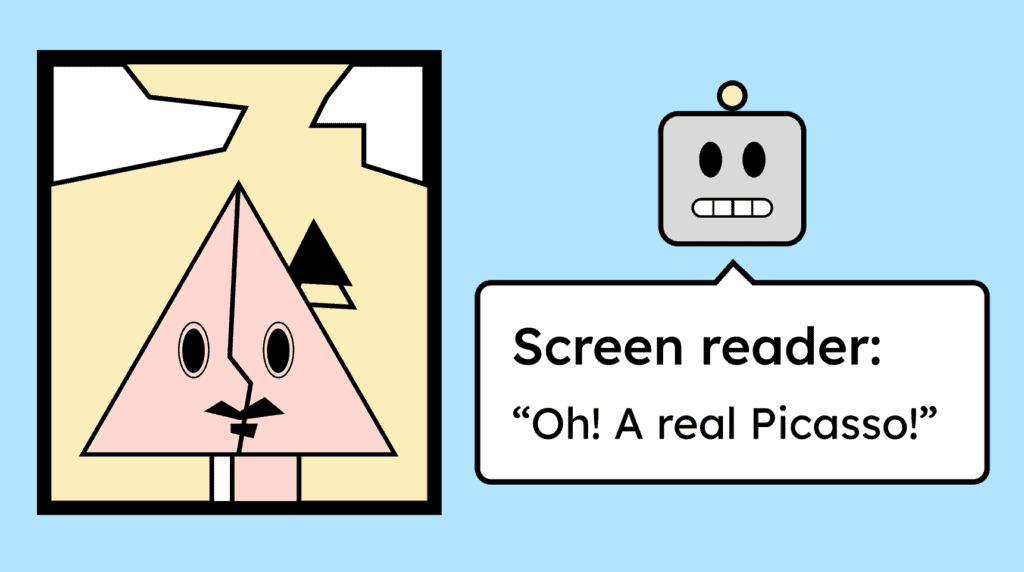
The text alternative should accurately describe the image’s content.


Provide text alternatives for videos
Videos also need a text alternative that briefly describes the video’s content.
This can be provided using
aria-labeloraria-labelledby, or via thetitleattribute when using iframes. This is automatically the case, for example, with YouTube or Vimeo players.

Provide text alternatives for groups of images
For groups of images whose content can easily be summarized logically, it is sufficient for only one image to have alternative text in the
altattribute that meaningfully describes the group.The
altattributes of the other images should then remain empty.

Notes
Hint: Meaningful background images require text alternatives
Meaningful images added via CSS as a background image need a text alternative. This can be provided through an
aria-labelor nearby text.If the image is meaningful, it should ideally not be added via CSS, or it won’t appear in the DOM

Learn accessibility with us?
Looking to implement WCAG best practices in your design, development, or content workflow? Book a workshop for your team or contact us directly to learn more.