
550+ participants
Digital Accessibility for Developers
Learn how to develop accessible websites and integrate accessibility seamlessly into your workflow.

4,9 Star rating
Happy customers








What to Expect
Digital accessibility is not a compliance footnote; it’s the mandate for modern, high-quality engineering. Ignoring it means risking legal exposure and shutting out millions of users.
This intensive, developer-focused workshop moves you beyond basic checklists to truly master accessible code. You will learn how to integrate accessibility deep into your code, ensuring your output is technically robust, sustainable, and legally compliant.
What You Will Master:
-
Code-Level Implementation: Implement accessibility fundamentals directly within your production code
-
WCAG Architecture: Architect your HTML, CSS, and JavaScript from the ground up to flawlessly comply with the latest WCAG standards.
-
Shift-Left Accessibility: Transform your workflow by making accessibility an integral, non-negotiable part of every development sprint, eliminating costly, late-stage testing and refactoring.
You’ll deliver projects that feature impeccably clean code, ensure legal compliance for your organization, and guarantee a superior experience for every user.

What You’ll Learn
The Fundamentals of Accessible Development
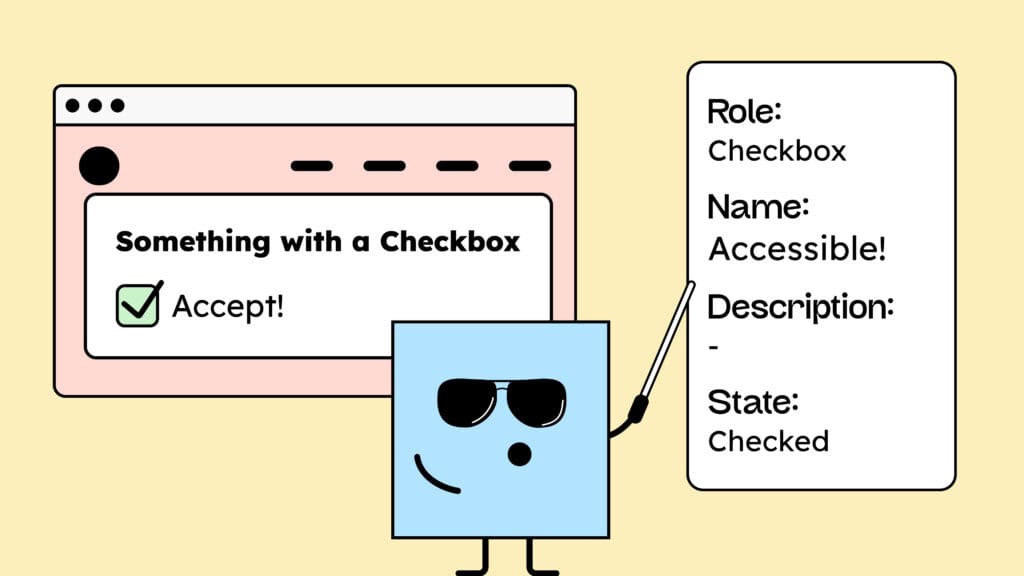
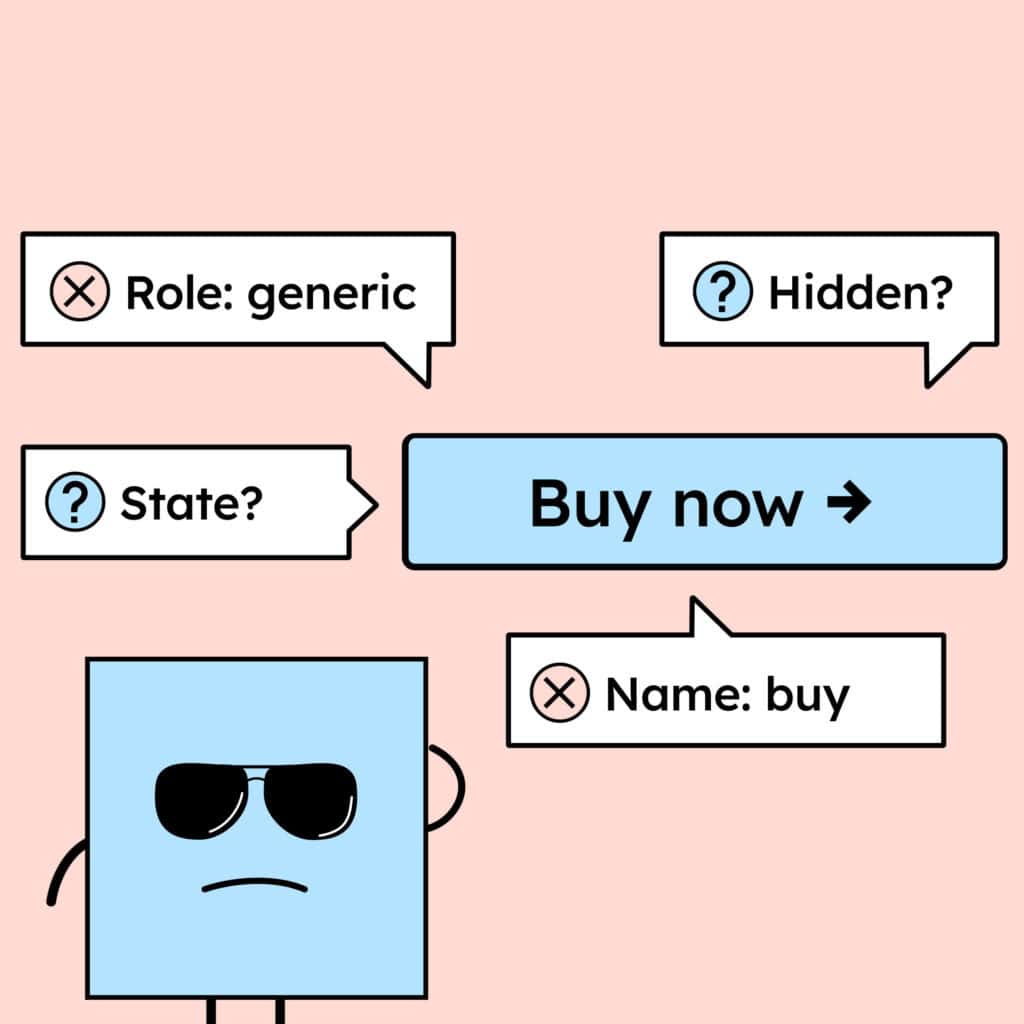
Learn why clean, semantic HTML is the foundation and how screen readers actually interpret your code. We’ll demystify WAI-ARIA (Accessible Rich Internet Applications), showing you exactly what it does and, critically, when and how to use ARIA roles, states, and properties to bridge the gap for complex components.

Recognize and understand Barriers
To understand accessibility, we need an empathy-driven perspective: learn how people with disabilities use the internet and what real-world barriers they face. We demystify assistive technologies (screen readers, voice control, etc.) so you know exactly what your code needs to deliver for a truly inclusive experience.
Understand the WCAG
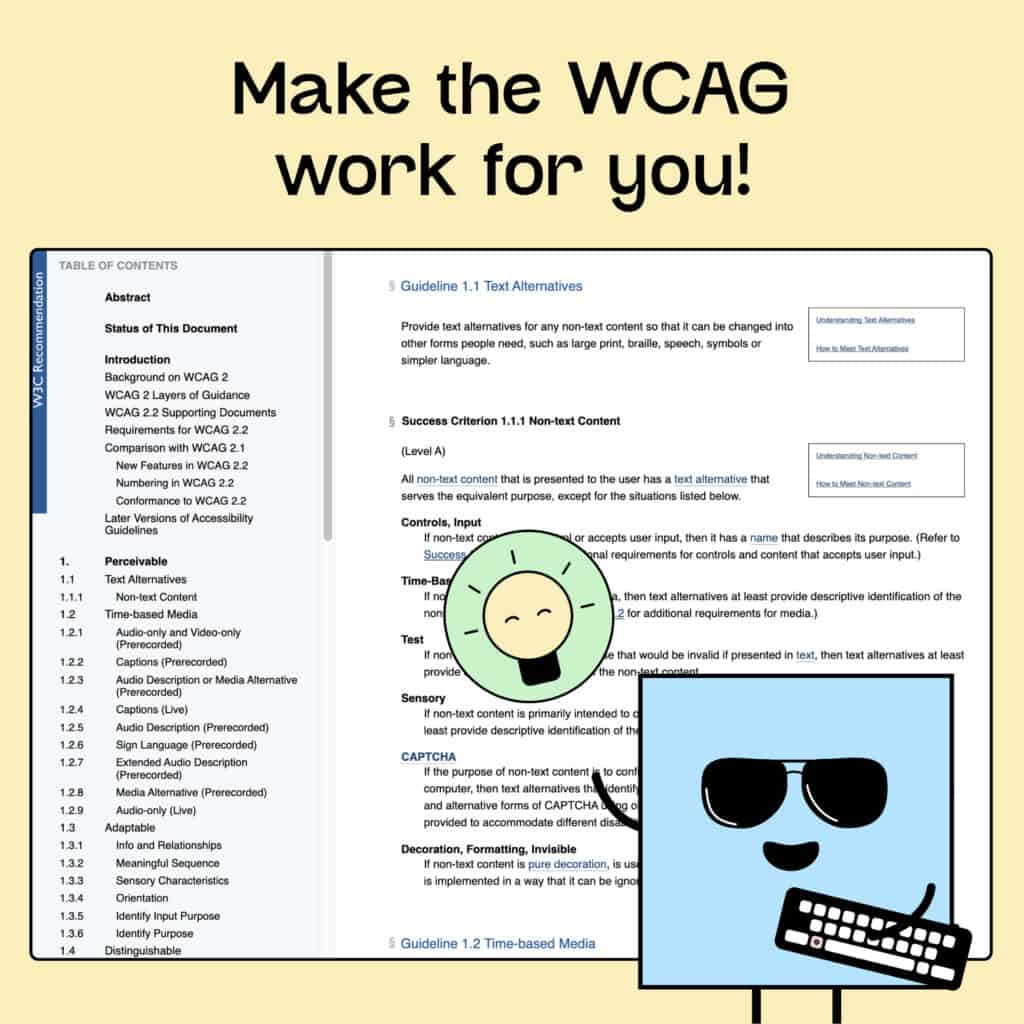
Learn to confidently read, interpret, and apply the Web Content Accessibility Guidelines (WCAG) directly in your code. Move beyond just meeting requirements: gain the mastery needed to clearly explain, document, and defend accessibility decisions.
How to Test for Digital Accessibility
We’ll have a look at how to implement a testing strategy, utilizing the best automated tools for instant feedback, alongside crucial manual testing methods (like keyboard and screen reader checks).


Why People Love Our Workshops
Marc W.
"Accessibility isn’t rocket science — but it can quickly get complex. The trainings by gehirngerecht give a clear and compact overview of the most important aspects and make it easy to get started. Well-chosen examples and practical explanations. Even for someone who isn’t completely new to the topic, there are still plenty of useful tips. Digital accessibility — the why and the how — are explained really well. What I especially liked: whenever I had questions or feedback, I received a quick response! That’s why it’s 5 stars from me."
Lara J.
"I’ve probably listened to every podcast, watched every video, and read every blog post from you by now – and recently took part in the workshop Digital Accessibility for Developers. There were lots of fascinating insights and tons of useful information. Even though I already had some prior knowledge, I still learned a lot. Nina led the workshop and shared her expertise brilliantly. Thank you so much!"
Who shold participate
Developers
Are you a front-end developer ready to elevate your code quality and usability for every user? This workshop focuses on integrating accessibility directly into your stack: you will master building with clean HTML, correct semantic structures, and flawlessly interactive components that function with screen readers and keyboard navigation.
Product Owners
Learn exactly how to embed accessibility directly into your definition of done and support your team in delivering compliant products. You will gain the strategic framework needed to ensure accessibility is never an expensive add-on but an integral, non-negotiable part of your core development process, saving time and avoiding future legal issues.
Freelancers
Do you build client websites using WordPress, Webflow, or similar platforms? This workshop is your essential guide to modern, professional delivery. You will learn how to integrate accessibility into your projects from the initial setup, moving beyond default themes and plugins. Gain the knowledge to deliver work that is not only visually stunning but also legally compliant, professionally robust, and genuinely future-proof.
Agenda
Knowledge & Practice
Assistive Technologies
You will gain critical insight into the tools and devices people with disabilities actually use. From advanced screen readers and voice control software to specialized hardware. More importantly, you will learn how to integrate these tools strategically directly into your testing process, ensuring you gain a true understanding of real-user experiences and build code that is robust for every device.
Understanding the WCAG
This module focuses on the practical skill of reading, interpreting, and applying specific WCAG criteria to your code. We provide clear, actionable steps so you can develop in a way that is both legally compliant and technically practical, ensuring accessibility becomes a seamless, integrated part of your daily workflow.
HTML Structure
A clean, semantic HTML structure is the non-negotiable foundation of accessibility. This module provides the core skills to elevate your markup. You will learn precisely how to craft structure that is read flawlessly by screen readers and ensures perfect keyboard navigability.
(WAI) ARIA
WAI-ARIA is the key to unlocking accessibility for complex, custom interactions (like modals, carousels, and tree views). . We will walk you through the core principles of ARIA, detailing exactly what’s possible and what’s most useful for achieving compliance where native HTML falls short. Crucially, we’ll show you where to be cautious—avoiding the common pitfalls—so you can use ARIA to build powerful, custom features that are robust and accessible.
Testing for Accessibility
You will learn to combine semi-automated and expert manual testing to identify accessibility barriers early. This will save you time and prevent costly late-stage fixes. We introduce you to tools and workflows that ensure every feature shipped is compliant.
Resources and Support
Links and Tooling
At the end you’ll receive further resources, guidelines, and tools to support your ongoing work in accessibility.
Ongoing Support and Learning
We’ll also show you where to locate reliable sources, communities, and references to stay up to date on accessibility topics. This ensures you can continue learning, sharing, and building accessible products with confidence even after the workshop.
Prerequisites
Knowledge of HTML and CSS
To get the most out of this workshop, you should have solid knowledge of HTML and CSS. Basic experience with JavaScript is helpful but not required.
New to accessibility? No problem!
This workshop is perfect for anyone starting from scratch who wants to understand the essentials of digital accessibility.
Book your Training now!
What’s included
- Hands-on knowledge of digital accessibility built on more than 3 years of experience
- Certificate of participation to showcase your new expertise
- Comprehensive handout with all key information and additional resources
- Small groups of 10–15 participants for a personal and focused learning experience
Ready for a workshop tailored to your team?
We offer customized, online workshops designed to solve your unique accessibility challenges.
Before delivery, we dedicate time to:
- analyze your team’s questions,
- conduct a quick accessibility audit of your current website,
- and understand your internal workflows.
This deep preparation ensures the content is precisely tailored, delivering practical solutions that directly fit your real-life development process and maximize your ROI.
trainer
Nina Jameson
Web-Expert
Nina has contributed to both small and large software projects, working with teams of all sizes. She uses her expertise to help you understand the technical details of digital accessibility and put them into practice effectively.
Tobias Roppelt
UI/UX Designer
Tobias has been a web and app designer and front-end developer for more than nine years. With a focus on digital accessibility, he now holds designer and developer workshops for »Deutsche Bahn«, »Aktion Mensch«, »EON« and other large companies.


Frequently asked questions
Do I need prior knowledge to participate?
You should have a solid understanding of HTML and CSS to get the most out of the workshop. No prior knowledge of digital accessibility is required.
I’ve already attended a workshop on accessibility — is this still for me?
If you already have experience in digital accessibility, feel free to get in touch with us directly so we can find out together whether this workshop is still a good fit for you. Just email us at hallo@gehirngerecht.digital
Will I learn how to make my own website accessible?
Yes and no — not directly. You’ll learn the principles and best practices needed to build accessible projects, but this workshop doesn’t include a step-by-step guide for specific systems (for example, making a WordPress site accessible).