
WCAG 2.5.4: Motion Actuation
Back to all WCAG criteriaOVERVIEW
What's it about?
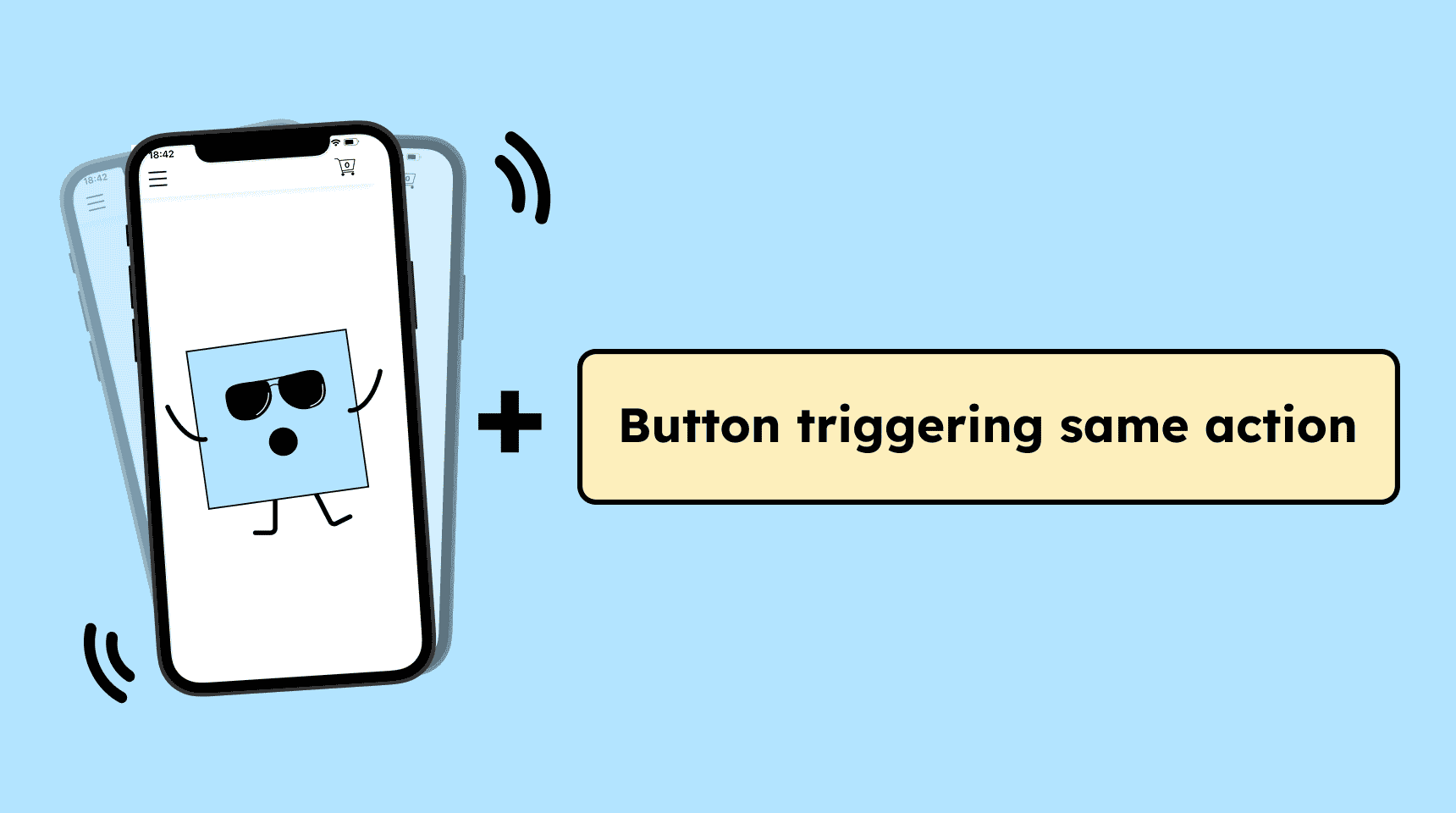
Functions that are triggered by device motion (such as shaking, tilting, or rotating) must provide an alternative way to activate the same action using standard controls.
In addition, there must be a way to disable these motion-based features so that no unintended actions are triggered.
How to
Depending on your situation, you can implement one of the following options to meet the criterion. For a deeper dive, please refer to the linked WCAG techniques.
Alternatives and the ability to disable
Functions that are triggered by device movement must also be operable through a conventional control such as a button or a link.
Example: Instead of only offering “Shake to delete,” there should also be a “Delete” button.
Additionally, it must be possible to disable motion gestures so that no unintentional actions occur. This can be done in the application settings or via an easily accessible button.


Notes
Hint: Motion is essential
If a function depends on the movement of the device (e.g., a spirit-level app or a pedometer), it may not be possible to provide an alternative input method.
In such cases, the purpose and benefit of the motion should be clearly documented.

Create accessible designs?
Our workshop for designers!
Learn everything you need to know as a designer to create accessible design systems for digital products and entire brands.

Learn accessibility with us?
Looking to implement WCAG best practices in your design, development, or content workflow? Book a workshop for your team or contact us directly to learn more.