
WCAG 2.4.2: Page Titled
Back to all WCAG criteriaOVERVIEW
What's it about?
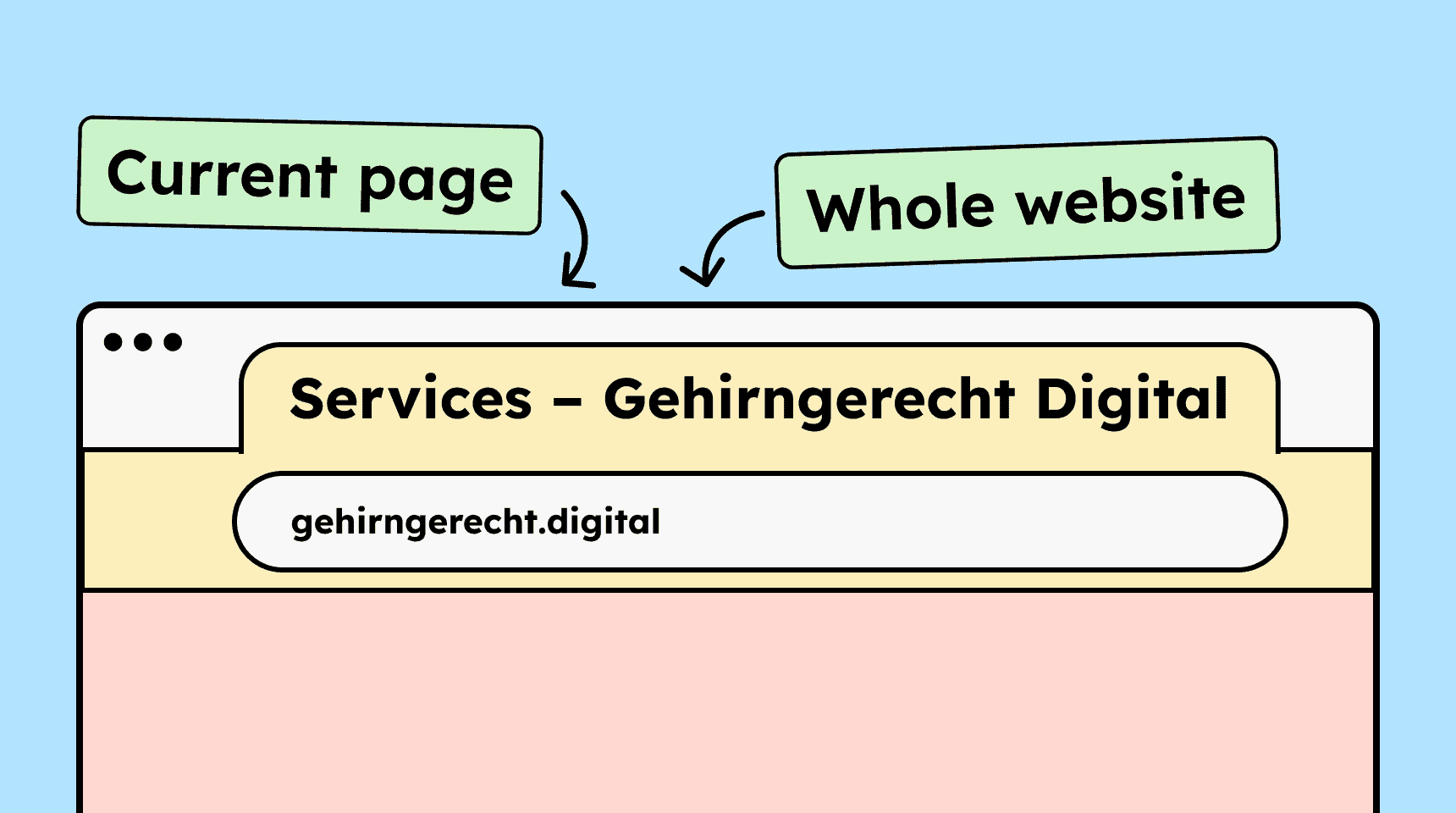
Each individual page of a website needs a meaningful title. A title should:
- clearly state what the page is about
- make sense on its own
- be short
- ideally identify the website it belongs to (the website’s name)
- be unique within that website
How to
Depending on your situation, you can implement one of the following options to meet the criterion. For a deeper dive, please refer to the linked WCAG techniques.
Set the page title in the title element
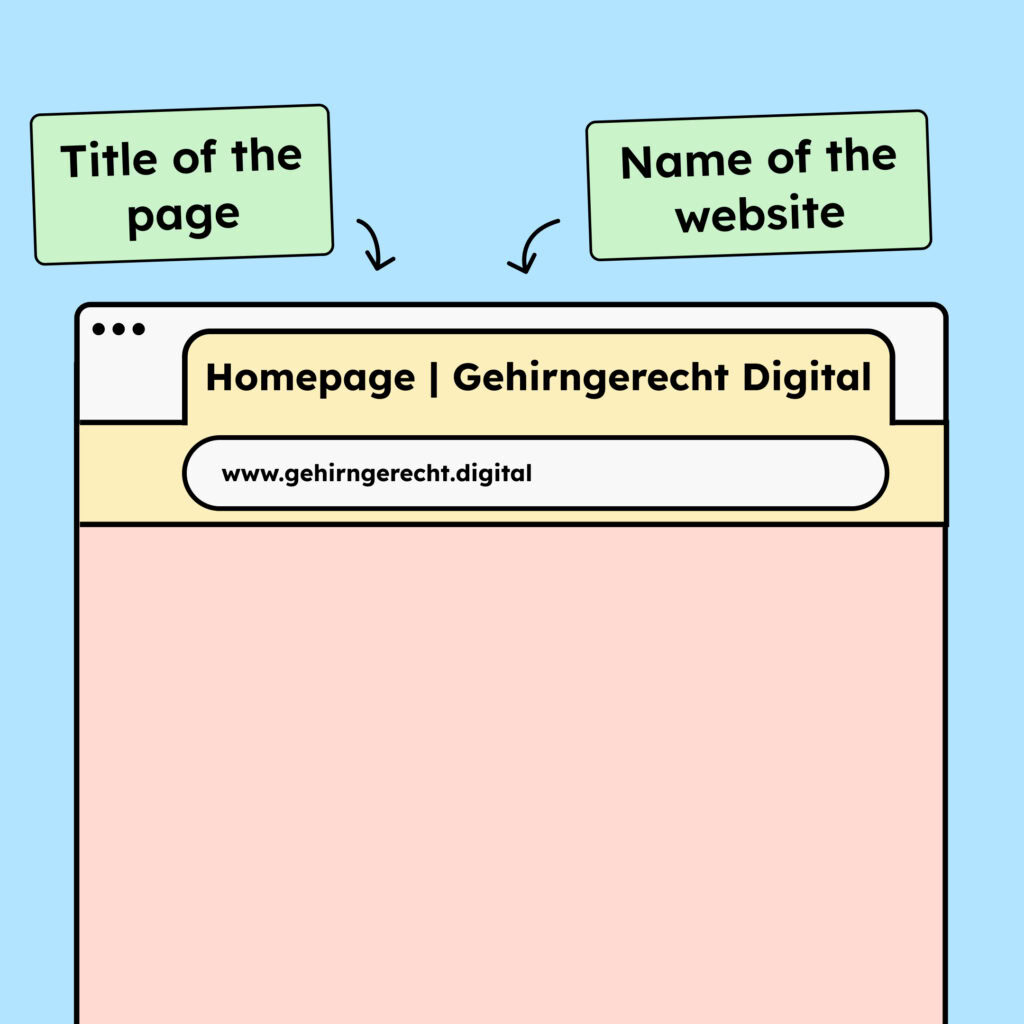
Use the <title> element in the head section of the HTML to set a clear and helpful title. The title should describe what the page is about and include the name of the website.
For example: “Homepage | Gehirngerecht Digital”

Notes
Hint: Avoid special characters
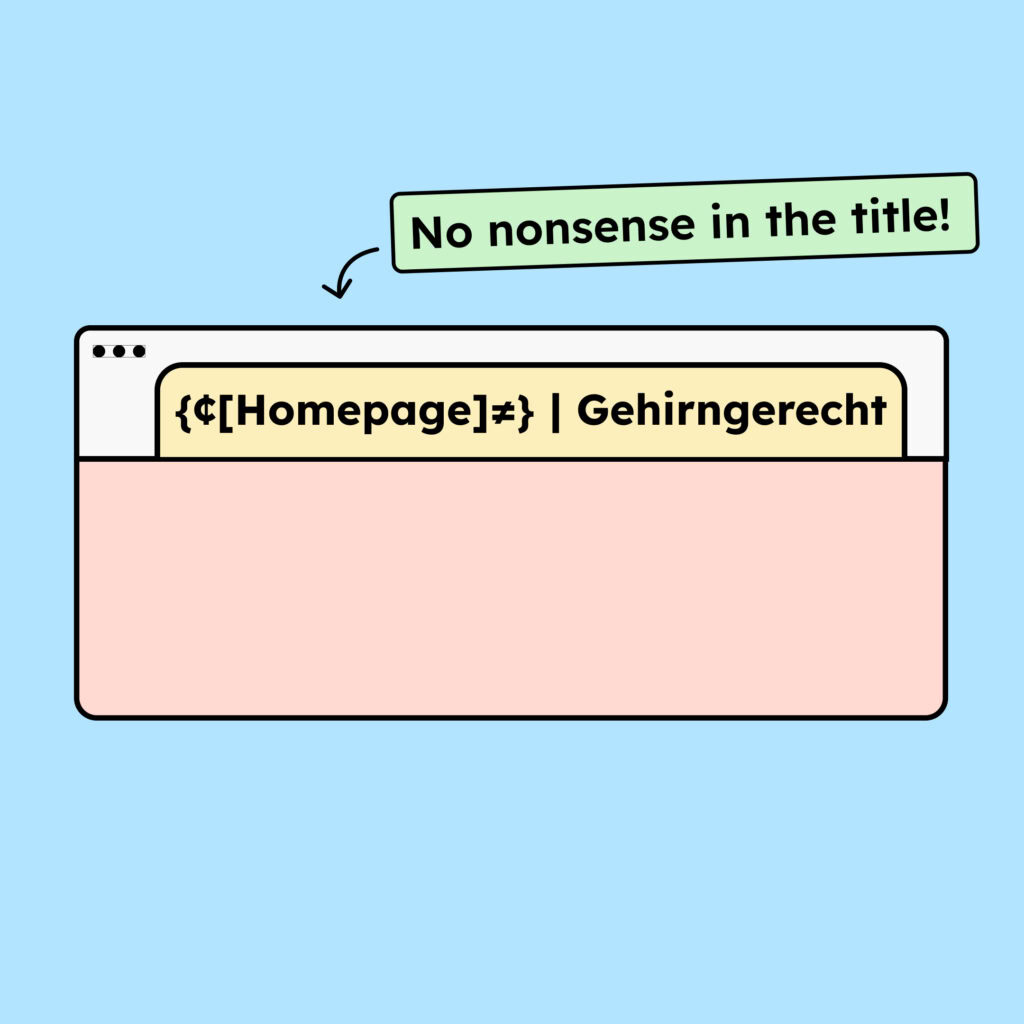
The title should not contain a large number of special characters or emojis.
Screen readers will read them aloud. If “smiling face” is announced three times in the title, it is not meaningful and simply annoying.
Hint: Do not confuse the title element with the title attribute!
The <title> tag appears only once per page and displays the page title in the browser tab. The title-attribute, on the other hand, can be applied to many HTML elements (e.g., buttons or images).

How do you make content accessible?
Our workshop for content creators and editorial teams
Learn everything you need to know in our workshop to make the content on your website, social media, and other channels accessible!

Learn accessibility with us?
Looking to implement WCAG best practices in your design, development, or content workflow? Book a workshop for your team or contact us directly to learn more.