
WCAG 1.3.1: Info and Relationships (layout tables)
Back to all WCAG criteriaOVERVIEW
Effort:
- Complexity:Difficult
- Duration:Slow
Important for:
Development
To WCAG:
1.3.1 Info and RelationshipsWhat's it about?
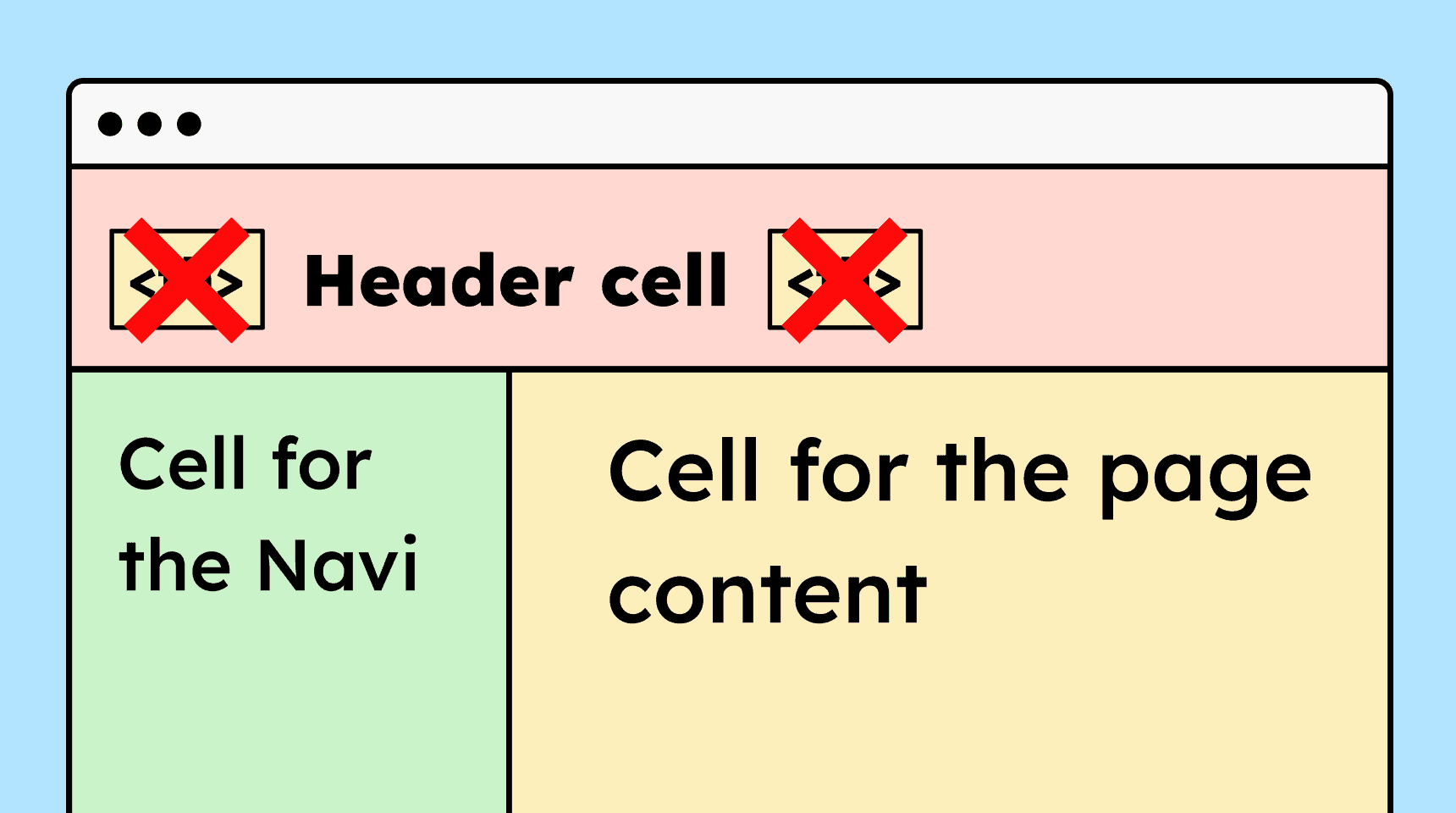
If a website uses HTML tables for layout, they must not include table semantics (<table>, <th>, <td>) so that screen readers do not interpret them as data tables.
How to
Depending on your situation, you can implement one of the following options to meet the criterion. For a deeper dive, please refer to the linked WCAG techniques.
Hide HTML tables that are purely for layout purposes
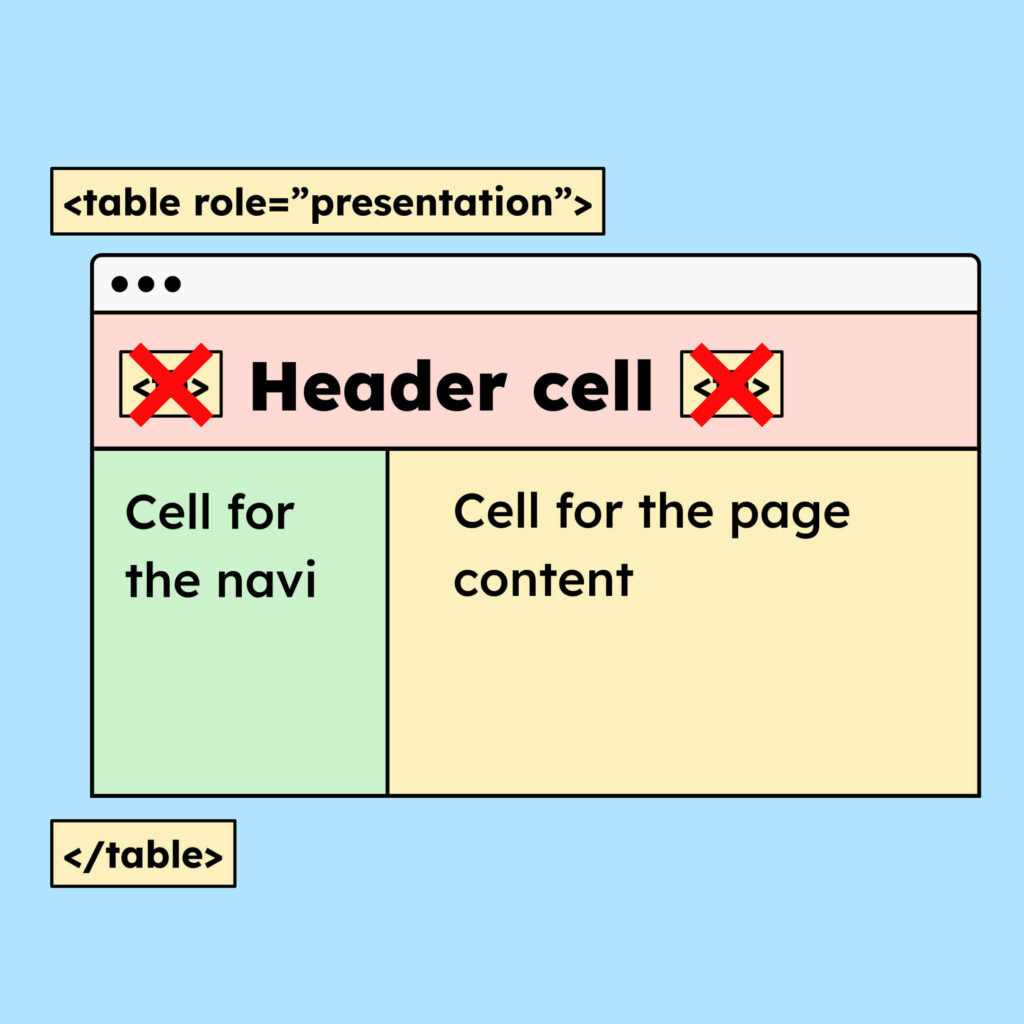
If for any reason you must use layout tables, you can hide the table’s semantics with the role “presentation”.
<table role=”presentation”> ... </table>Of course, you must make sure that the content read aloud by a screen reader still makes sense.
Technique(s):
- WCAG does not list a technique for this.

Learn accessibility with us?
Looking to implement WCAG best practices in your design, development, or content workflow? Book a workshop for your team or contact us directly to learn more.