
WCAG 1.3.1: Info and Relationships (List)
Back to all WCAG criteriaOVERVIEW
What's it about?
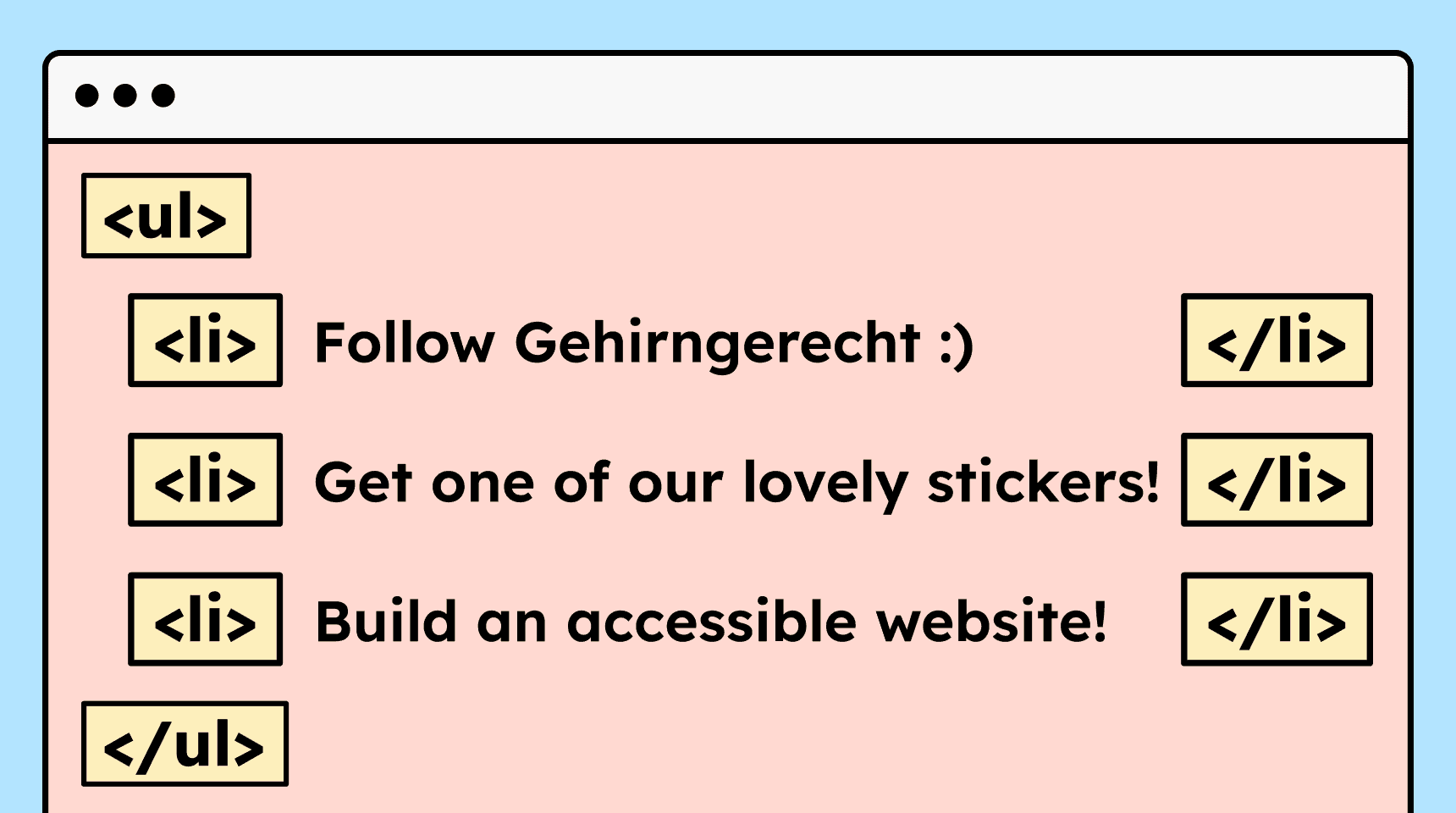
Content that visually looks like a list must also be marked up as a list in HTML.
How to
Depending on your situation, you can implement one of the following options to meet the criterion. For a deeper dive, please refer to the linked WCAG techniques.
Mark lists correctly
To mark content as lists, you can use the HTML tags
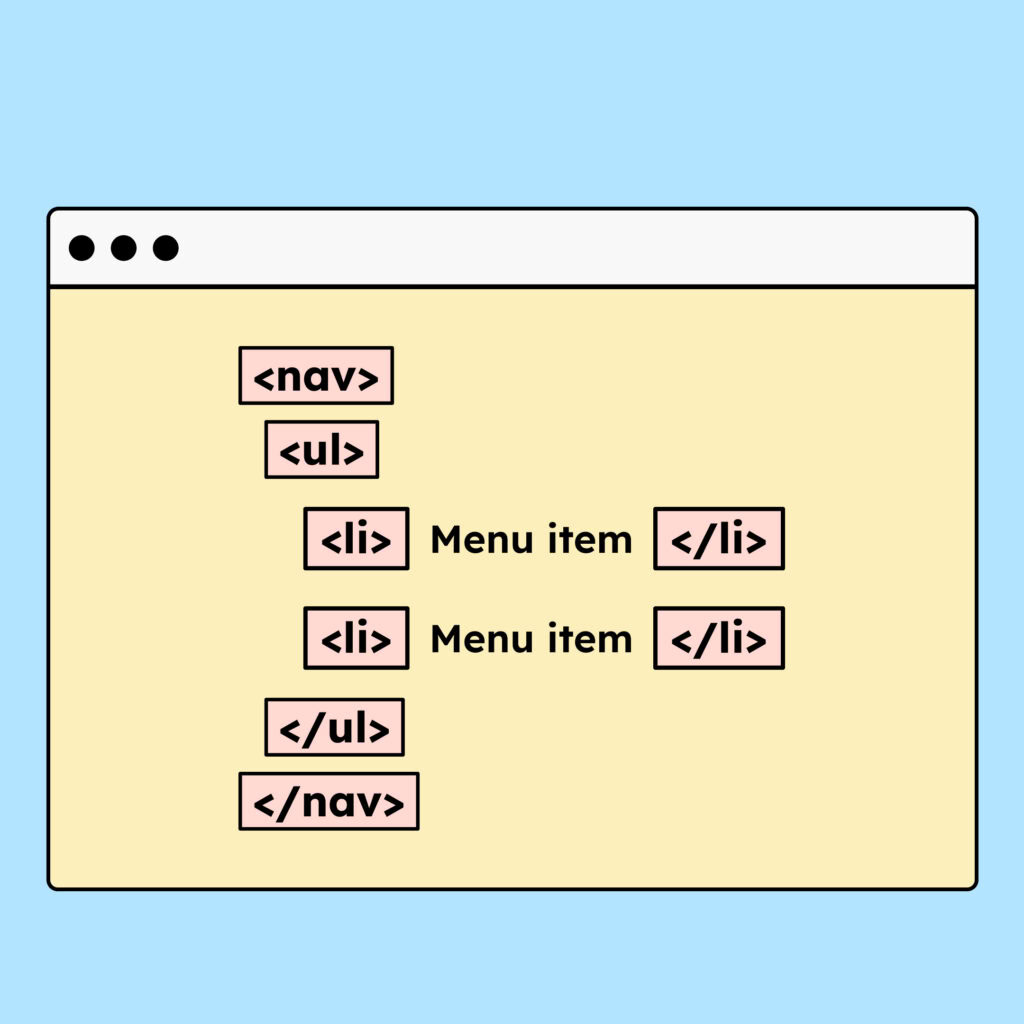
<ol>,<ul>and<dl>. A menu that displays a set of links also counts as a link list and must be marked up using<ul>.
Notes
Hint: Lists as ul or ol
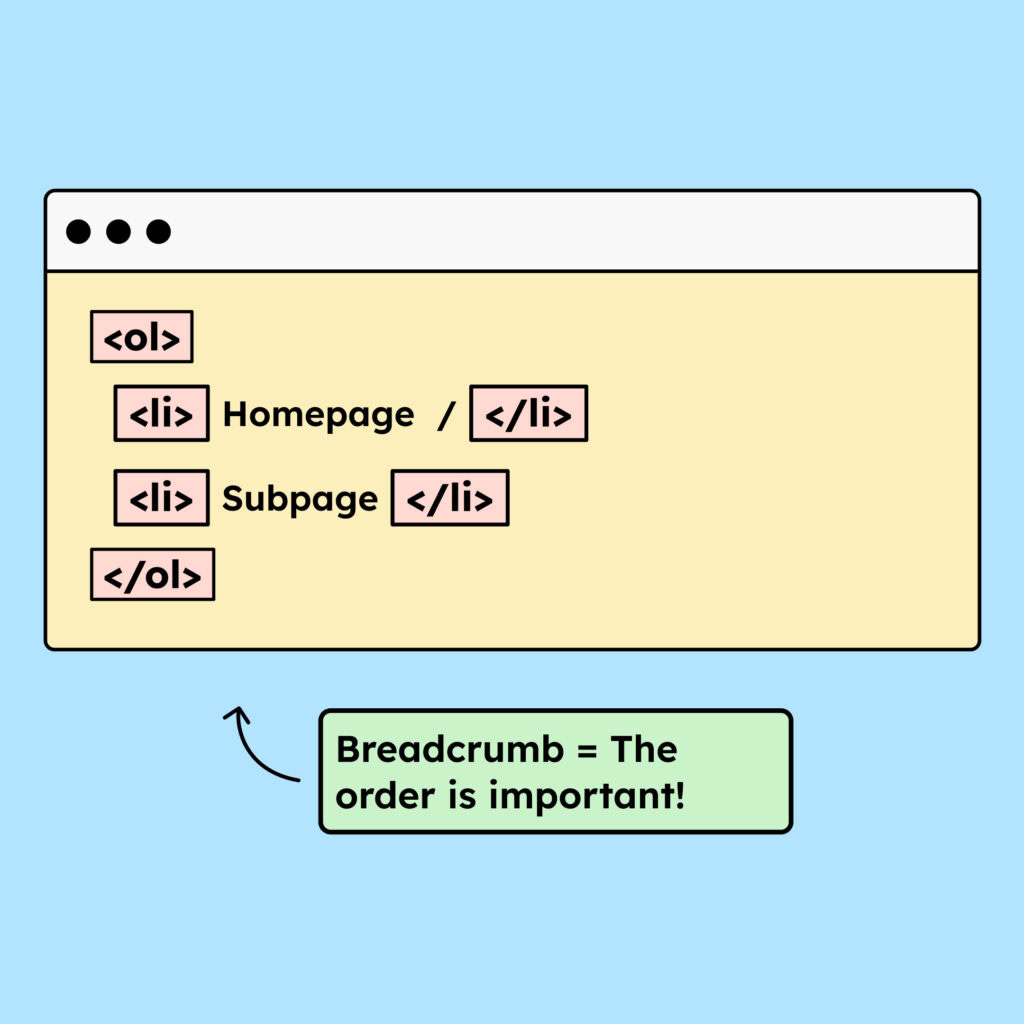
Depending on whether the order of the items in a list matters or not, they should be marked up as <ol> or <ul>.
For a breadcrumb navigation or a step-by-step guide, the order is important, so an <ol> is used. For a regular navigation menu, the exact order is usually not essential. Therefore, a <ul> is used.
Accessible development?
Our workshop for developers!
Learn everything you need to know in our workshop to build accessible websites!

Learn accessibility with us?
Looking to implement WCAG best practices in your design, development, or content workflow? Book a workshop for your team or contact us directly to learn more.