
WCAG 1.2.4: Captions (Live)
Back to all WCAG criteriaOVERVIEW
What's it about?
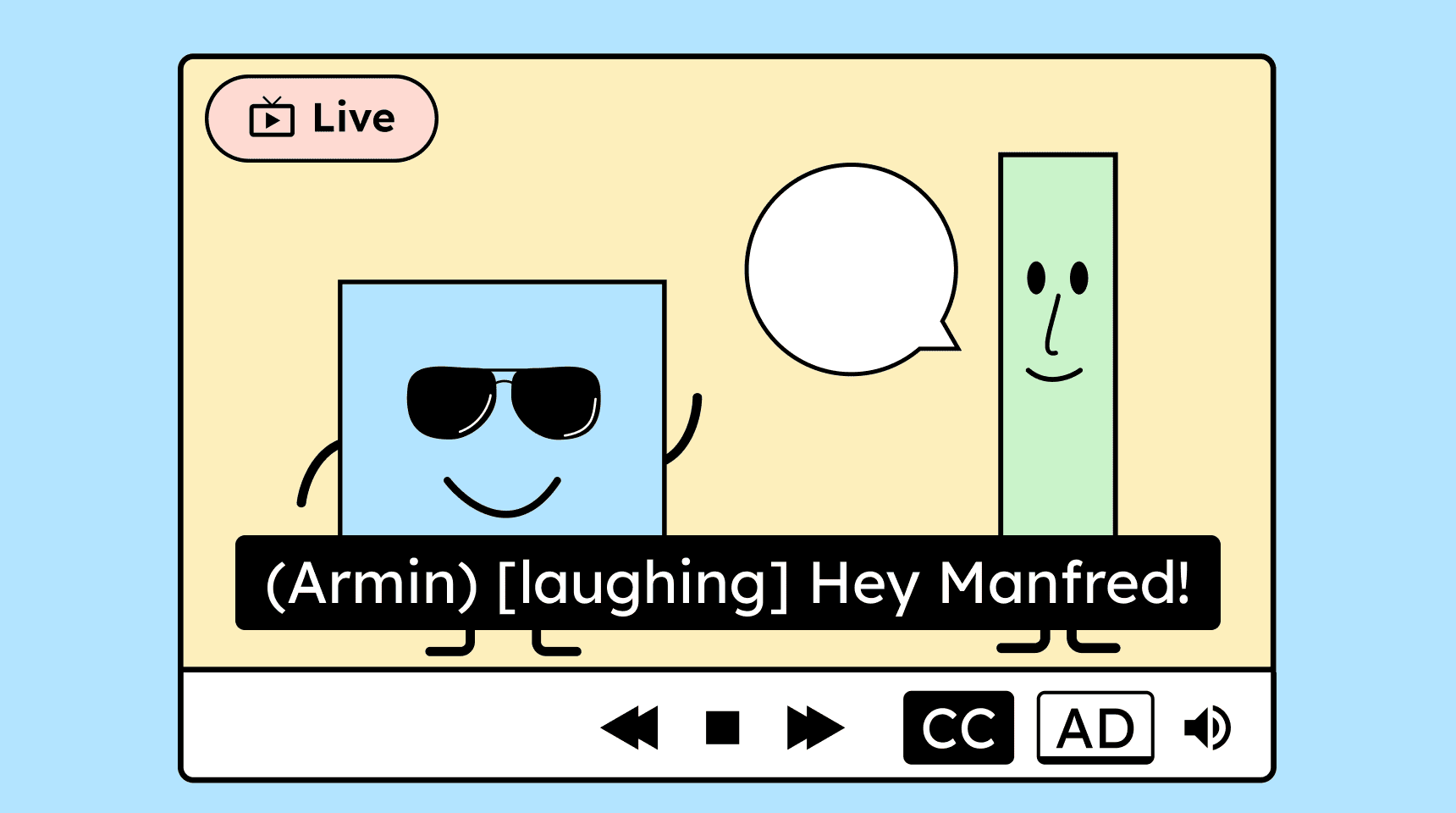
Live video streams require synchronized subtitles. Complete subtitles include not only spoken words but also human sounds such as laughter and important noises like music when they are necessary for understanding.
How to
Depending on your situation, you can implement one of the following options to meet the criterion. For a deeper dive, please refer to the linked WCAG techniques.
Generating live captions
Generating live captions generally requires external services. By now, there are several real-time captioning providers that offer this service.
However, it’s still challenging to produce accurate captions in real time, as there is very little time to correct mistakes.
Live captions can be provided as open or closed captions. Open captions are always visible in the video. Closed captions, on the other hand, can be turned on or off by the viewer.


How do you make content accessible?
Our workshop for content creators and editorial teams
Learn everything you need to know in our workshop to make the content on your website, social media, and other channels accessible!

Learn accessibility with us?
Looking to implement WCAG best practices in your design, development, or content workflow? Book a workshop for your team or contact us directly to learn more.