
WCAG 1.2.5: Audio Description (Prerecorded)
Back to all WCAG criteriaOVERVIEW
Effort:
- Complexity:Difficult
- Duration:Slow
Important for:
Content
What's it about?
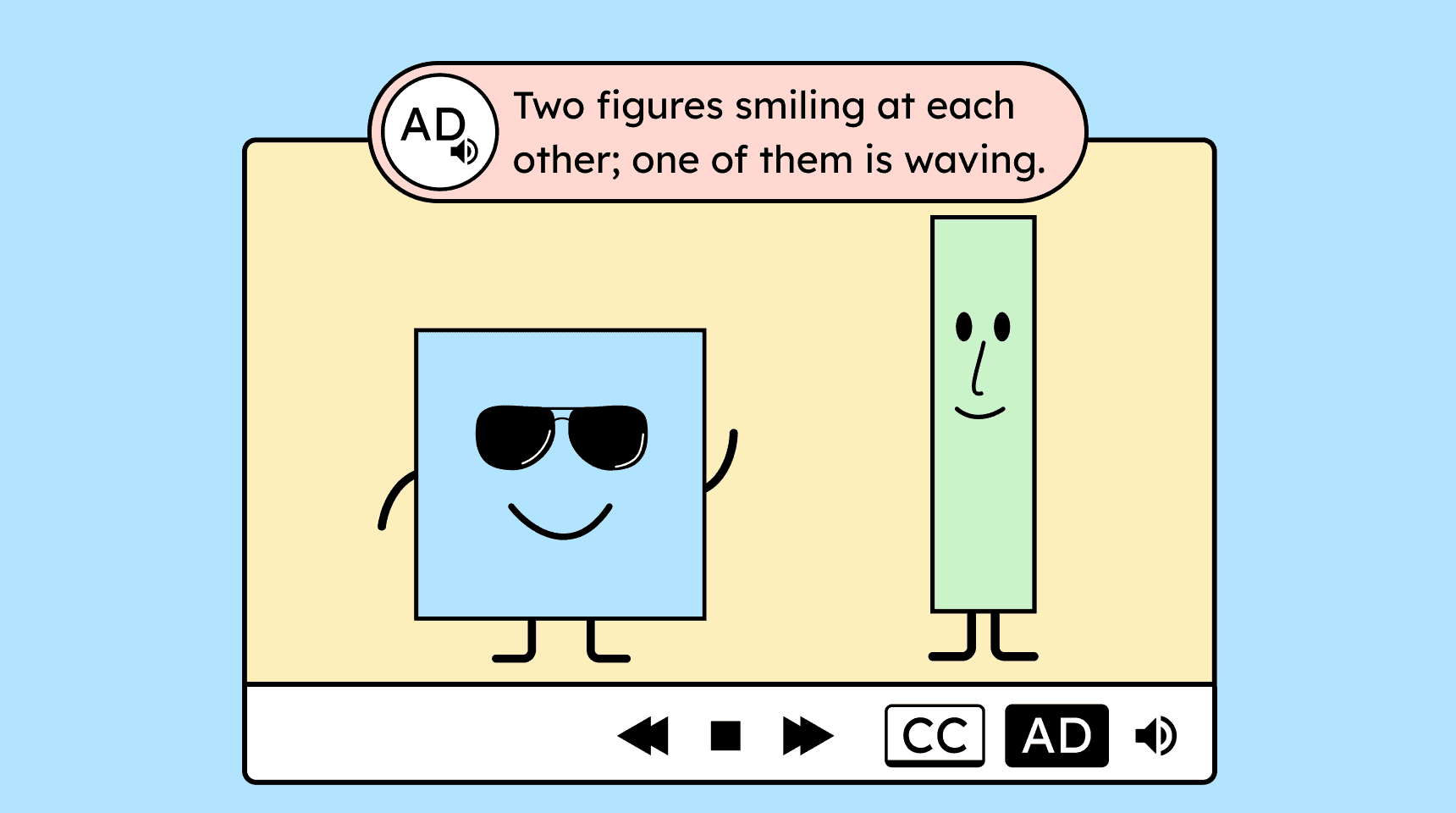
If a video conveys important information only visually, it needs an audio description.
An important piece of information could be, for example, the name of a person that appears on screen but is never spoken aloud.
How to
Depending on your situation, you can implement one of the following options to meet the criterion. For a deeper dive, please refer to the linked WCAG techniques.
Provide a second audio track with audio description
One way to provide audio description is through a separate audio track.
This track can be enabled by the user and then describes important visual information from the video during pauses in dialogue.


Provide a second video with audio description
Another method is to provide a separate video with detailed audio description. This is especially helpful for long explanations, in cases where the normal pauses in speech are not long enough.
The separate video includes still images at points where the audio description explains all important information.
The link to the additional video with audio description must be placed near the original video.

- Recommendation!
Speak the audio description directly into the audio track while creating the video
The simplest approach is to consider the visual information that will be added later already during filming. This allows speakers to include that information directly in their narration.
For example, a person can say their name if you know it will later appear visually on screen. This way, the audio description essentially becomes part of the video from the start.
From a user perspective, this is usually the best option. It helps people who cannot (quickly) read, neurodivergent individuals, and inclusive groups with participants of varying needs to share an experience together.

Notes
Exception: No audio description for “non-describable” videos
Videos that do not show a concrete action or any recognizable visual content, and therefore cannot be meaningfully described, do not require audio description.
Example: Very abstract or purely graphic representations in videos.

How do you make content accessible?
Our workshop for content creators and editorial teams
Learn everything you need to know in our workshop to make the content on your website, social media, and other channels accessible!

Learn accessibility with us?
Looking to implement WCAG best practices in your design, development, or content workflow? Book a workshop for your team or contact us directly to learn more.