
WCAG 1.2.2: Captions (Prerecorded)
Back to all WCAG criteriaOVERVIEW
What's it about?
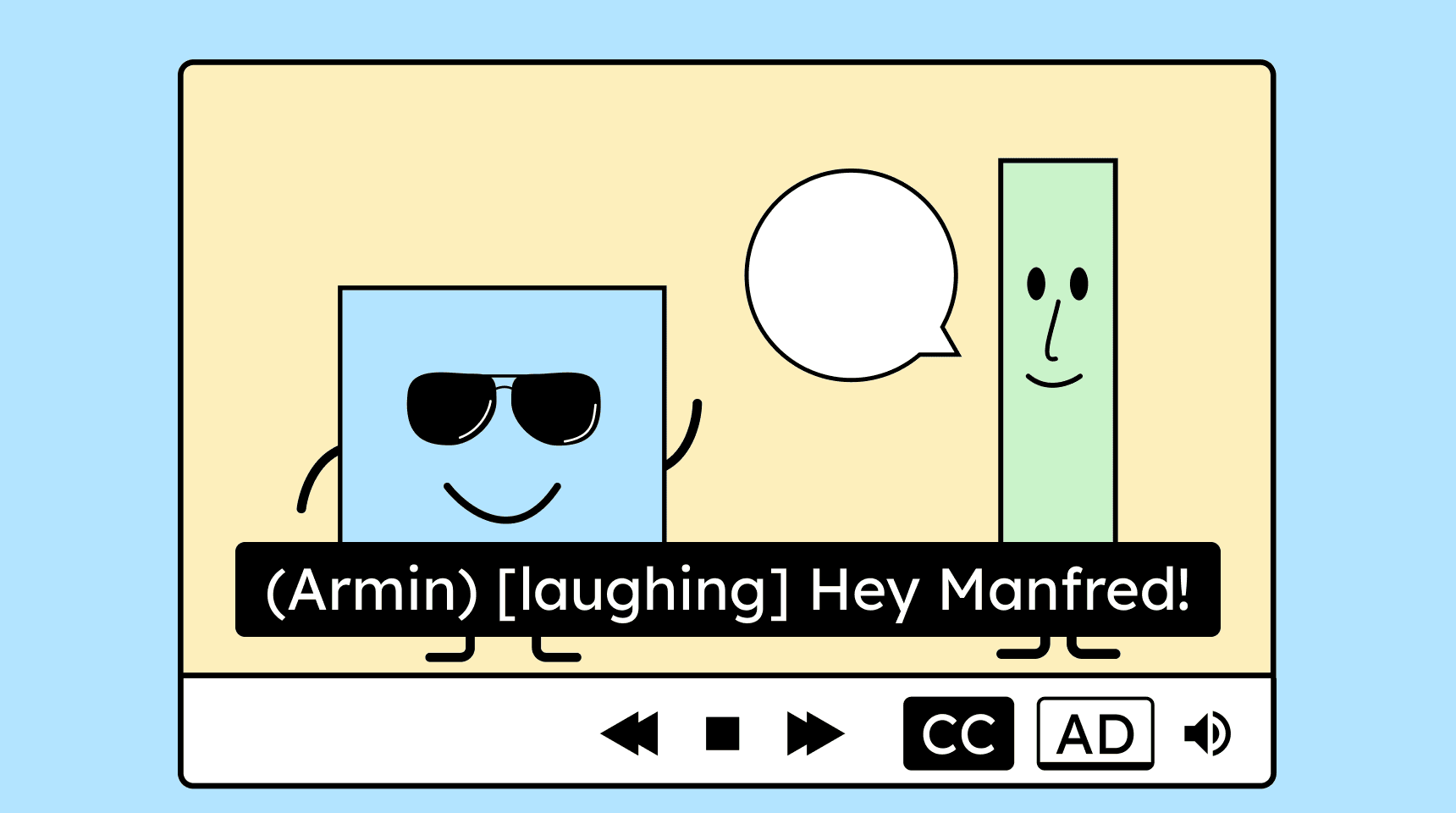
Recorded videos need synchronized subtitles. Complete subtitles include not only spoken words but also human sounds, such as laughter, and important noises, like music, if they are necessary to understand what is happening.
How to
Depending on your situation, you can implement one of the following options to meet the criterion. For a deeper dive, please refer to the linked WCAG techniques.
- Recommendation!
Closed captions
Closed captions are subtitles that are uploaded to a video as a separate file. Users can turn them on whenever needed.
The biggest advantage of closed captions is that users can adapt them to their own needs. They can change the subtitle’s font size, font color, or background color.
Technique(s):


Open (always visible) subtitles
Open subtitles are “burned” directly into the video during production. They are permanently visible and cannot be turned on or off. Since this type of subtitle cannot be customized by the user, we do not recommend them.
However, open subtitles are useful in situations where closed captions are not supported. On social media platforms, for example, videos often only allow open subtitles.
Technique(s):

Notes
Exception: Video is only a media alternative
Videos that serve only as media alternatives do not require subtitles. It counts as a media alternative when all the video’s content is already explained in text. The video must not contain any information that is not also present in the text.
Example: A video is simply an animated representation of a craft tutorial that has already been fully described in text.

Hint: Be careful with automatically generated captions
Always review automatically generated captions. Errors in captions can be confusing or, if things go badly, can completely change the meaning of a sentence.
Example: “Eating this plant is a problem.” and “Eating this plant is (not) a problem.” have a rather important difference!

How do you make content accessible?
Our workshop for content creators and editorial teams
Learn everything you need to know in our workshop to make the content on your website, social media, and other channels accessible!

Learn accessibility with us?
Looking to implement WCAG best practices in your design, development, or content workflow? Book a workshop for your team or contact us directly to learn more.