
WCAG 1.1.1: Non-Text Content (CAPTCHAs)
Back to all WCAG criteriaOVERVIEW
What's it about?
CAPTCHAs must be universally accessible. Therefore, every CAPTCHA method requires an alternative that engages a different sensory input to accommodate all users.
How to
Depending on your situation, you can implement one of the following options to meet the criterion. For a deeper dive, please refer to the linked WCAG techniques.
Provide CAPTCHA alternatives and describe image CAPTCHAs
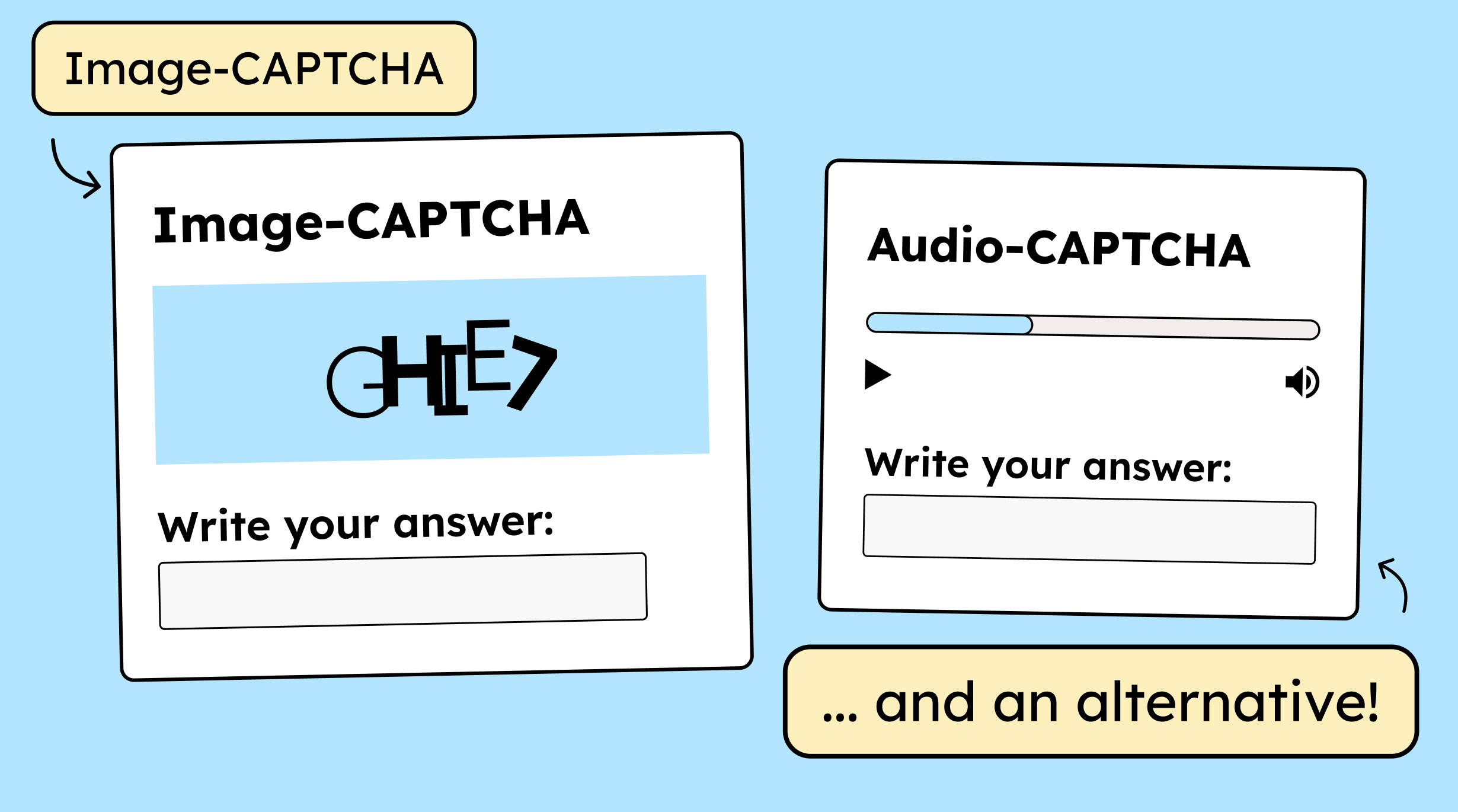
An image CAPTCHA needs an audio option as a backup, and it works the other way around, too.
Additionally, an image CAPTCHA needs a text alternative—like alt text—so that screen reader users can identify it, along with a clear hint indicating where the alternative can be found on the page.
For instance, in a CAPTCHA requiring users to read and input alphanumeric characters, the image would have the text alternative: »Letters and numbers for the CAPTCHA. The audio alternative is located further down the page under the heading: Answer audio question.«


Create accessible designs?
Our workshop for designers!
Learn everything you need to know as a designer to create accessible design systems for digital products and entire brands.

Learn accessibility with us?
Looking to implement WCAG best practices in your design, development, or content workflow? Book a workshop for your team or contact us directly to learn more.