
First, the question: Page builder or theme? That depends, among other things, on whether you know HTML and CSS yourself and how much design freedom you want. (We assume that very few readers are skilled enough in PHP to write their own theme, so we’ll rule that out as an option.)
For those with no knowledge of HTML and CSS, a theme is a better choice.
PS: Nevertheless, I would advise you to learn a little about HTML and CSS. Especially since a correct HTML structure and HTML attributes are very relevant for digital accessibility.
Accessible themes for WordPress
Are there accessible themes in WordPress? WordPress states the following on its own website:
“WordPress.com strives to ensure all themes are accessible. However, some themes include additional features that increase the website’s complexity and could make it difficult for users of screen readers and people with disabilities to access all content. If you are unsure which theme to use for an accessible website, we recommend Twenty Twenty, a fully functional theme that is completely accessible. ”
We don’t use any themes ourselves, so unfortunately, we can’t recommend one here. However, we know from discussions with other agencies and service providers that you can definitely rely on standard WordPress themes (such as twenty-twenty-one, twenty-twenty-two, and so on).
How do I find out if a theme is accessible?
Themes that WordPress says have been tested for accessibility are listed here: Accessible WordPress Themes.
Almost all themes also have a demo site that you can view. You can find it, for example, on the theme’s subpage. At the following link, you’ll find a button at the top labeled “Demo Site .” There, you can see the theme in action and test it extensively. [Link to the WordPress theme Twenty-Twenty-Four page]
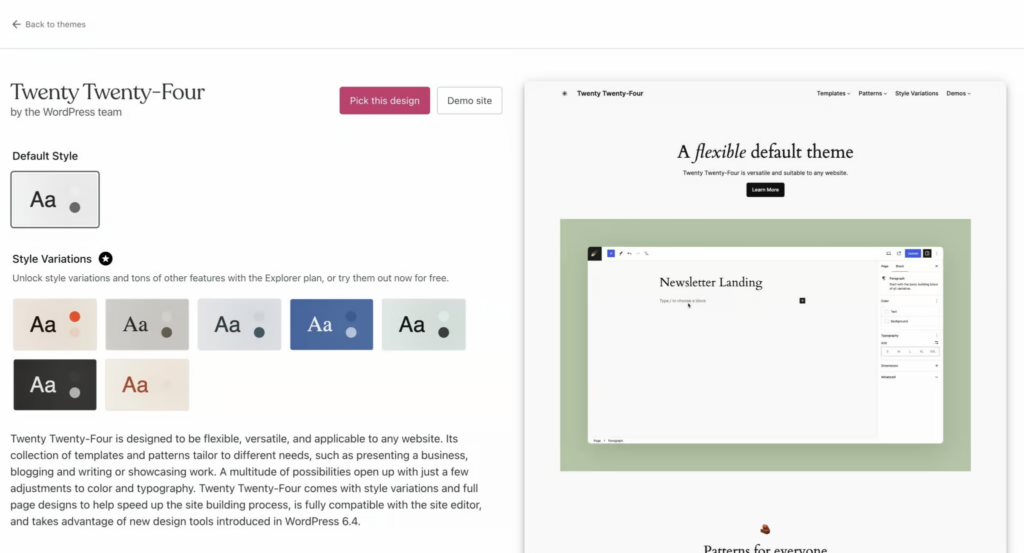
What you should test on the demo page:
- Test the tab navigation and check if all elements are usable.
- Test the theme with a screen reader and check if all elements are accessible (especially the navigation should be expandable and usable).
- Find out if you can see header, main, and footer tags in the HTML.
The most important thing about a theme is that the HTML is clean and the correct ARIA attributes are set where necessary. If this isn’t the case, it’s problematic because themes usually don’t allow you to modify the HTML tags or set attributes yourself.
If possible, ask the theme developer, or find out otherwise, whether you can assign attributes (for example, ARIA labels) to the elements in the theme. This is important for better describing certain elements, for example, for screen readers.
However, don’t forget that your theme is just the basic framework of your WordPress site. It’s not about a theme automatically providing certain functionalities, such as an accessible contact form. These features are added later through plugins. We’ve already compiled a helpful list for you: Accessible Plugins for WordPress.
Accessible page builder for WordPress
There are countless page builders for WordPress these days. I’ve selected the four most popular ones here, which we’ve used ourselves or that I know many others enjoy. If you’re interested in my opinion on another page builder, feel free to let me know!
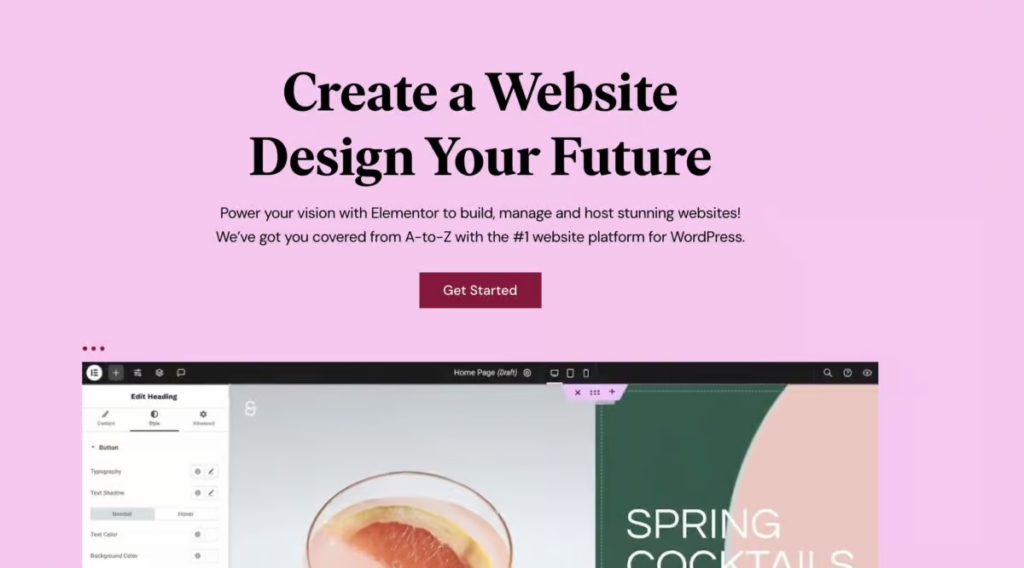
Is it possible to create an accessible website with Elementor?
Elementor is not WCAG-compliant out of the box and violates several accessibility standards. While creating a WCAG-compliant website can supposedly be achieved via external plugins, no Elementor-based website we’ve seen has yet convinced us of this.
Some typical problems with Elementor and the WCAG:
- Tab navigation is not working as intended (custom navigation is required).
- Not all elements are correctly labelled, such as search and menu items.
- Standard components, such as dropdown menus, are not accessible.
There is also no official statement from Elementor regarding accessibility, nor is there a roadmap.
Therefore, the answer to the question above is: No.
Is it possible to create an accessible website with Divi?
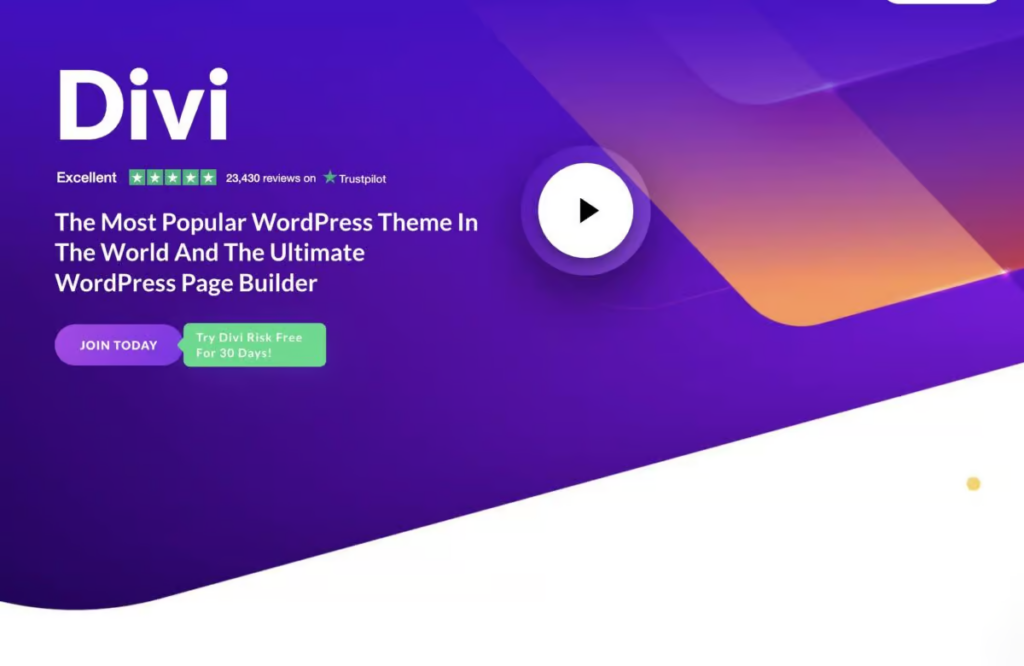
Divi isn’t fully accessible, and unfortunately, there isn’t much useful information available about it. We only know that there are a few code-level issues that haven’t been resolved yet. Will these be fixed in the coming year? We hope so. For now, however, we would advise against using Divi if you’re currently looking for a page builder.
Divi offers an accessibility plugin: the Accessibility Helper. It was developed to achieve WCAG 2.1 AA compliance. However, it does not guarantee that all guidelines will be met. At least the plugin offers ARIA support for adding the correct attributes to Divi-created design elements. It also allows you to add alt and title text from the Divi library. (Other page builders already offer all of this out of the box.)
Unlike Elementor, Divi seems to be moving in the right direction to become accessible sooner or later.
Answer: Not completely yet
Is it possible to create an accessible website using Bricks?
We can’t make an objective statement here because: We love bricks!
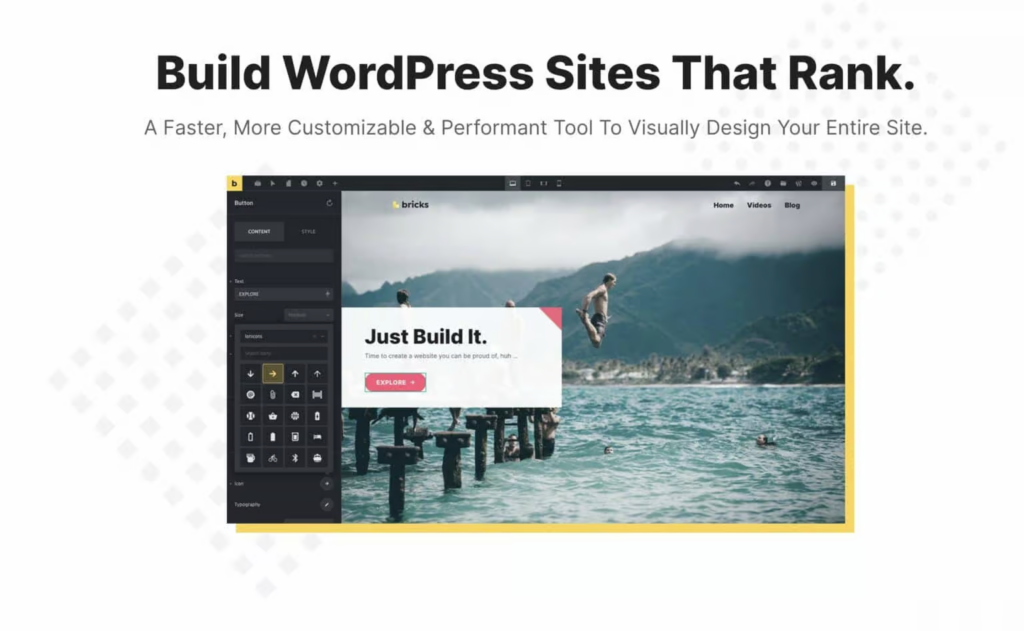
Bricks gives you complete freedom to design your site exactly how you want. Most Bricks components are already accessible. If any components aren’t (icon lists still have an issue), there are very simple workarounds. So far, we haven’t encountered an accessibility problem that we couldn’t solve with Bricks.
A few reasons why we love Bricks:
- We can set attributes ourselves (such as ARIA labels).
- We can choose which HTML tag an element should have (E.g., Main, nav, ul).
- The navigation menu is already accessible (also on mobile devices).
- Combined with Automatic CSS, it’s super easy to create a dark mode.
- We can reuse our barrier-free components once they have been built.
- We can add custom code or CSS to any element ourselves.
- and much more
You can find out more about why we love Bricks in our other post: Accessible Plugins for WordPress.
Answer: Yes
Is it possible to create an accessible website with Oxygen?
We switched from Oxygen to Bricks quite a while ago because Bricks was significantly better in terms of page speed and the builder’s user-friendliness. However, that was almost two years ago, so I don’t feel qualified to judge Oxygen.
We know for sure that the two-page builders are still very similar, and that you can do pretty much everything with Oxygen that you can do in Bricks regarding accessibility.
According to Oxygen, most of the components are also accessible. Bricks has a few more nice features out of the box, such as a built-in skip-to-content link, which can easily be added to Oxygen as well.
All in all, we would argue that an accessible website is definitely possible with Oxygen.
Addendum:
I wrote the following to Oxygen support: Is it possible to create accessible websites with Oxygen that comply with WCAG 2.2 standards? Or are there any known issues that would prevent this?
That was the answer:
“Hi Tobias, it’s possible to create accessible websites with Oxygen, but a lot depends on how you build the site. Heading hierarchy, color contrast, and some other accessibility aspects aren’t handled by Oxygen itself. To provide Aria labels, you can add custom attributes to most elements (except for Oxygen’s menu items).”
Furthermore, we recently added the page navigation element, which is designed with accessibility in mind.
Kevin Pudlo – Oxygen
So the answer is: Yes
A direct comparison of WordPress page builders
| Page Builder | Ensuring accessibility |
|---|---|
| Elementor | No |
| Divi | Partially |
| Oxygen | Yes |
| Bricks | Yes |
What else needs to be considered to make WordPress accessible?
Now you have a good foundation for making your WordPress site accessible. Next, you should find out which plugins are accessible; otherwise, even the best foundation won’t help you. And then you should learn how to create accessible content so that your WordPress site remains accessible in the long term.
Conclusion on the accessibility of WordPress themes and page builders
It’s not that difficult to find a good, accessible WordPress setup, at least as far as page builders are concerned. With themes, we sometimes lack too much control and can configure fewer settings than we’d like. Nevertheless, you can still achieve very good accessibility with themes, far better than 90% of websites you’ll find out there.
Of course, a good setup isn’t everything. You still need knowledge of accessible design and accessible content creation to truly remain accessible.
You can find out how to approach this in our other articles:
