
1000+ participants!
Digital Accessibility for Designers
Learn all the essentials for integrating digital accessibility seamlessly into your branding and UI-designs.

4,9 Star rating
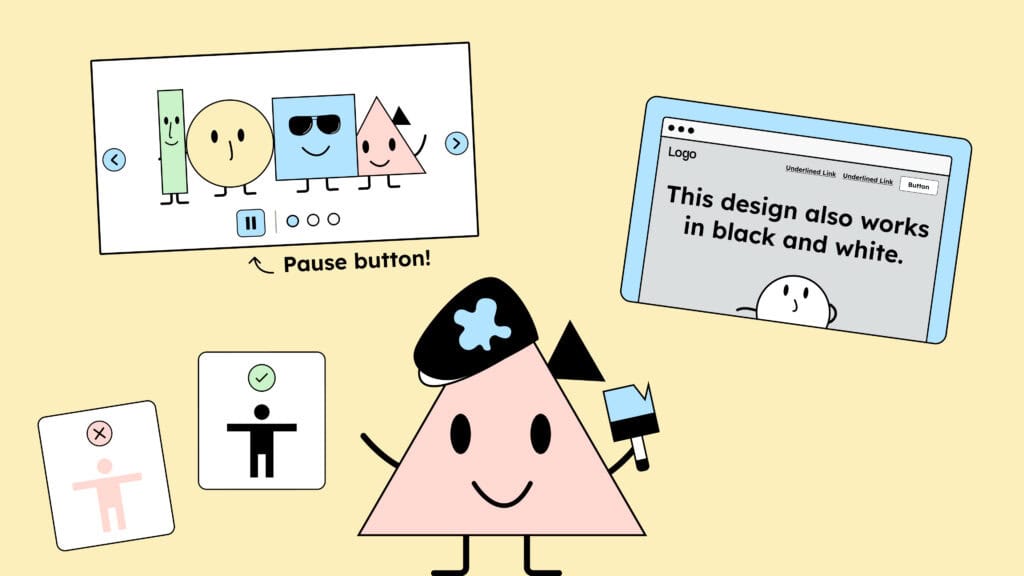
Happy customers








What to Expect
In our intensive, practical workshop, gain the ability to integrate digital accessibility directly into your design workflow. In a small group (max. 15 people), you will develop the core mechanisms for accessible design.
The Goal: By the end of the session, you can create accessible digital products and design systems that meet legal requirements and improve the user experience for everyone.
This training will strengthen your work across disciplines, from UI/UX to branding and editorial design.

What You’ll Learn
The Principles of Accessible Design
Understanding the principles behind accessible design helps you make fast and confident decisions early in the process. We’ll explore the four WCAG principles: Perceivable, Operable, Understandable, and Robust and how they apply in real-world design.

Get to know the barriers
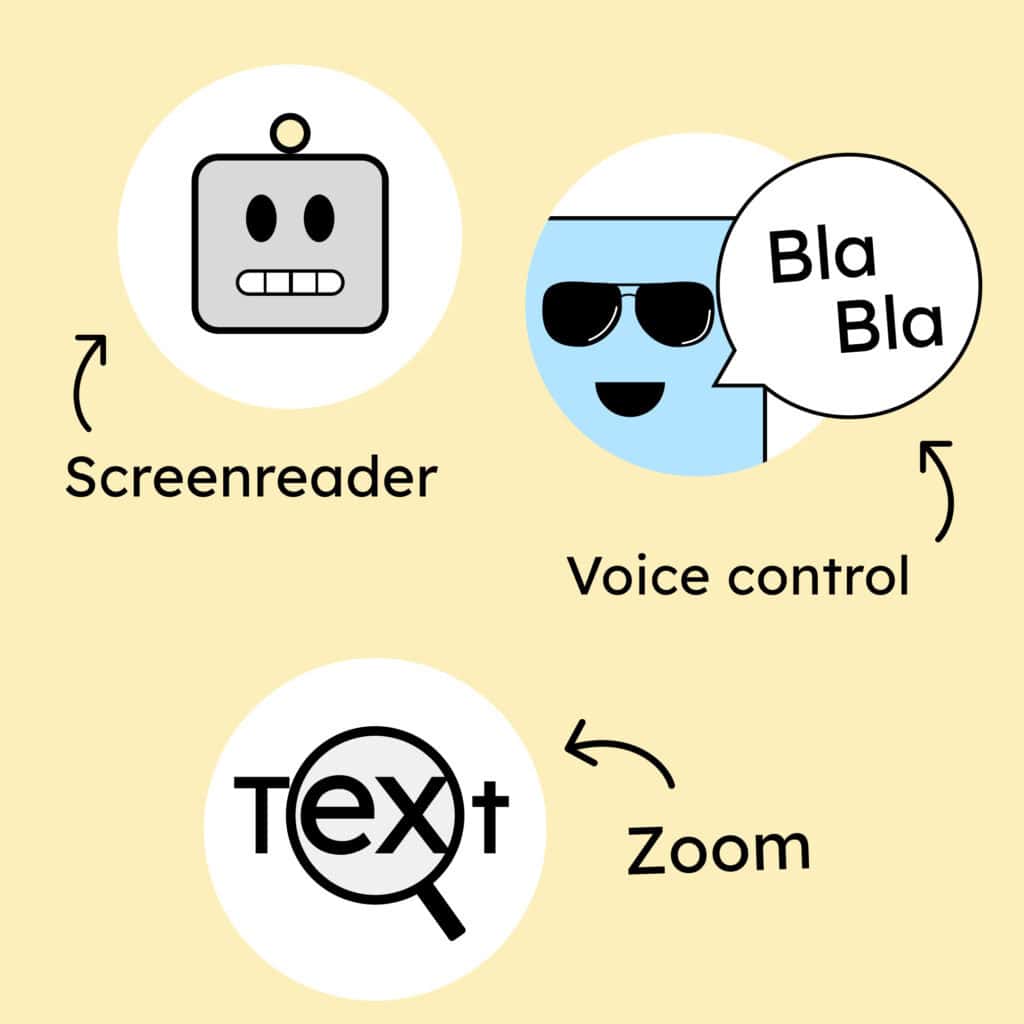
How do people with disabilities actually use the internet? What barriers do they face? You’ll learn how assistive technologies like screen readers, speech recognition, and magnifiers work and how to keep them in mind while designing digital experiences.
Understanding and Applying the WCAG
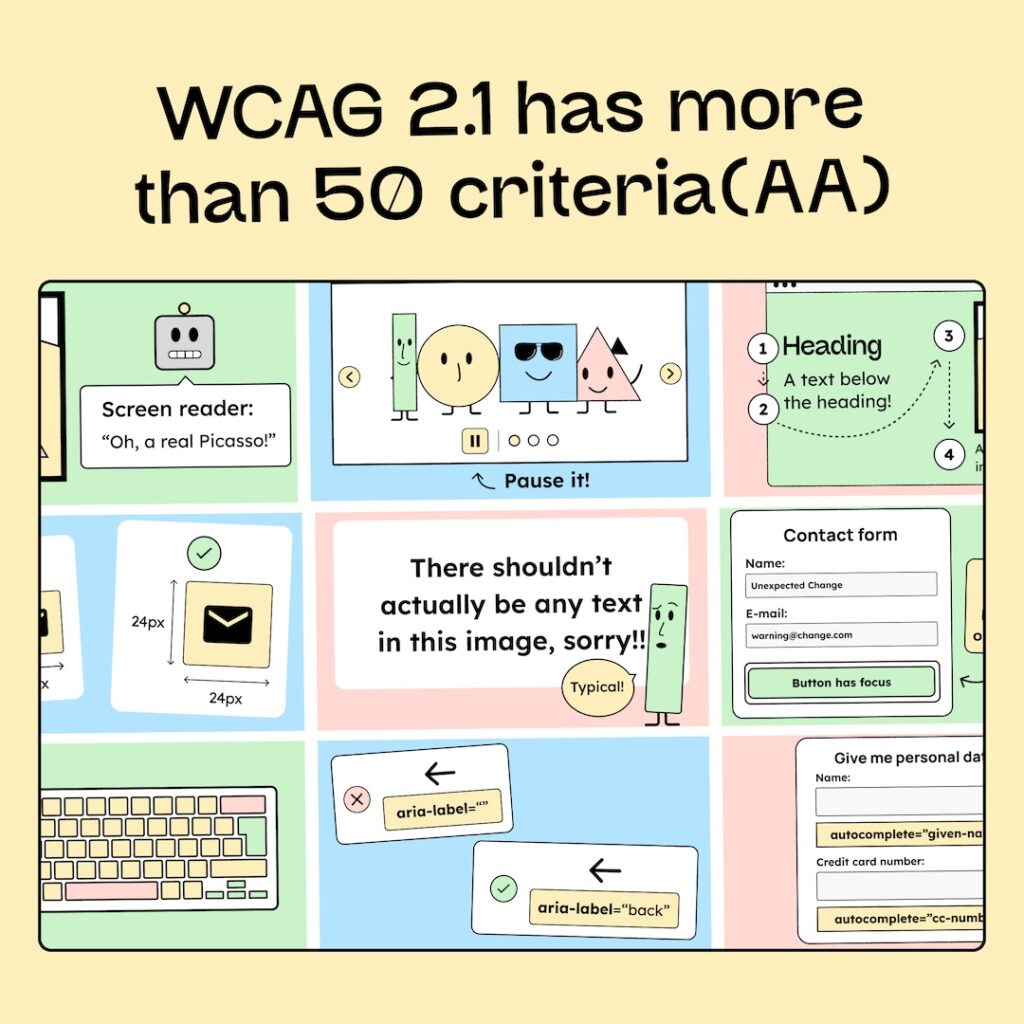
To design with confidence and compliance, you’ll learn how to read, interpret, and apply the over 50 WCAG criteria. We’ll show you how to navigate them without getting lost in technical jargon.
Designing Accessible Brand Identities
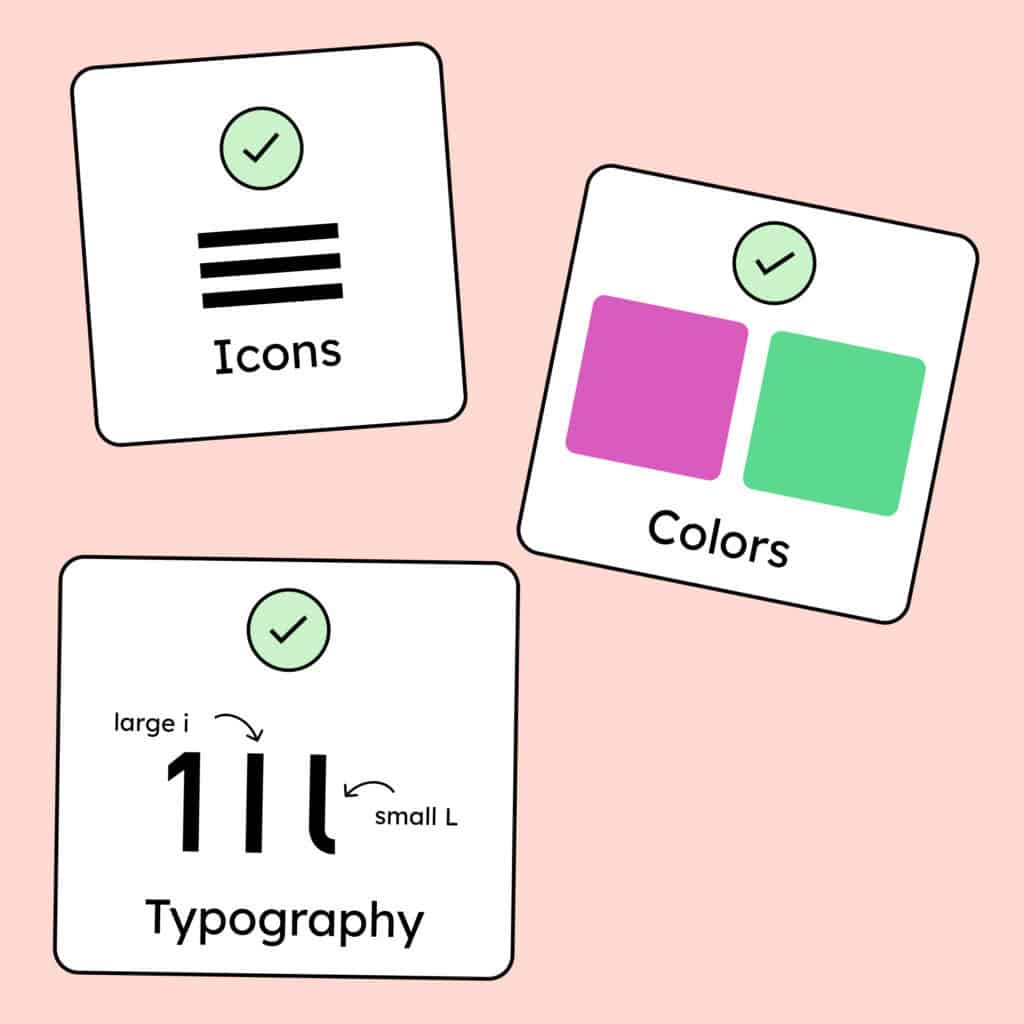
Accessibility starts with your brand identity. You’ll learn how to choose colors, typography, icons, and animations that meet accessibility standards. Learn to create strong and inclusive brands that work for everyone.
Documenting and Communicating Accessibility
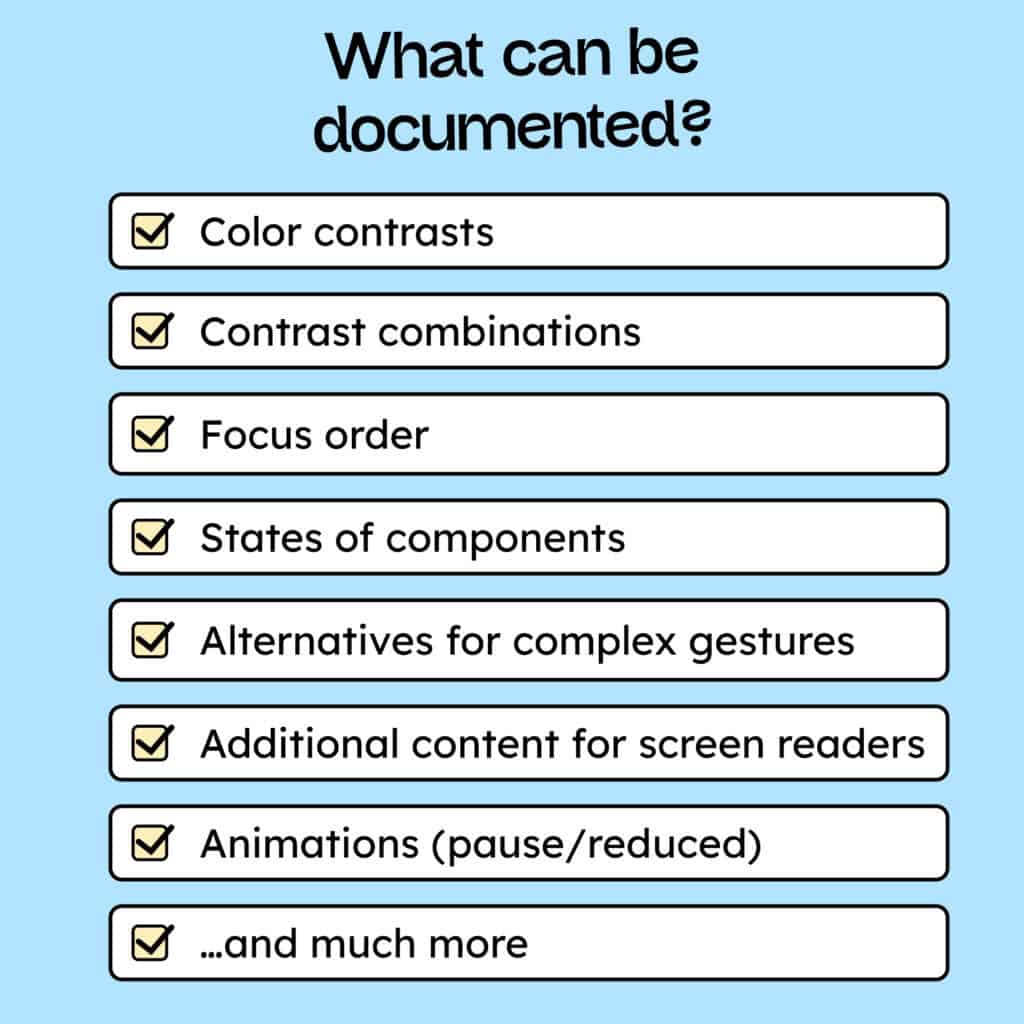
We’ll show you how to document your accessibility decisions so developers can easily implement them. Well-documented designs can prevent up to 67% of common bugs, saving both time and effort.

Why People Love Our Workshops
Paul S.
"The creative pioneers in digital accessibility! I attended an inspiring workshop and gained so much valuable knowledge. An absolute must for any designer or developer who wants to level up their skills. Thank you!"
Elia F.
"Tobias is an outstanding trainer — engaging, knowledgeable, and easy to listen to. The workshop was super informative and directly related to our own products. I can highly recommend it to anyone designing or developing digital experiences!"
Who shold participate
UI / UX Designers
Your ability to create accessible user interfaces is becoming essential. We will answer the critical “How-to” questions: How to choose the right colors? How do I select suitable components? How to handle animations? and much more. We provide clear answers and help you to understand, implement, and document your accessibility considerations!
Brand Designers
As a brand designer, you learn what you need to consider when you want to create an accessible brand identity and how to communicate the essence of your brand even to people who can’t see.
Product Designers
Whether you design digital or physical products, understanding digital accessibility will help you see your work from new perspectives and can spark entirely new ideas. (Example: Google’s autocomplete feature originally came from an accessibility concept.)
Product Owner
If you’re managing website or app projects, this workshop will help you understand accessibility requirements. You’ll learn how to set clear expectations, ensure accessibility in your Definition of Done, and support your team in creating accessible and more user-friendly products.
Agenda
Introduction
Introduction to Digital Accessibility
We begin by establishing the necessity of accessible design. You will understand who is digitally excluded, the fundamental importance of accessibility, and the universal benefits of designing for everyone.
Knowledge & Practice
Design Principles
Learn everything you need to create accessible designs: from choosing the right colors and typography to understanding UI elements to use or to avoid.
Understanding the WCAG
Ultimately, we all want to ensure legal compliance. As a designer, it’s essential to understand how to read and interpret the WCAG criteria and find answers to detailed accessibility questions.
Documenting Accessibility
One of the most important aspects of accessibility in design is documenting your design decisions clearly for the team and communicating them to developers. In this part, we’ll show you the tools and plugins that make this process easier and more efficient.
Advanced Topics
Integrating Accessibility into Team Workflows
Toward the end of the workshop, we’ll discuss how to embed accessibility into your long-term design and team processes.
Resources and Support
To wrap up, you’ll receive a collection of useful resources, guidelines, and tools to help you continue improving and testing accessibility in your daily work.
Prerequisites
Prior Knowledge
No prior knowledge is required to participate in this workshop.
Figma Account
The only thing you need is a free Figma account to follow along. Visit Figma’s website (opens in a new tab) to create your account.
Book your Training now!
What’s included
- Practical, hands-on knowledge of digital accessibility built on over 3 years of experience
- Certificate of participation
- Small groups with a maximum of 10–15 participants
Book an In-house Workshop for your Team
We offer customized in-house workshops (online) tailored to your company’s needs.
Before the workshop, we take the time to get to know your team and your current setup:
- We collect your team’s questions
- Review your design system
- Conduct a quick accessibility check of your website
- Or learn more about your team’s workflows
This preparation allows us to adapt the workshop to your daily work and address your team’s real-life challenges and questions.
Through our workshops, your team will not only learn what matters in digital accessibility but also how to integrate accessibility into your everyday processes, ensuring long-term, sustainable accessibility in all your projects.
trainer
Tobias Roppelt
UI/UX Designer
Tobias has been a web and app designer and front-end developer for more than nine years. With a focus on digital accessibility, he now holds designer and developer workshops for »Deutsche Bahn«, »Aktion Mensch«, »EON« and other large companies.
Christiane Hackl
Expert in Communication
Jane is a communication designer who has been exploring how to communicate clearly and design efficiently since her university days. Her work is always driven by a desire to create common ground fostering better collaboration and greater empathy among people.


Frequently asked questions
Do I need any prior knowledge to participate?
The only thing you need is a Figma account, so you can actively take part in building an accessible design system during the workshop.
Is the workshop only for UI/UX designers?
No the knowledge shared in this workshop will help you understand the core principles of accessible design. You’ll be able to apply what you learn not only to digital products, but also to print materials, social media content, and full brand identities.
I’ve already attended a workshop on accessibility is this one still for me?
If you already have experience in digital accessibility, feel free to get in touch with us directly, and we’ll help you find out whether this workshop is still a good fit for you. Just send us an email at hallo@gehirngerecht.digital, and we’ll get back to you personally.
How much, does it cost?
Our workshop costs around €400 per team member. We will charge a maximum of 7 people, even if 12 people attend.