
WCAG 3.3.7: Redundant Entry
Back to all WCAG criteriaOVERVIEW
What's it about?
Users should not have to enter the same information more than once in a process.
Exceptions apply only to inputs that are technically necessary or security-relevant, such as password confirmations.
How to
Depending on your situation, you can implement one of the following options to meet the criterion. For a deeper dive, please refer to the linked WCAG techniques.
No repeated input required
If information has already been collected earlier in the same process, it should be automatically reused when requested again.
Possible approaches:
-
The site automatically pre-fills the information
-
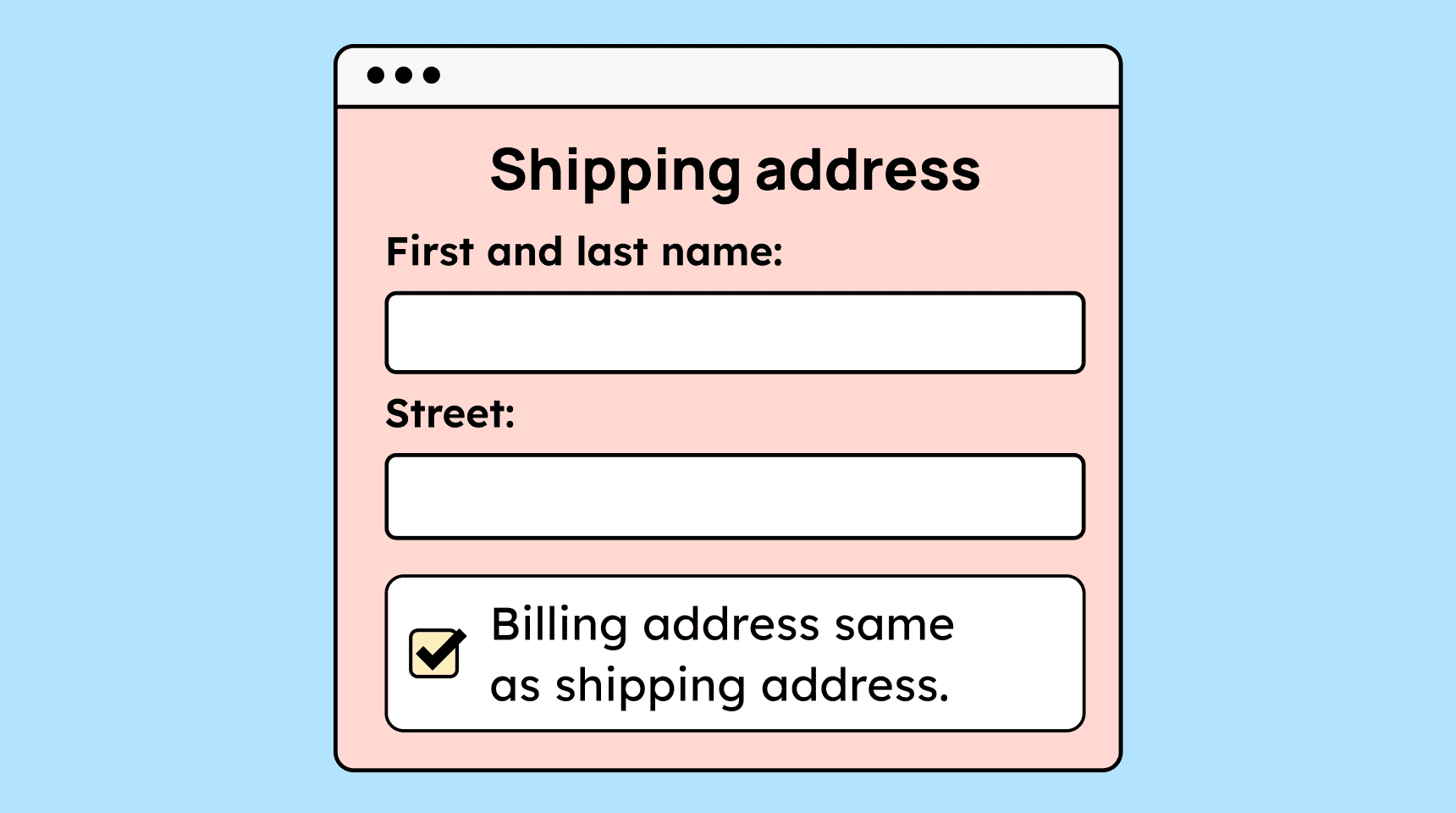
A checkbox allows users to reuse data (e.g., “Billing address same as shipping address”)
-
A button or other function is provided to auto-fill the data
Additionally: If an error occurs after submitting a form, the field contents must not be cleared, forcing the user to re-enter everything.
Technique(s):

-

Create accessible designs?
Our workshop for designers!
Learn everything you need to know as a designer to create accessible design systems for digital products and entire brands.

Learn accessibility with us?
Looking to implement WCAG best practices in your design, development, or content workflow? Book a workshop for your team or contact us directly to learn more.