
WCAG 2.4.11: Focus Not Obscured (Minimum)
Back to all WCAG criteriaOVERVIEW
Effort:
- Complexity:Easy
- Duration:Slow
Important for:
Development
What's it about?
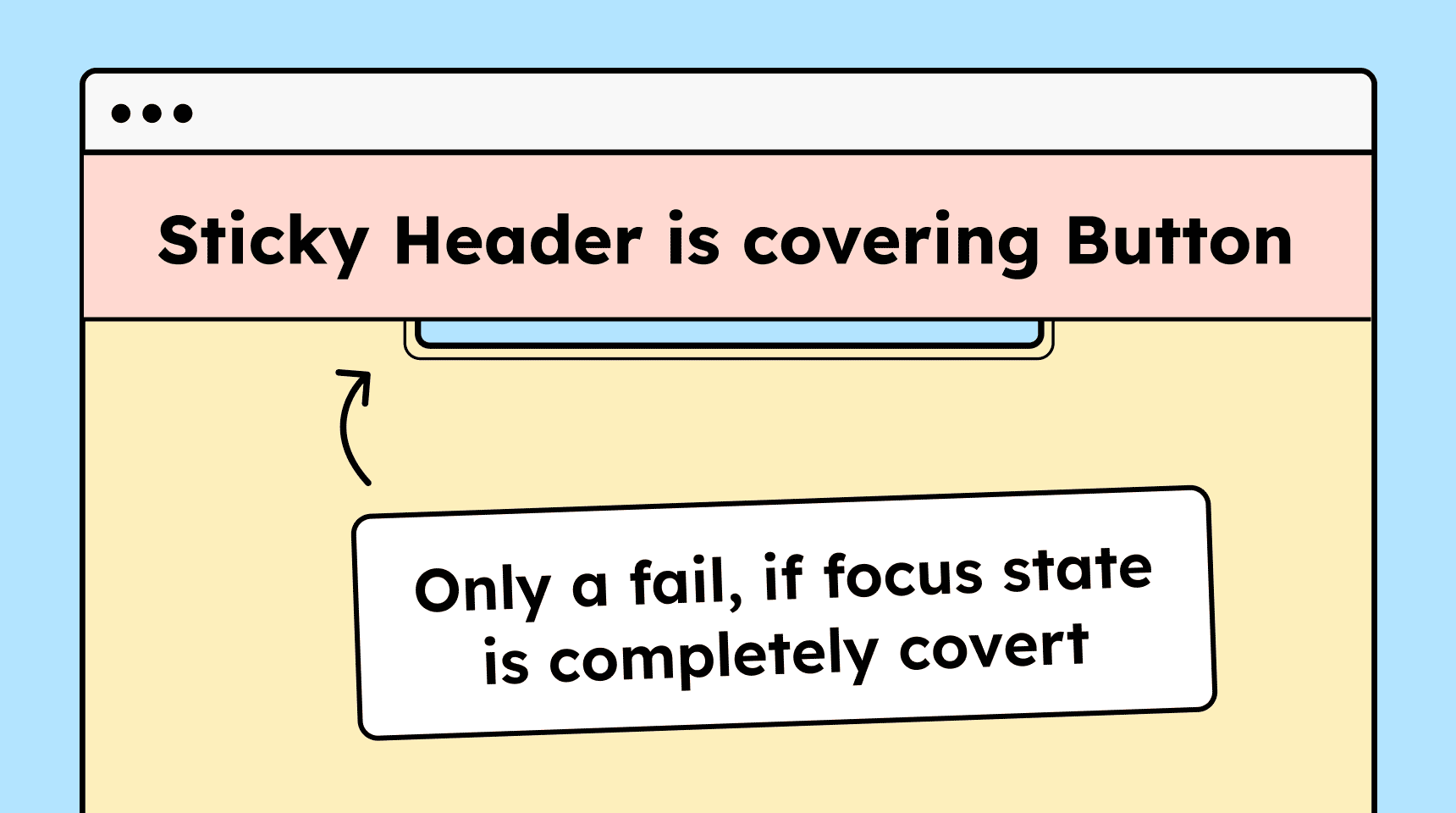
If an interactive element receives keyboard focus, it must never be completely covered. The element with focus must not be fully obscured by other content such as sticky headers, pop-ups, cookie banners, or overlays.
How to
Depending on your situation, you can implement one of the following options to meet the criterion. For a deeper dive, please refer to the linked WCAG techniques.
Never fully cover the focused element
There are several common situations where focus indicators become hidden:
-
Sticky headers or footers: The element with focus gets covered by a sticky element. You can test this yourself by navigating backward from bottom to top using Shift + Tab. The sticky header will “jump” over the focused element. CSS properties like
scroll-margin-top(for headers) orscroll-margin-bottomhelp with this. -
Overlays caused by modals: A correctly implemented modal “traps” focus until it is closed (via ESC or the close button). This prevents users from reaching elements behind the modal with the keyboard.
-
Overlays caused by elevated elements: Any element layered above others on the z-axis can completely hide the focused element. When working with
z-index, make sure the focus outline always remains visible, especially when the user is zooming. -
Elements not properly hidden: Sometimes elements are only moved off-screen via CSS but remain reachable by keyboard (e.g., slide-in menus). This allows focus to land on elements that are not visually visible, causing the focus state to be hidden. Use
display: noneor another method to fully hide elements.
Technique(s):

-

Notes
Exception: Closing overlaid elements without a mouse
If an element is completely covered by an overlay or a modal, this is not an error as long as the modal can be closed using the keyboard.
This can be done via the ESC key or a clearly reachable close button. What matters is that users must be able to reach the previously covered element again without having to use a mouse.

Accessible development?
Our workshop for developers!
Learn everything you need to know in our workshop to build accessible websites!

Learn accessibility with us?
Looking to implement WCAG best practices in your design, development, or content workflow? Book a workshop for your team or contact us directly to learn more.